

 4.2
4.2 

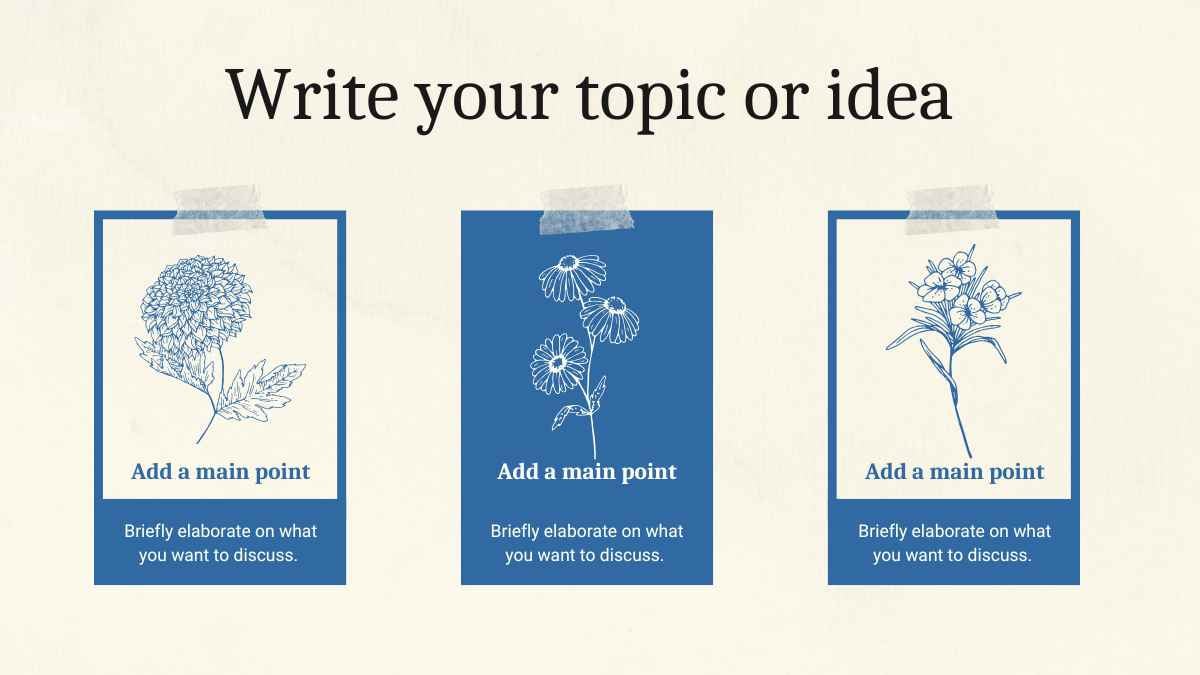


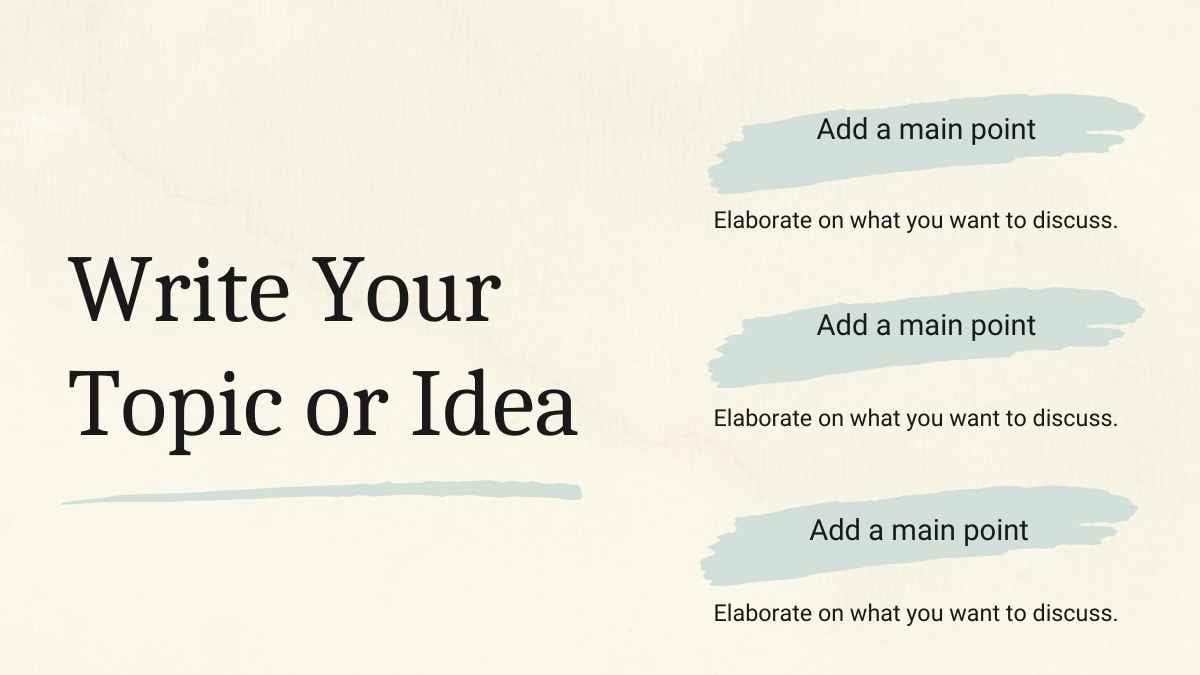
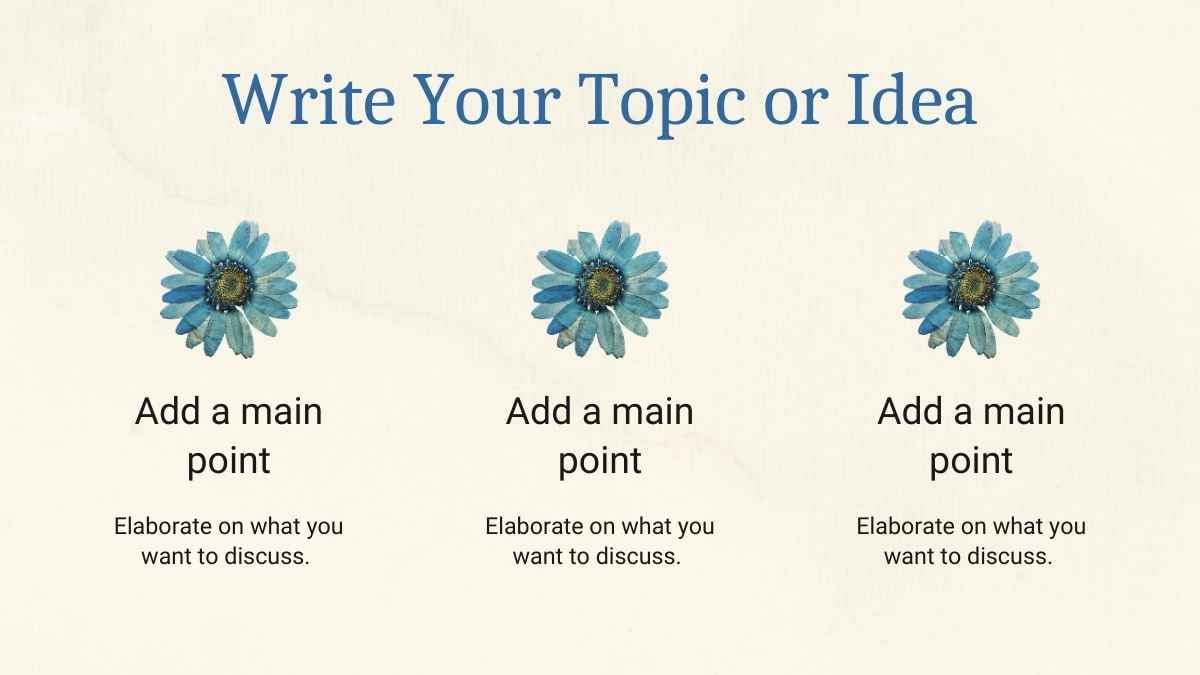







Free Canva presentation template
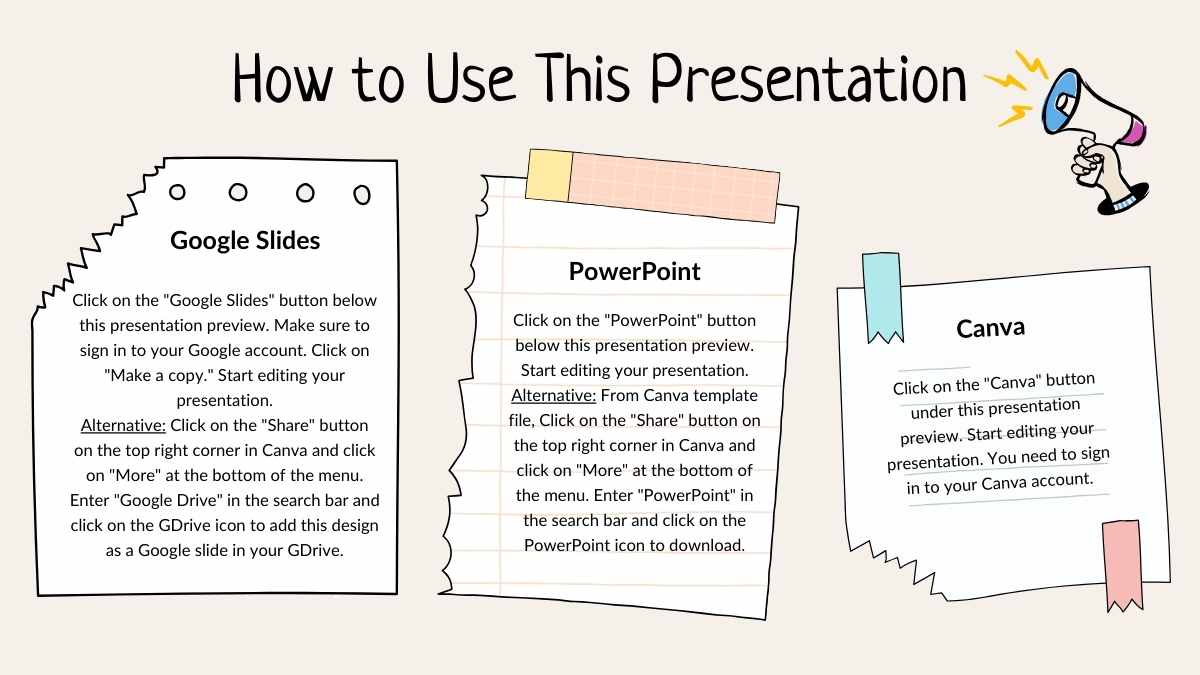
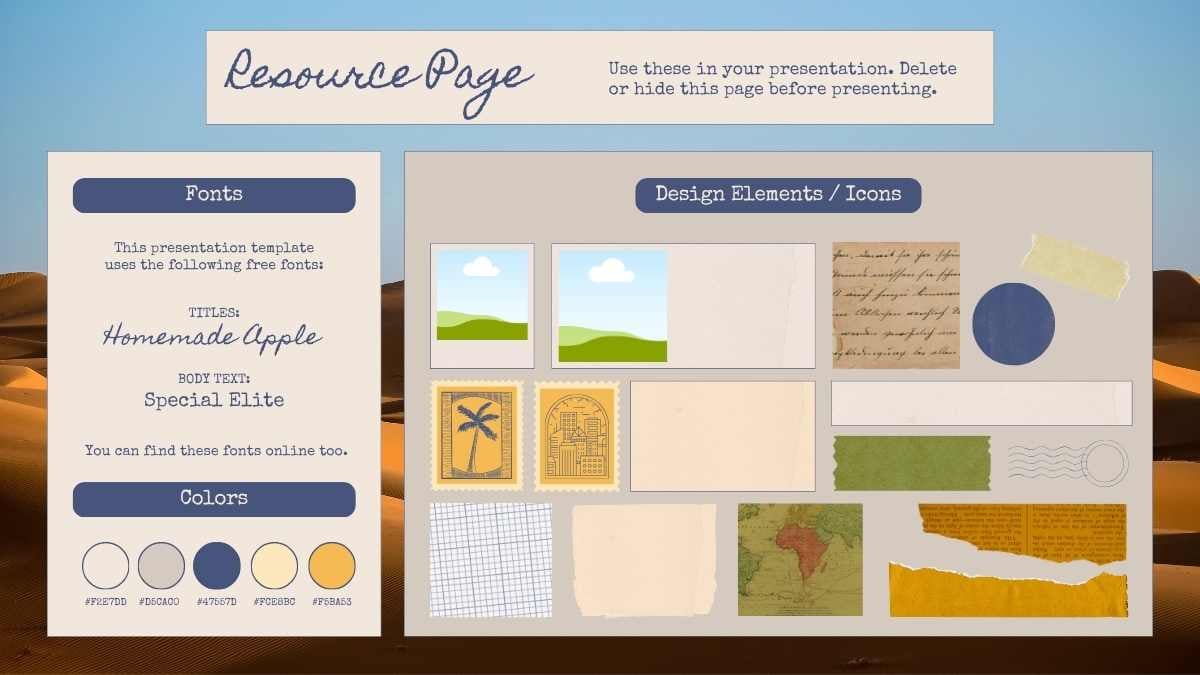
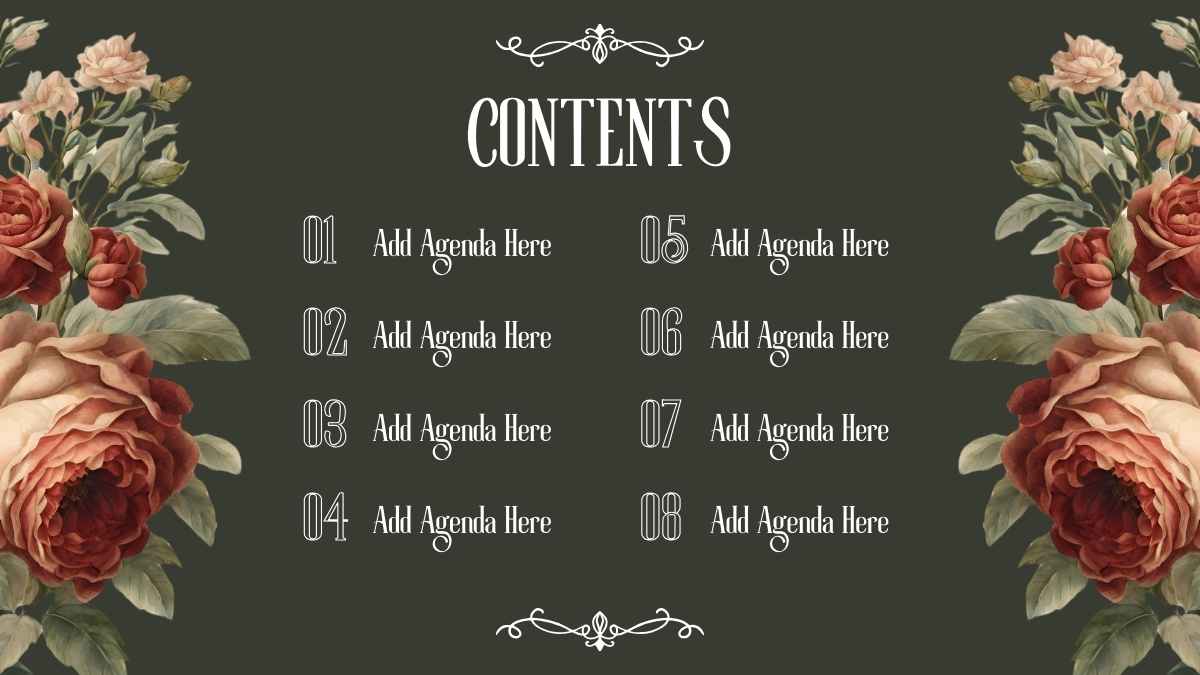
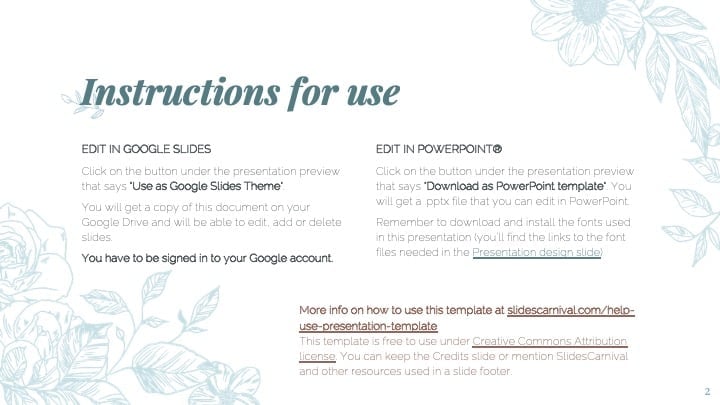
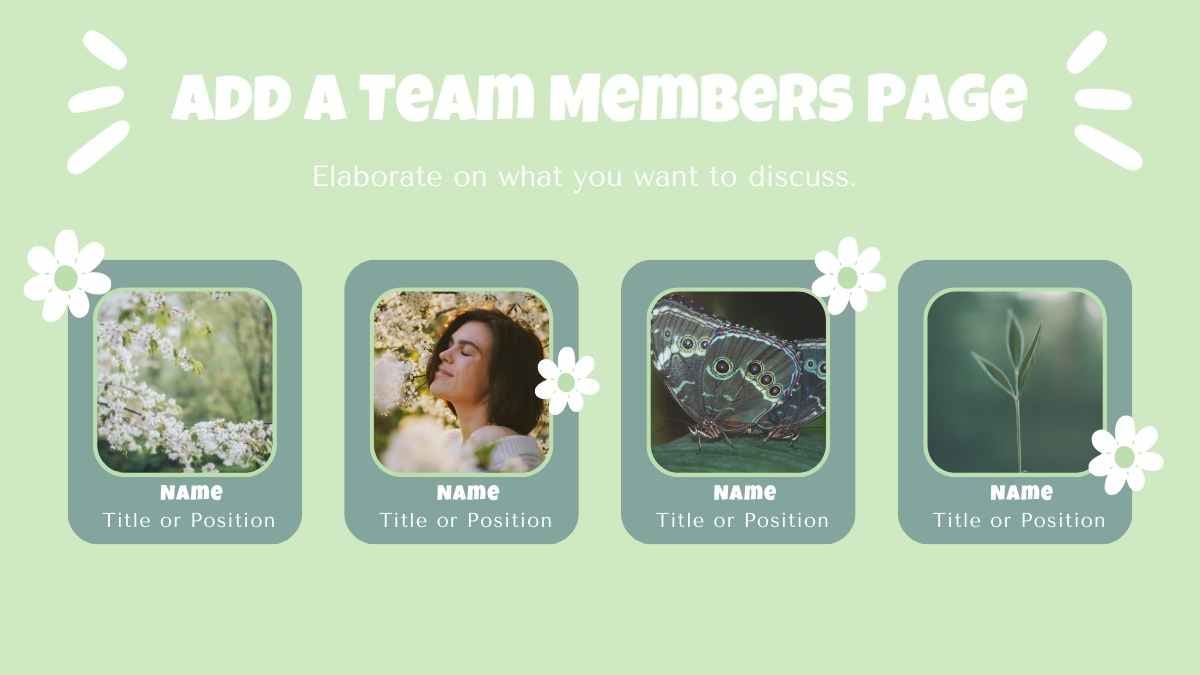
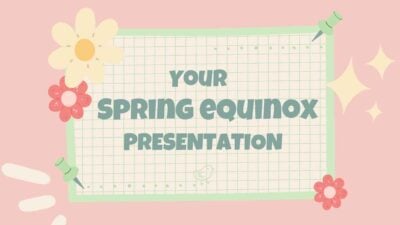
Need a template that can handle all your brilliant ideas? Professionally designed and fully customizable, these floral pattern slides are perfect as a Google Slides template, PowerPoint template, or Canva theme. Add eye-catching images, icons, illustrations, and other graphics. Fill in or rearrange text boxes as you see fit. Experiment with color schemes and font combinations. Edit, share your work, or collaborate with others. Draw inspiration from the Icons and Elements resource page. Check out the handy “How To” slide at the start of the deck to learn how to use these slides as a Google Slides theme, PowerPoint template, or Canva theme.
Features of this template
- 25+ ready-made, professional looking slides
- Fully customizable layouts and color schemes
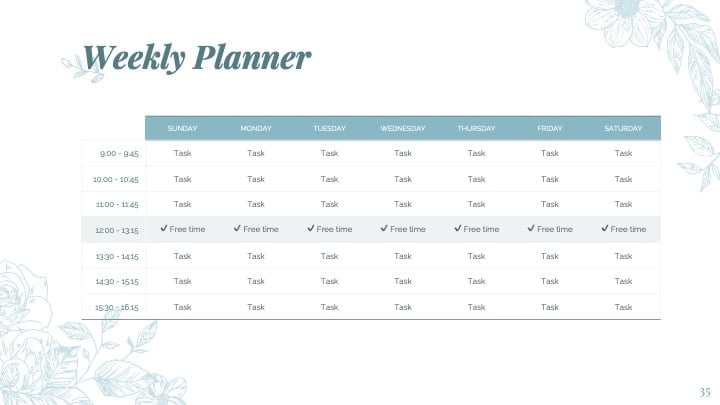
- Assign organizer roles or create a schedule
- Export to PDF or JPG and download or share
- Browse millions of photos, illustrations and fonts
- Drag and drop elements and icons onto your design
- Enjoy the pre-recorded Talking Presentations feature
- Elegant icons and elements to rearrange as you see fit
- Collaborate with others and share your design
- Videos and soundtracks to bring it to life
FAQs
Is this template exclusive to Canva?
This template is exclusive to Canva, with some features designed to work best in Canva’s intuitive editor. But don’t worry—once you open it in Canva, you can still export it to PowerPoint or Google Slides in just a few clicks.
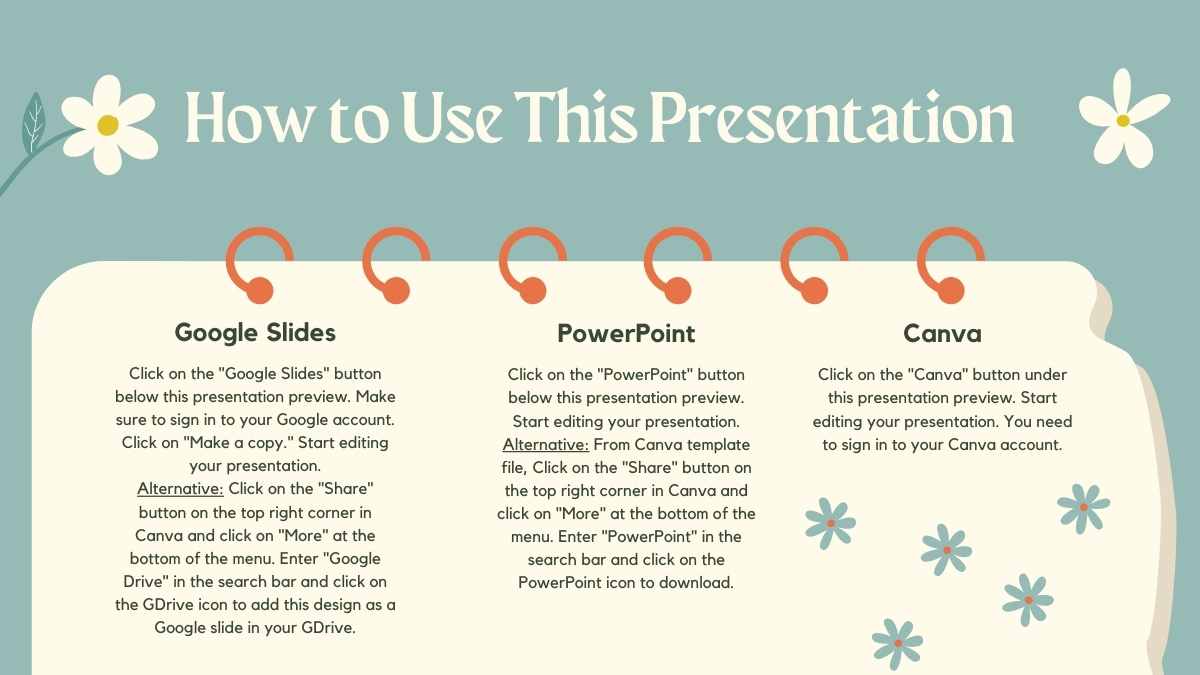
For PowerPoint, click the greyed out PowerPoint button then “Download as PowerPoint”. You should then be able to view the template in the Canva editor. After doing so, go to “Share” → “See all” → search for “PowerPoint” → click the PPT icon to download a PPTX file.
For Google Slides, click the greyed out Google Slides button then “Get this as Google Slides”. You should then be able to view the template in the Canva editor. After doing so, go to “Share” → “See all” → search for “Google Drive” → click the Google Drive icon to save an editable copy to your Drive.










 15
15