



PPT to PDF Converter

Convert your PPT to PDF online instantly for free.
Use our ppt converter to maintain design quality—no software needed. Powered by Canva

or drop your PPT file here
(Supports Large File Conversion up to 50Mb)FAST AND MAGIC
How To Convert PowerPoint to PDF?
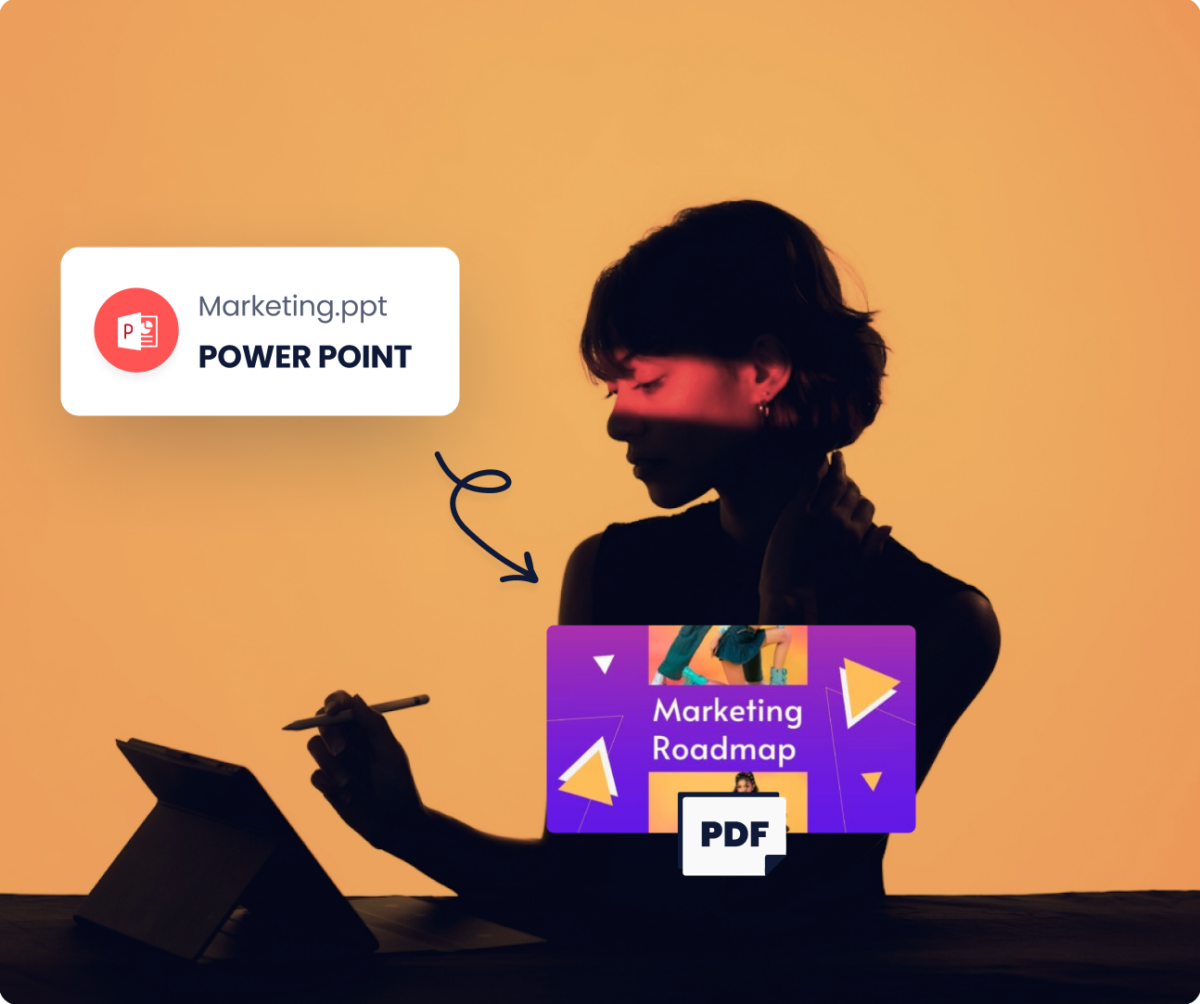
Converting your PPT to PDF takes only 3 simple steps! Start by uploading your input file—click the “Upload your PPT” button or drag and drop it into the upload area. Next, make any quick edits using our beginner-friendly editor. Once you’re done, download your converted PDF file, completely free!
NO SOFTWARE NEEDED
No Microsoft Office Needed!
Easily convert PDF from any ppt format or pptx file without installations. You can do it all from your web browser or mobile. After conversion, edit PDF, reorder pages, or download your converted file with ease.
IN ONE CLICK
Instant Transformation with Professional PDFs
Transforming a professional presentation into a portable document format has never been easier or faster. Among pdf converters online, this PPT to PDF process takes just seconds and can be accomplished with a single click. This pdf tool ensures that the quality of the export is maintained, preserving all fonts, images, and layout exactly as they appear in the original presentation.
Elevate Your Presentations
Make a lasting impression by fine-tuning your slides before converting to PDF format. Enhance your content with AI-generated visuals, create striking diagrams, or start with a touch of design brilliance using Magic Design. Whether it’s for work, personal projects, or community events, transform your presentations, reports, and pitch decks into professional PDFs ready for printing or sharing.
FREQUENTLY ASKED QUESTIONS
Is converting Powerpoint to PDF free?

Do you keep a copy of my processed files?
Will my converted PDF look like my original PPT?
How do I upload my files?