

 0
0 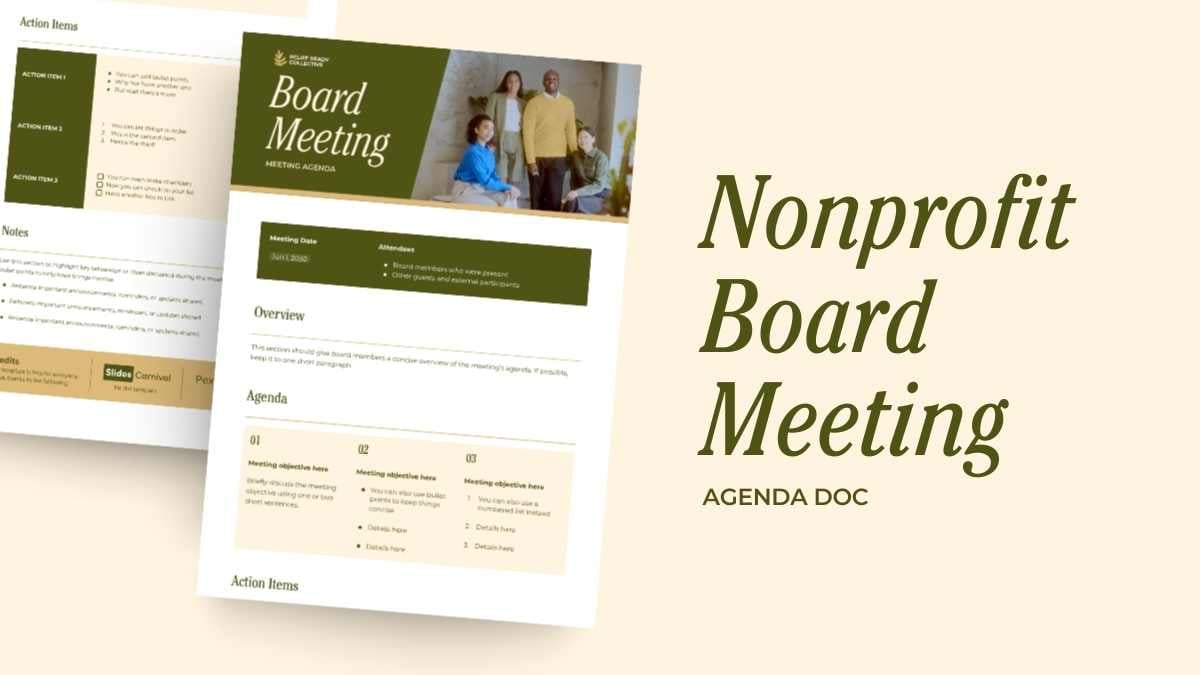


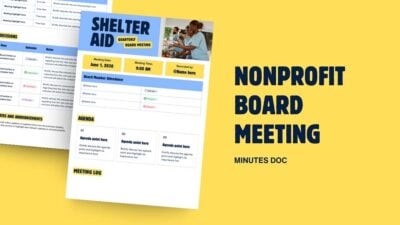
Premium Agenda Template
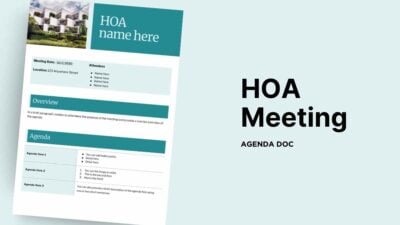
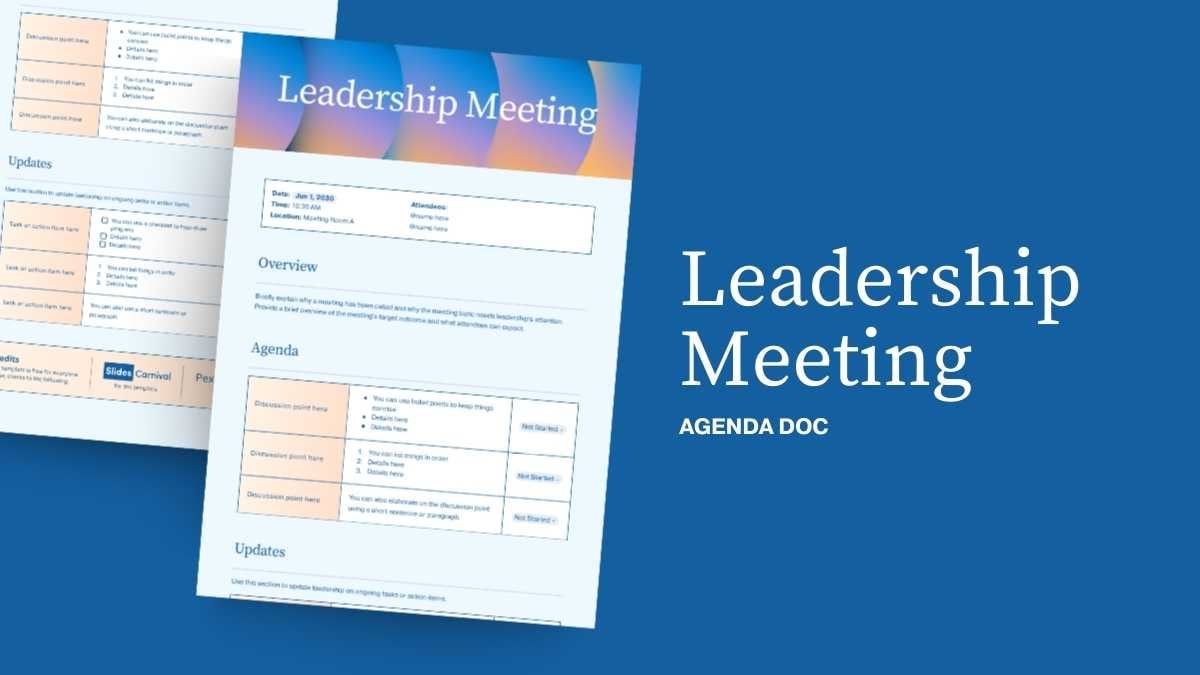
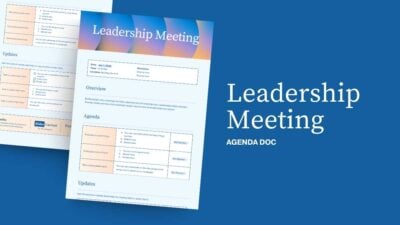
Planning a board meeting for your nonprofit? This agenda doc keeps everything in line, ensuring your discussions are focused and productive. With its elegant, modern, and minimalist style in calming shades of green, gold, yellow, and beige, it sets a professional tone without fuss. Perfect for outlining key topics, assigning time slots, and listing essential participants, this tool is your go-to for organizing efficient meetings. Make sure every minute counts and keep everyone on the same page, quite literally.
Features of this template
- 1 ready-to-use A4 agenda completely customizable to suit your needs
- Hundreds of charts, frames, lines and shapes to choose from
- Handy animation and transition features for each agenda
- Easy downloading or sharing in a wide range of formats
- An easy drag-and-drop tool to help you add graphics
- Page animation features, emojis, color palettes and font sets
- Millions of professionally designed images and photos
- Pre-recorded Talking Presentation tools to help you practice
- A notes feature for adding talking points to your design
- Searchable videos, soundtracks and other audio clips
- Easy collaboration with friends, coworkers and family
FAQs
Is this template exclusive to Canva?
This template is exclusive to Canva, with some features designed to work best in Canva’s intuitive editor. However, you can still download it as a Word document and choose your preferred page size.
To do this, click the greyed out Word button, then “Download as Word”. You should then be able to view the template in the Canva editor. After doing so, go to “Share” → “Download” → click the file type dropdown → select “DOCX Microsoft Word Document” → choose your page size → download. If you prefer Google Docs, you can import the resulting DOCX file into Google Drive.



 2
2