

 3.6
3.6 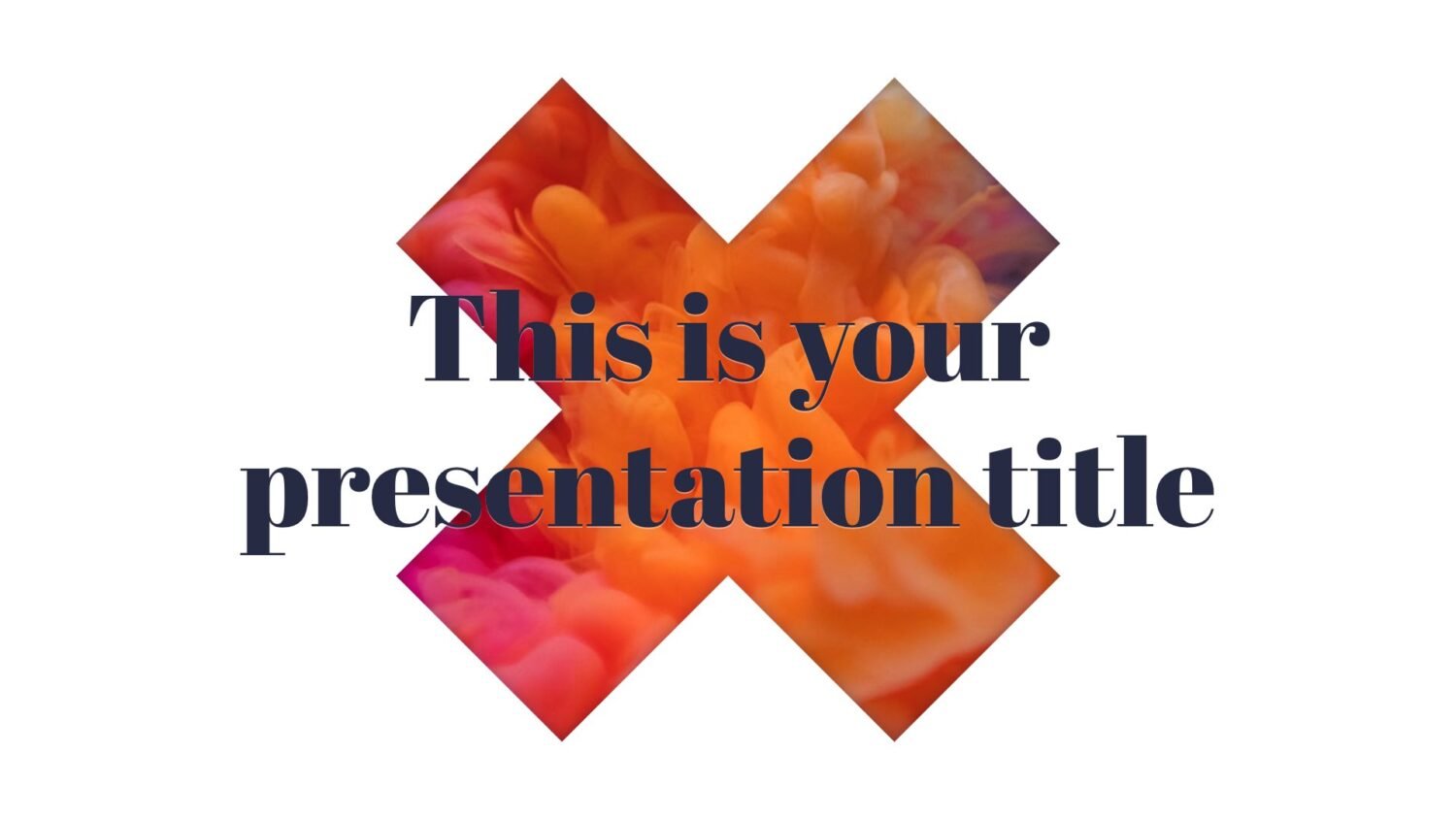






Free Google Slides theme and PowerPoint template
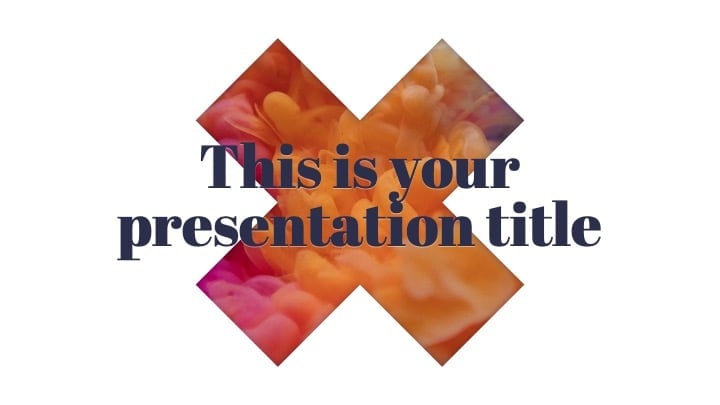
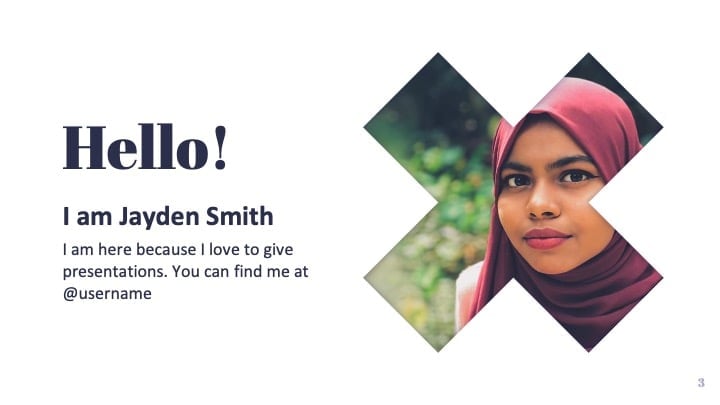
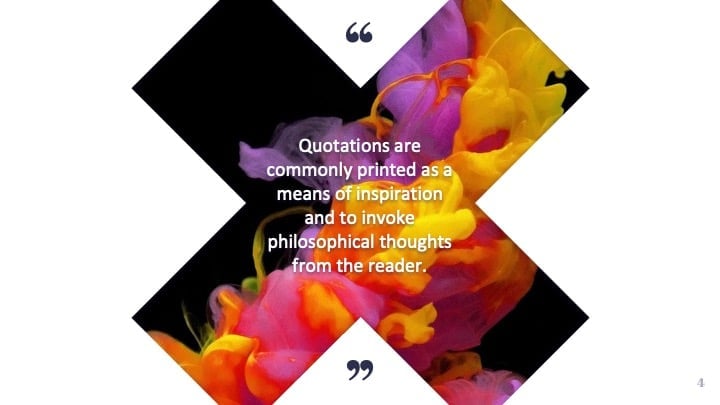
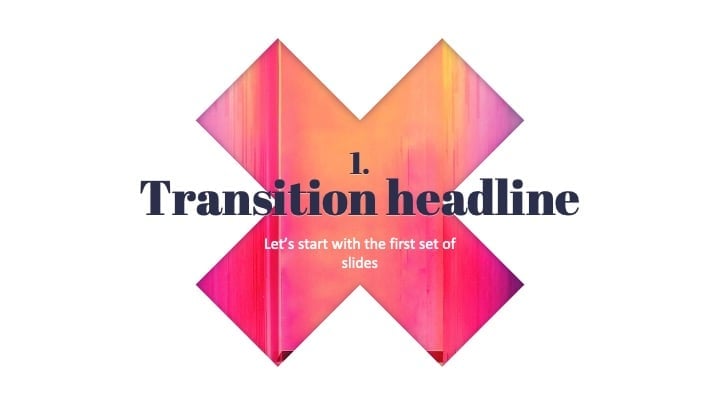
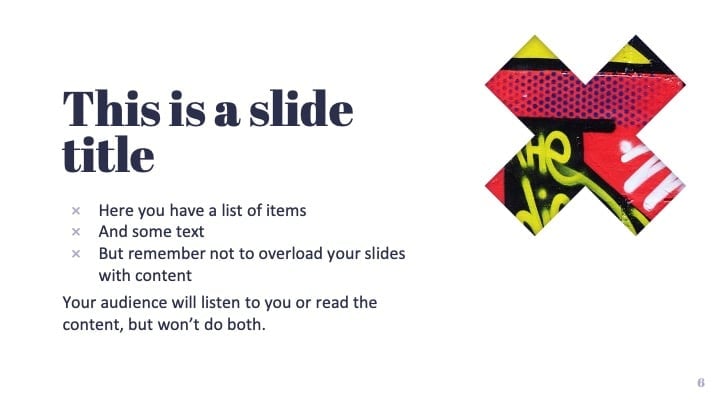
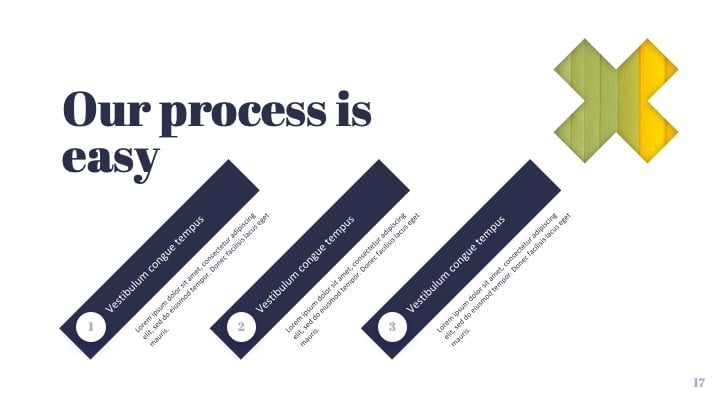
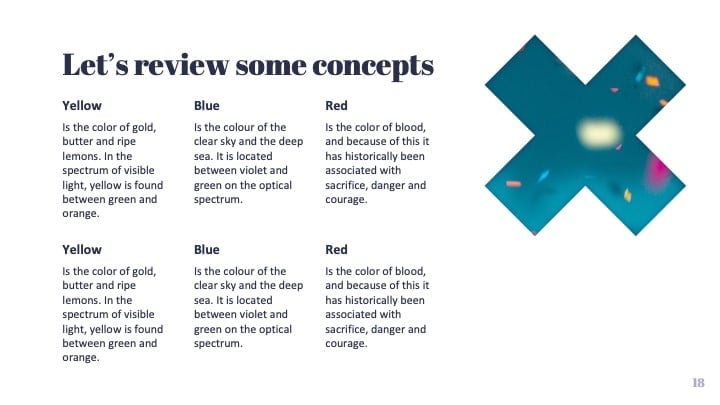
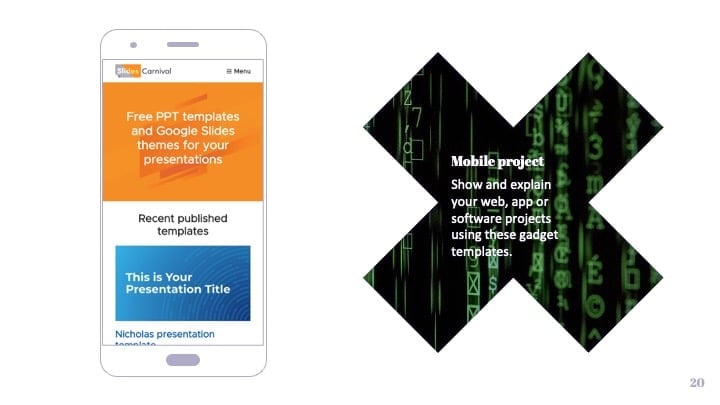
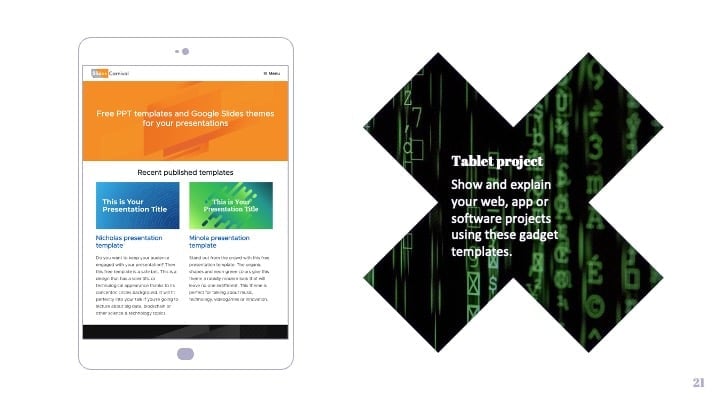
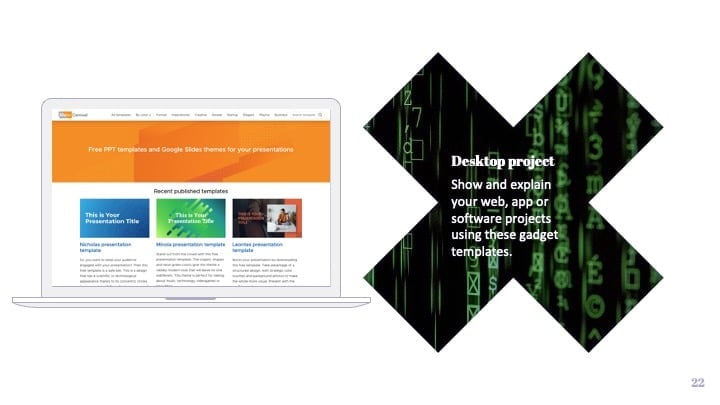
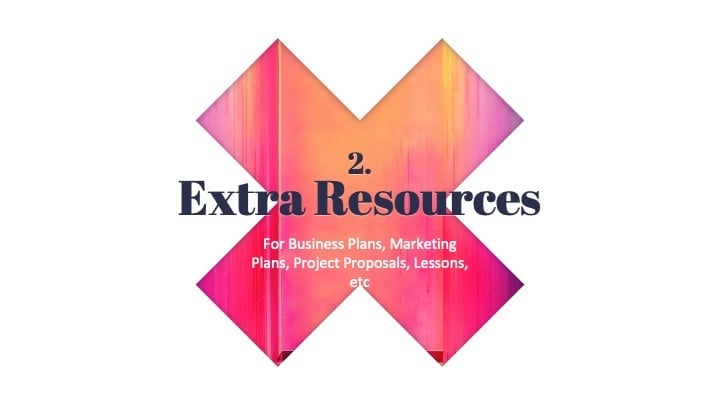
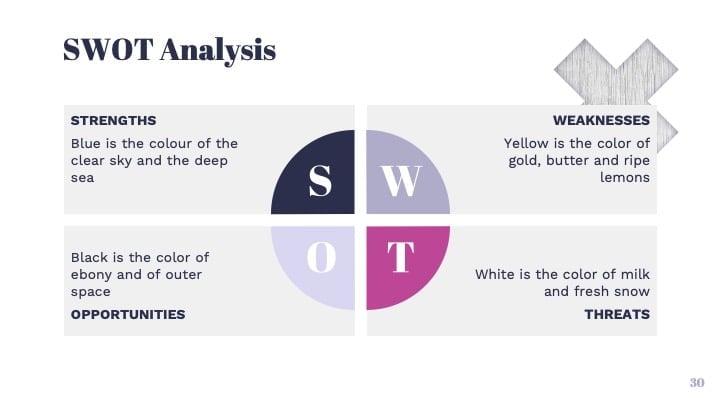
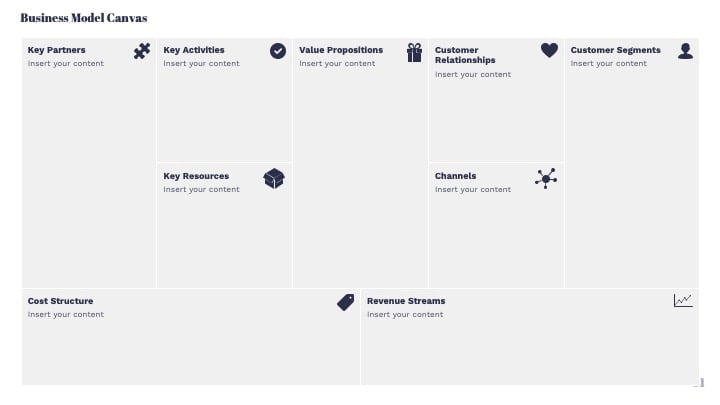
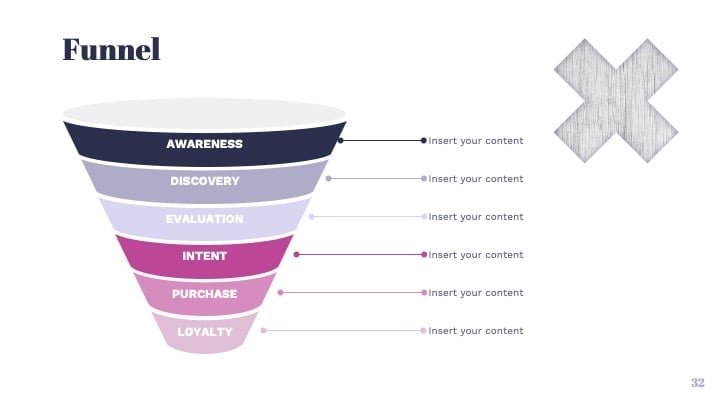
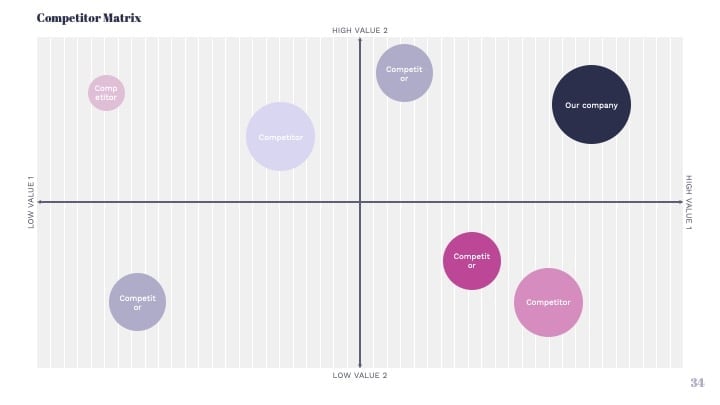
This free template shows a bold and modern design with a big transparent X in the slides. It has lots of slide layouts to choose from, so you can make a professional Powerpoint or Google Slides presentation in minutes. The cross shape and typography used in the design give a rabidly modern look. Any photo or color you set as slide background will be seen through the X. Use colorful photos for a bolder look, or solid colors if you want to adapt the presentation to your brand. Pick this multipurpose theme to improve your slides by google and make a professional presentation in half the time. With its original look and colorful photos is perfect for talking about LGTB+, creativity, art or even music festivals.
Features of this template
- Fully editable. Easy to change colors, text and photos
- 25 different slides with tips to improve your presentation. Choose the layouts that best fit your content. Add, delete or re-order slide pages based on your needs
- Bold design with a big transparent X and background photos.
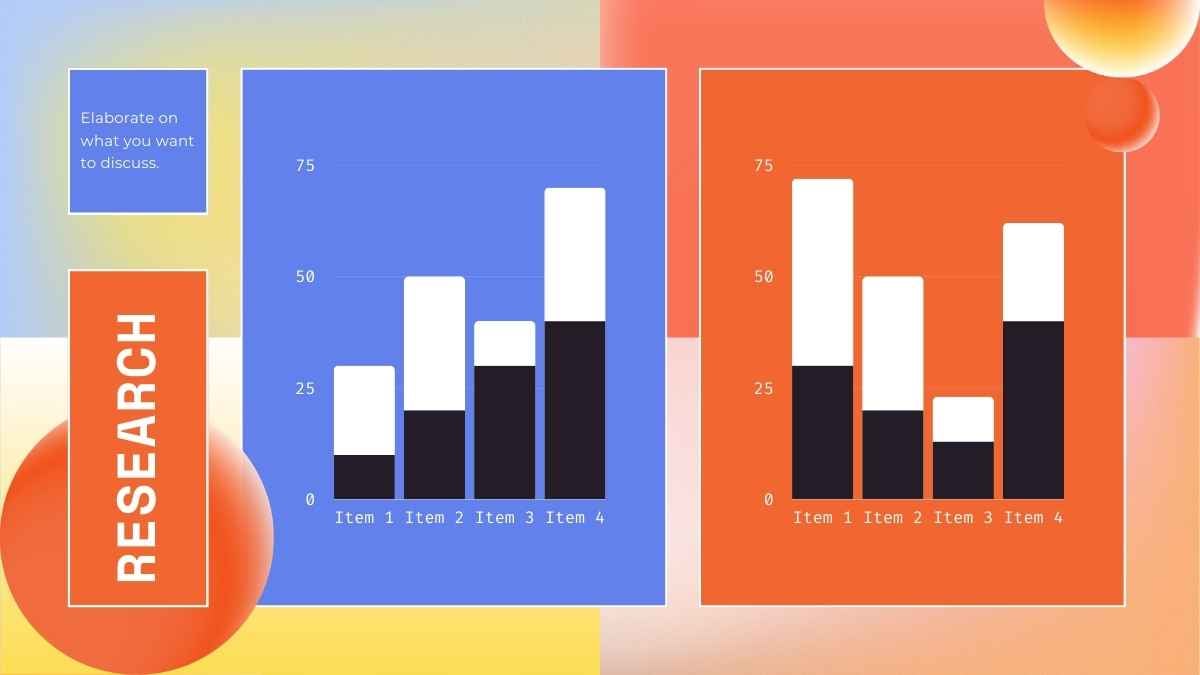
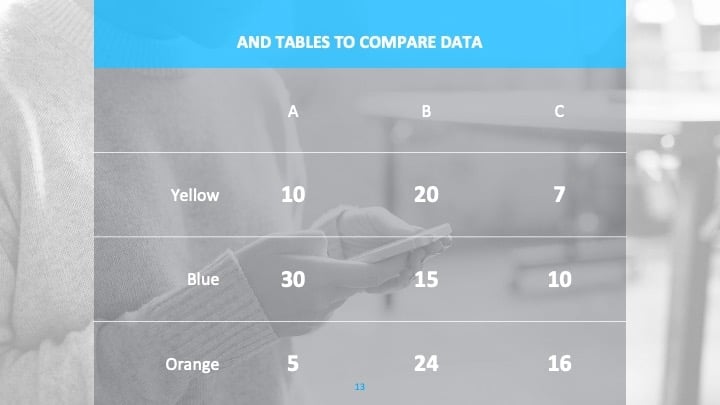
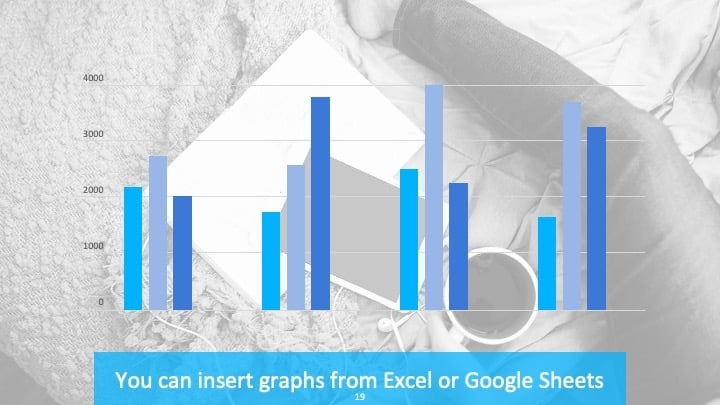
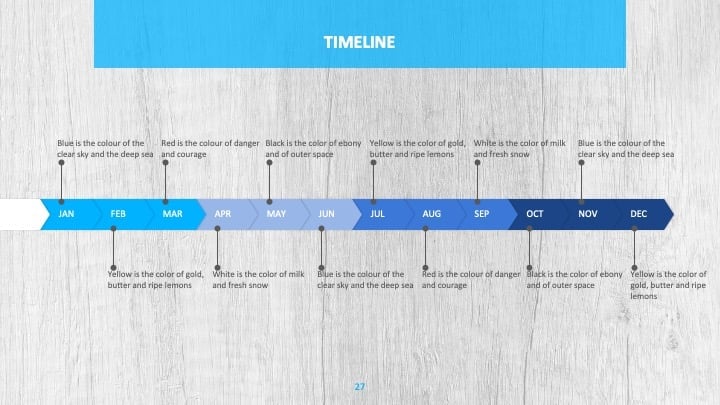
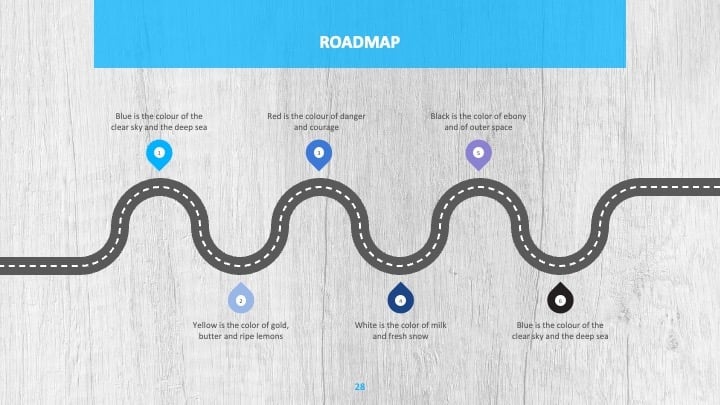
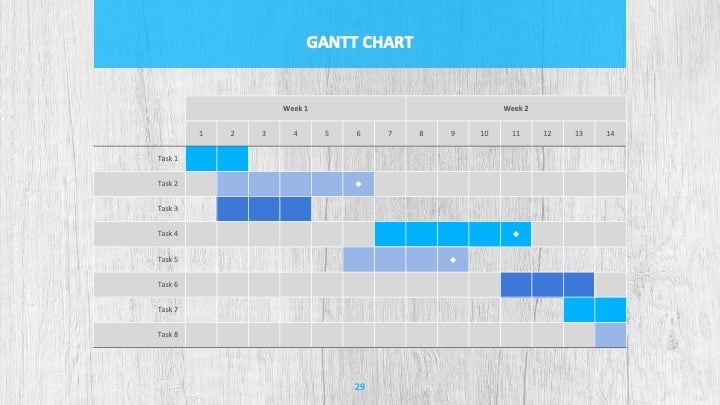
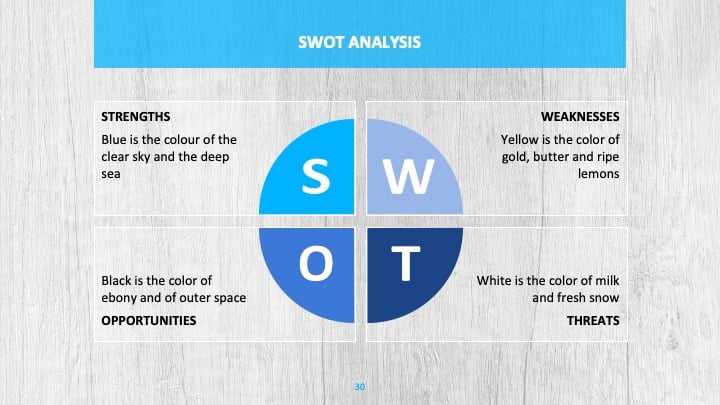
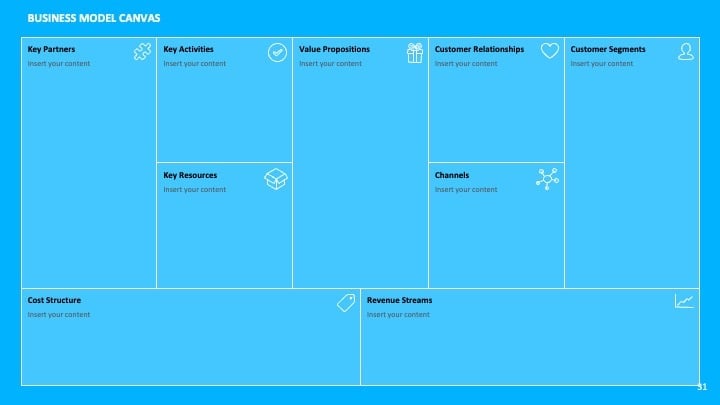
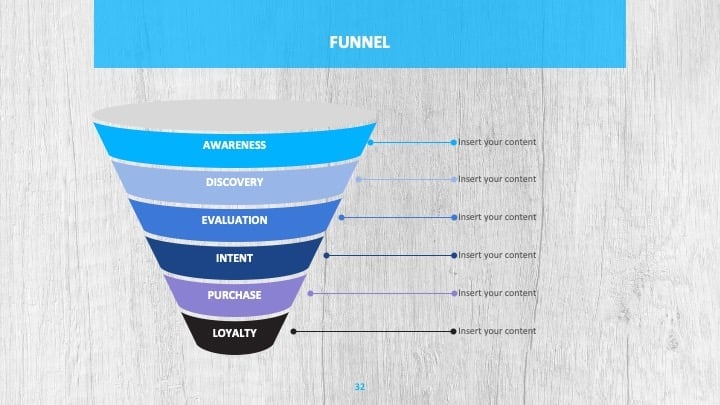
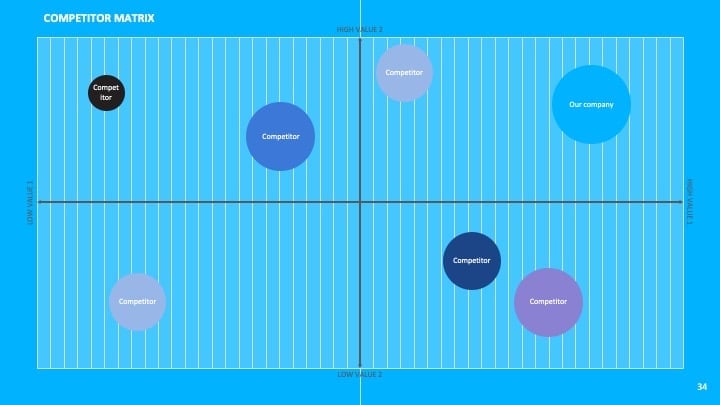
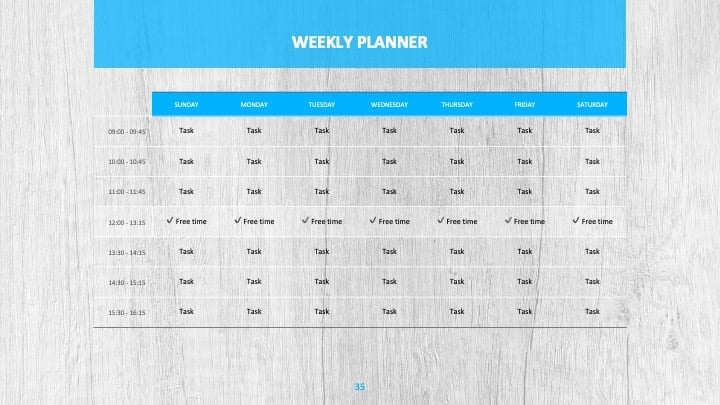
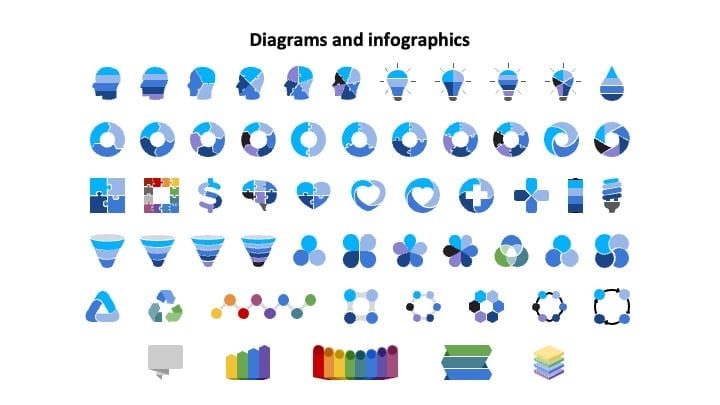
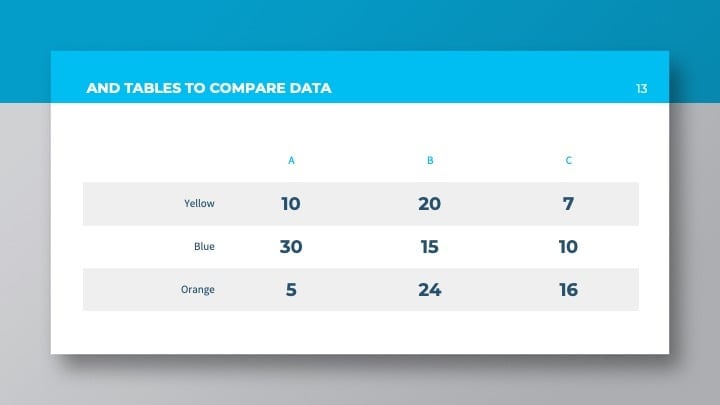
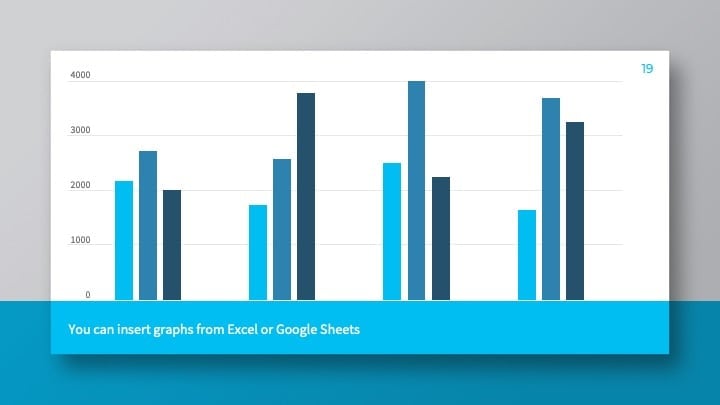
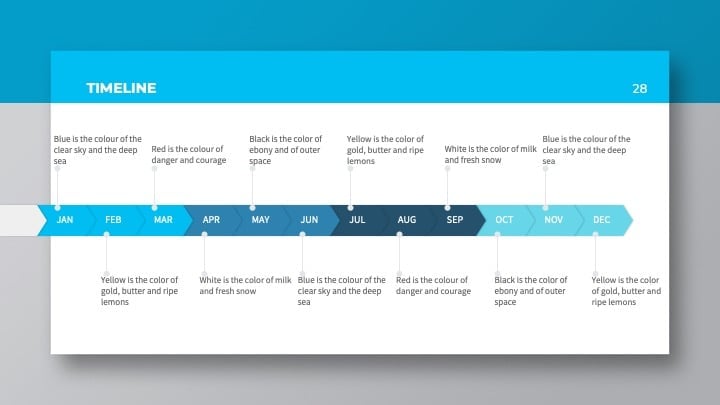
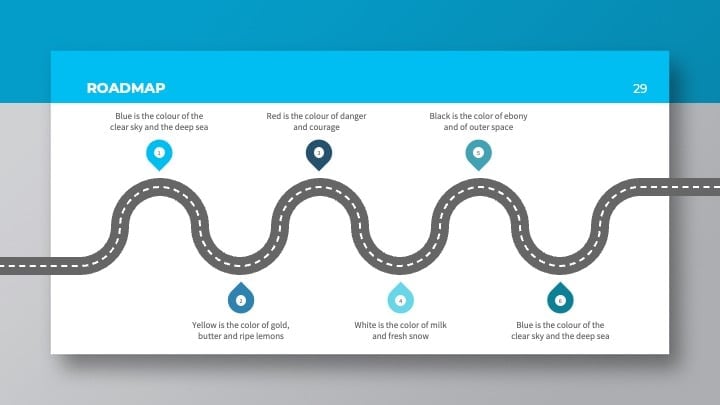
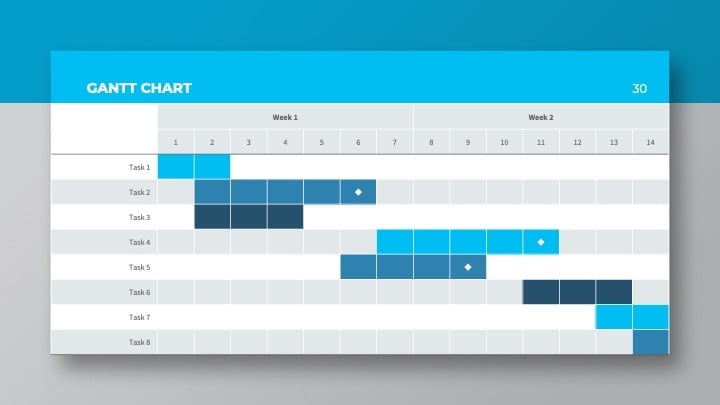
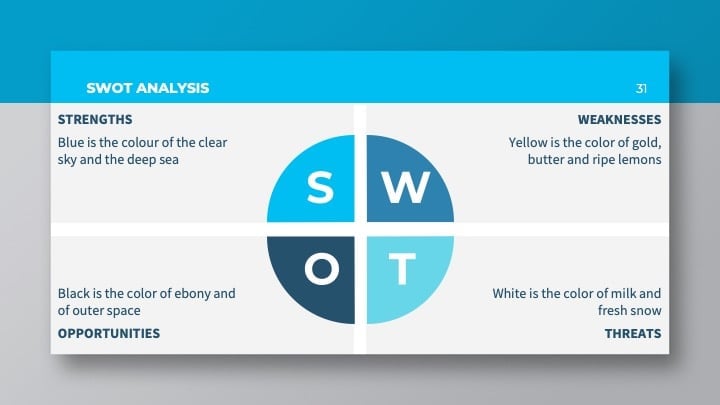
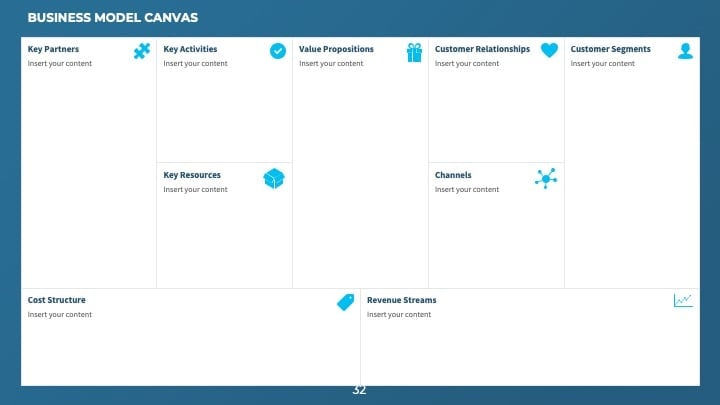
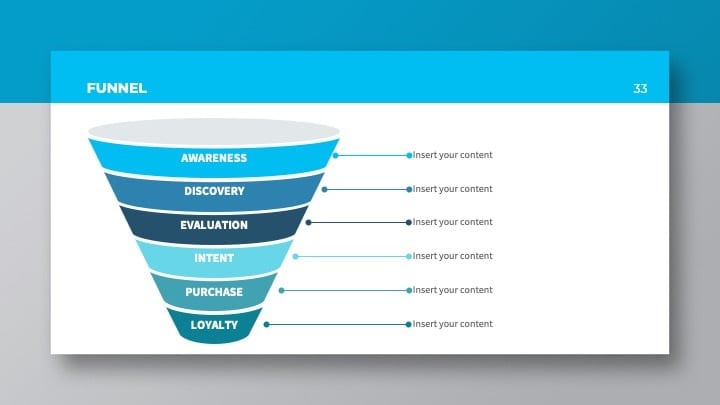
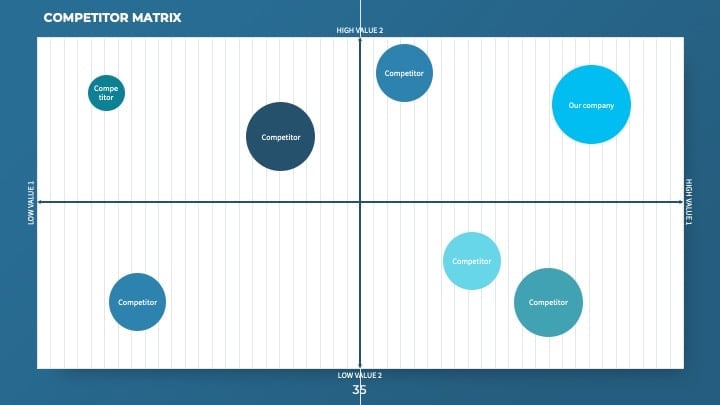
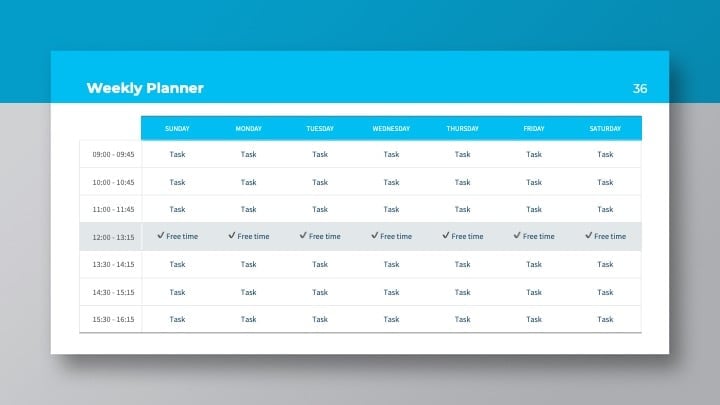
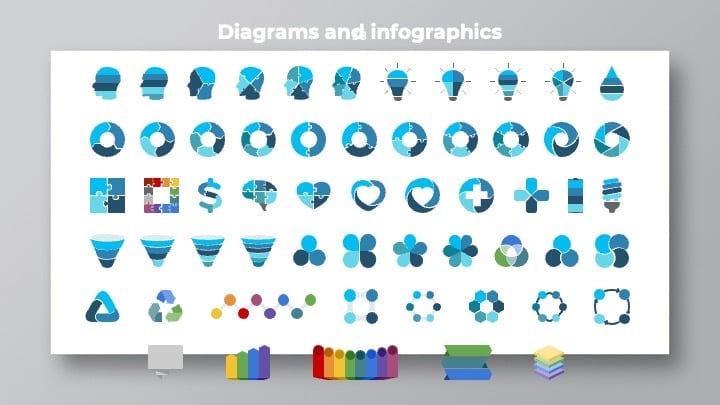
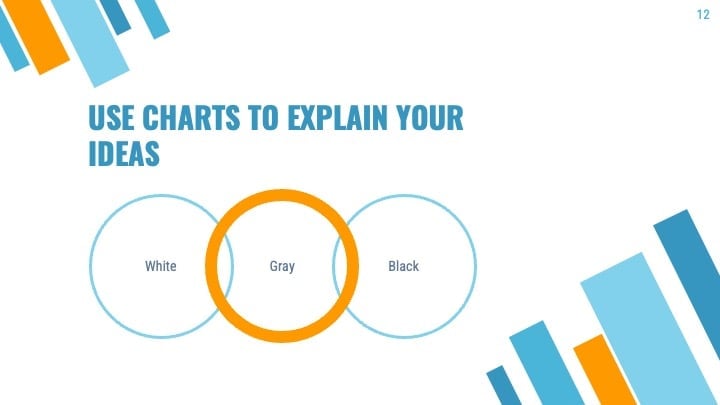
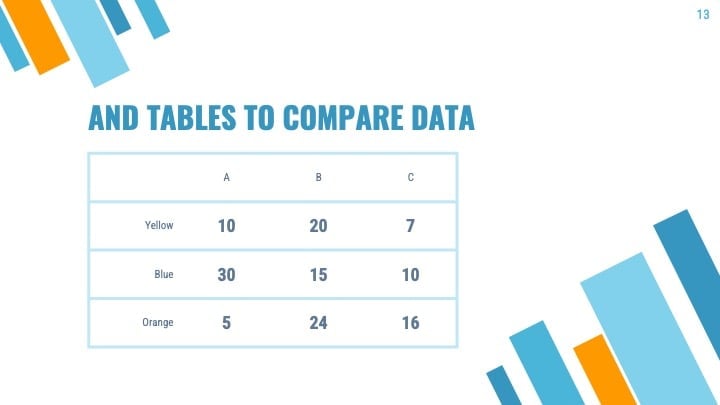
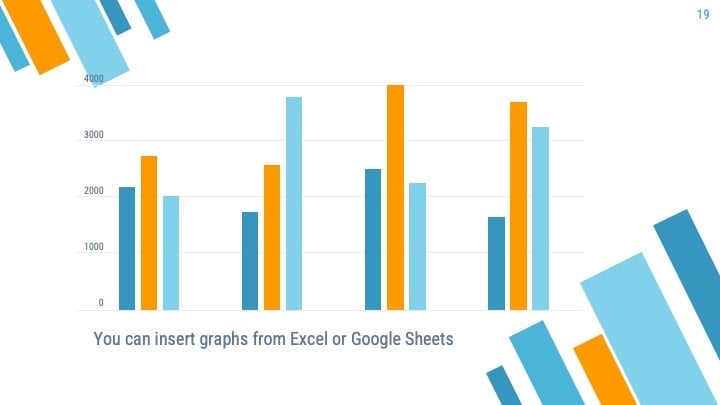
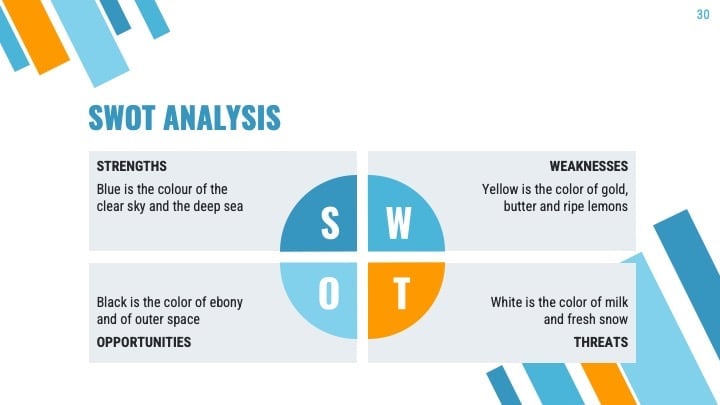
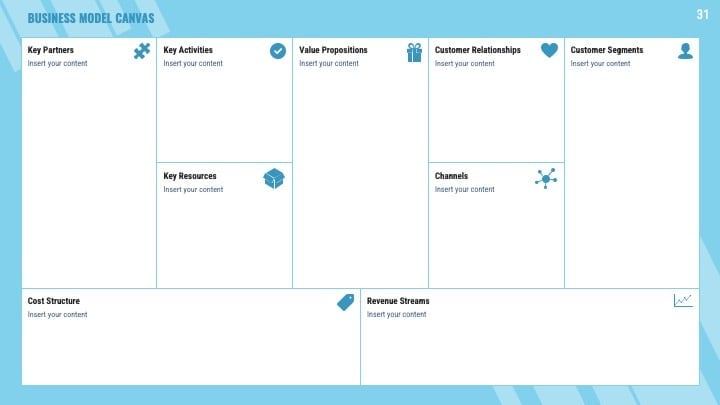
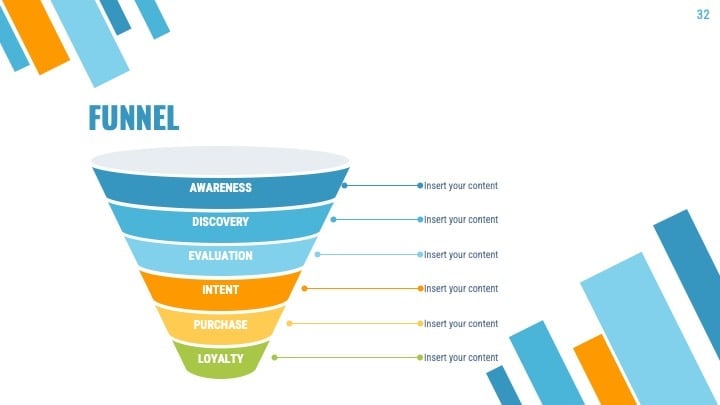
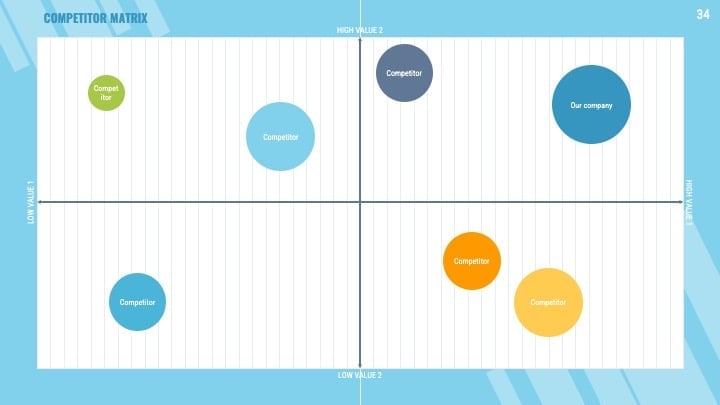
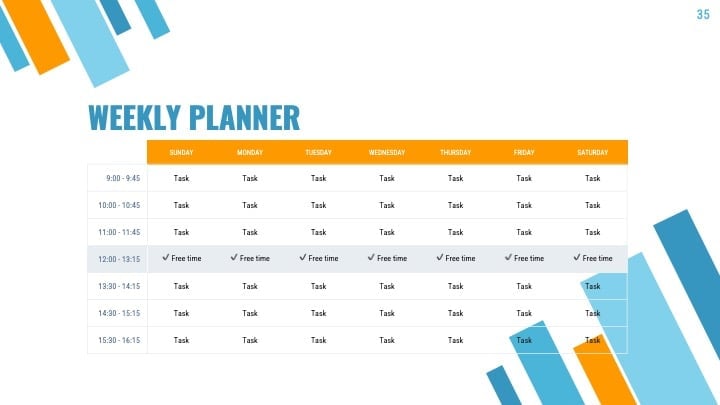
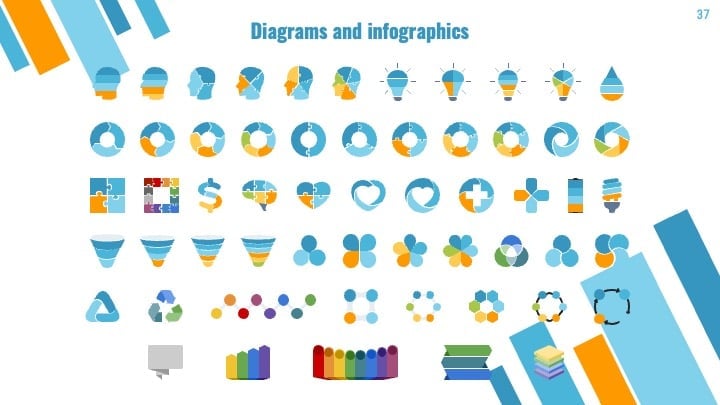
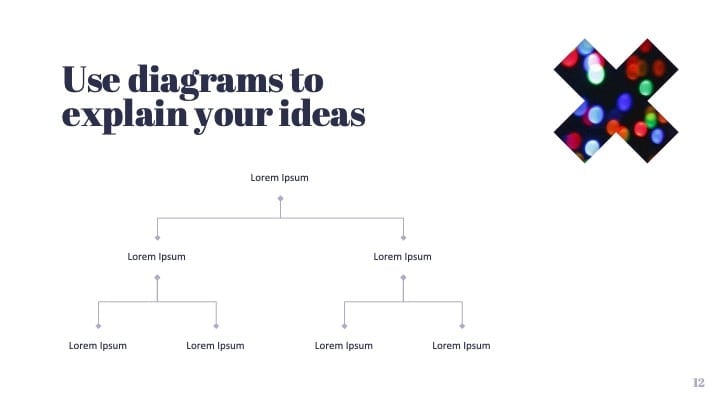
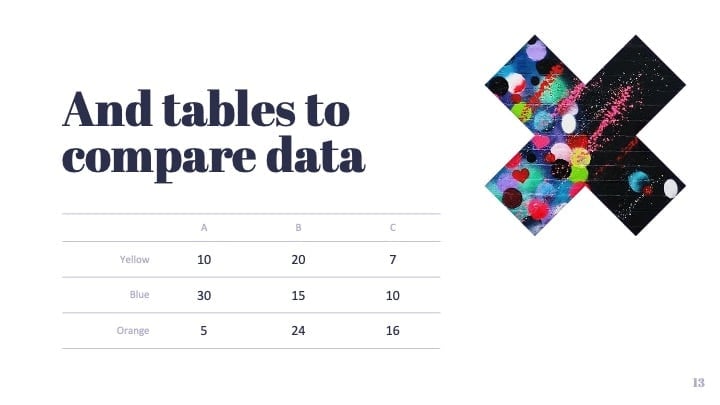
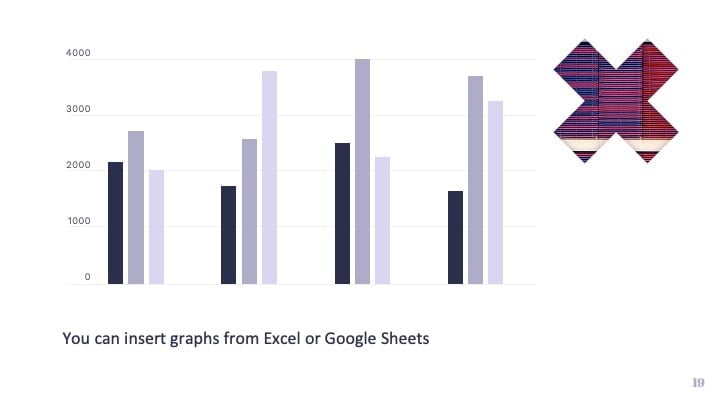
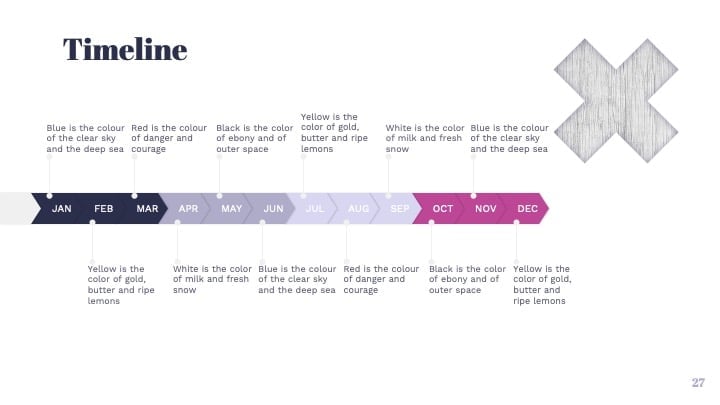
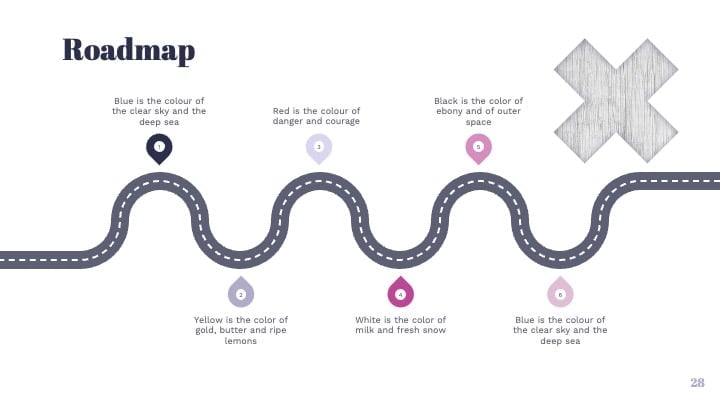
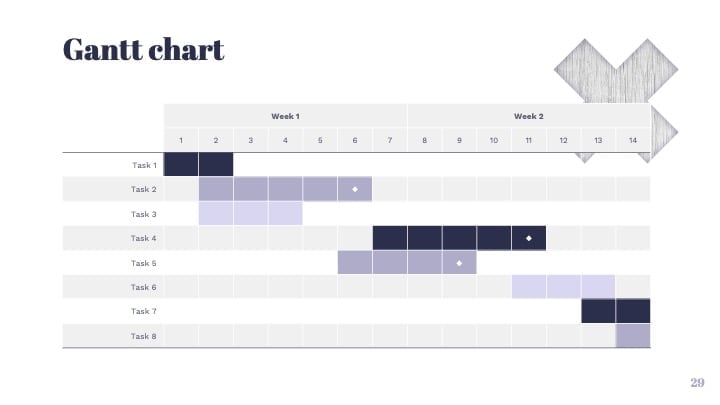
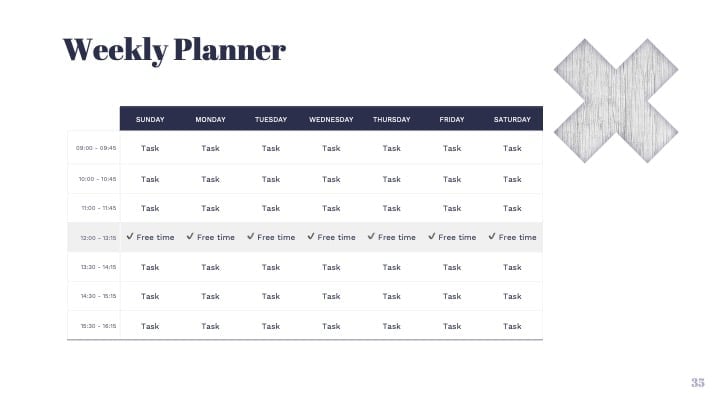
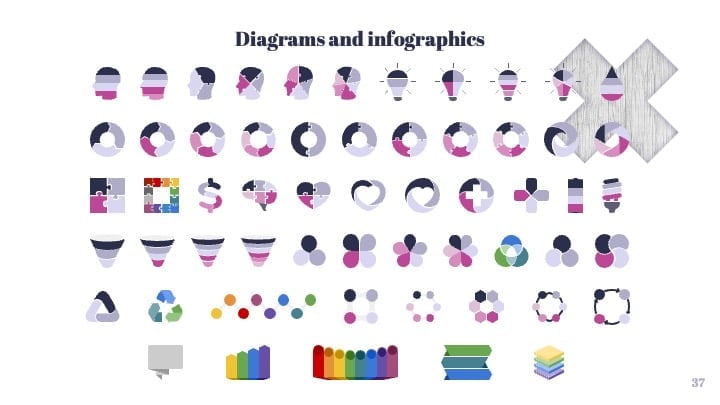
- Feature-rich theme with examples of styles for graphs, charts and tables
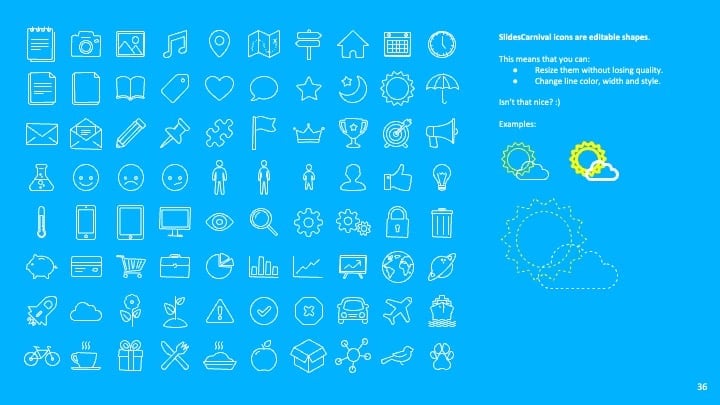
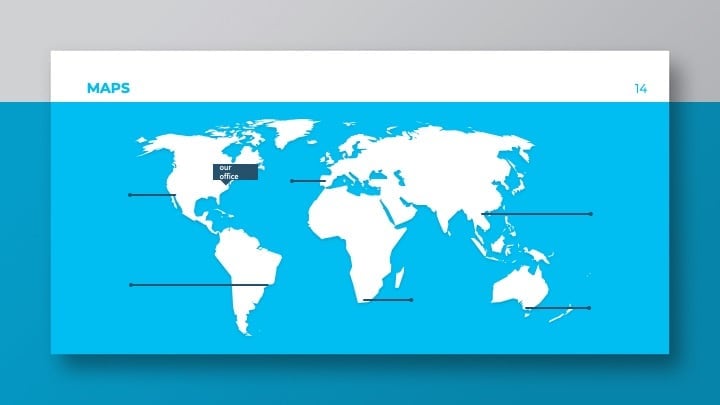
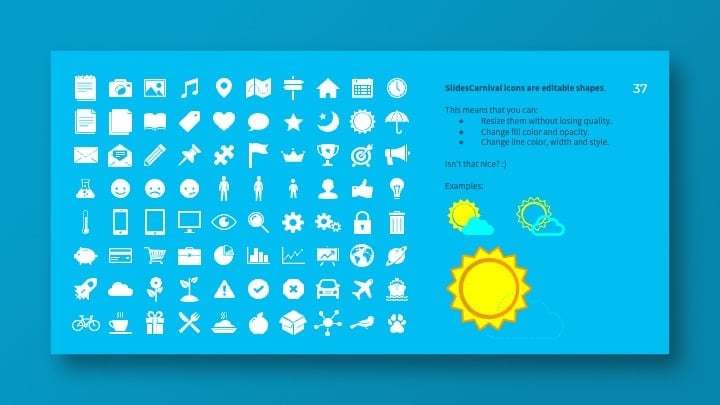
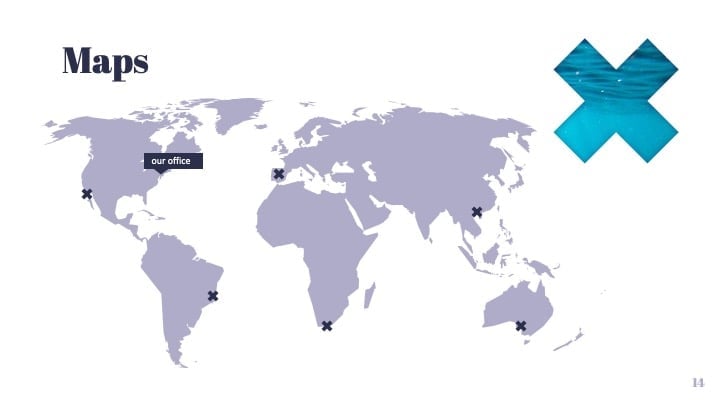
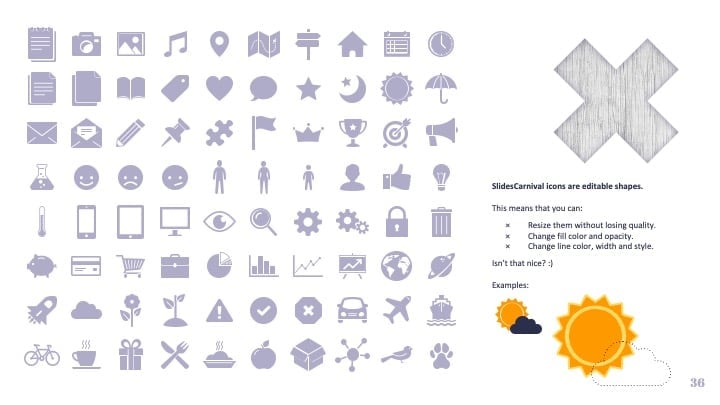
- It includes a customizable icon family with 80 different icons and a world map (you can change sizes and colors). And more free icons & maps for your presentations available.
- Use as a Google Slides theme or download as PowerPoint template and edit on your computer. Also export to PDF, JPG, etc.
- 16:9 screen layout (Can change to 4:3 with a click, but some graphic assets may not work well)
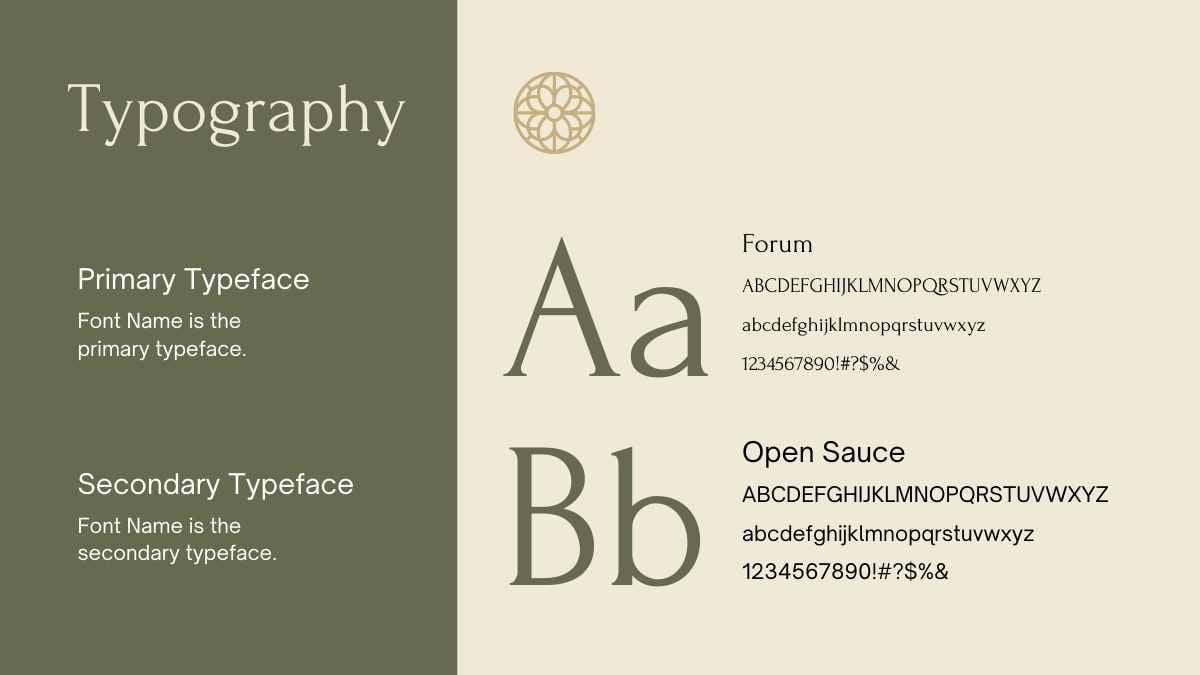
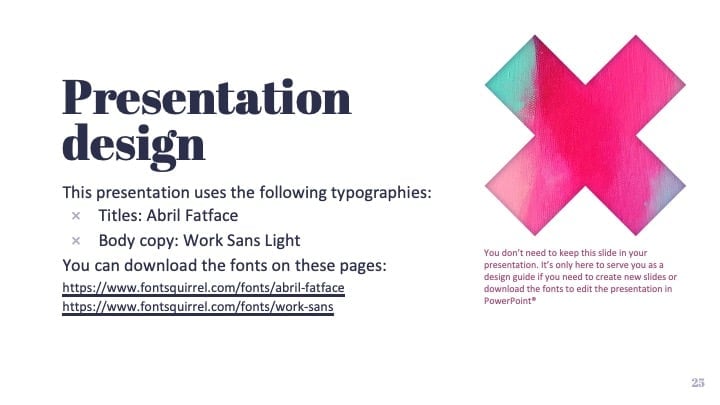
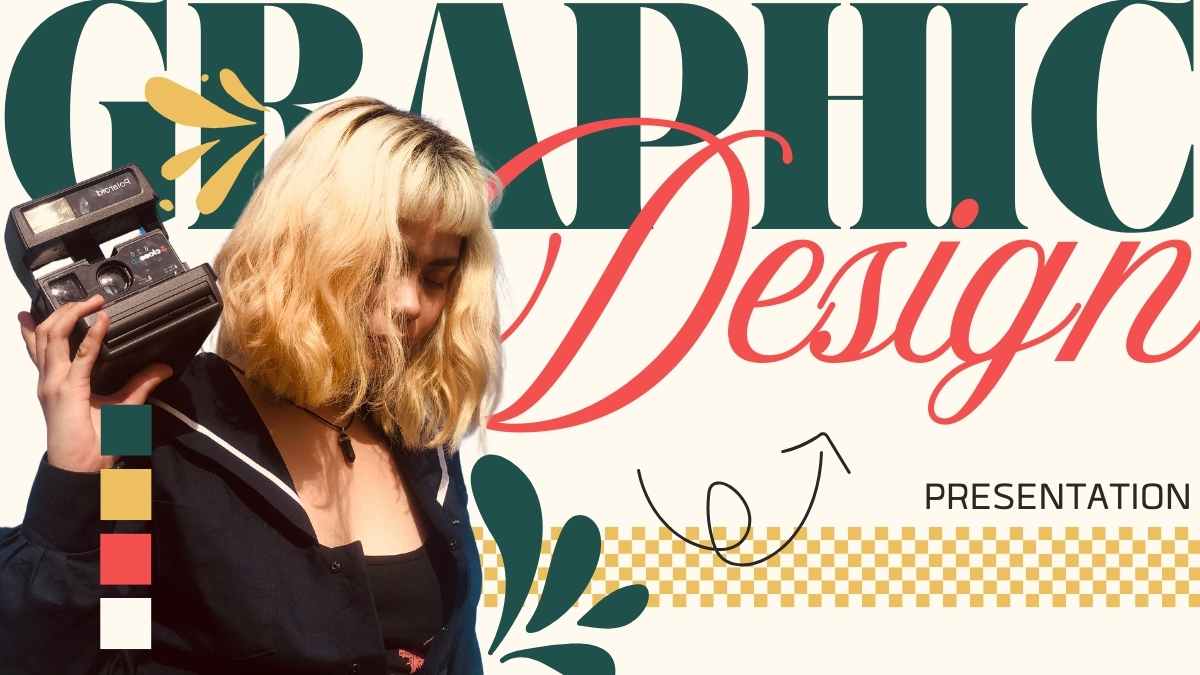
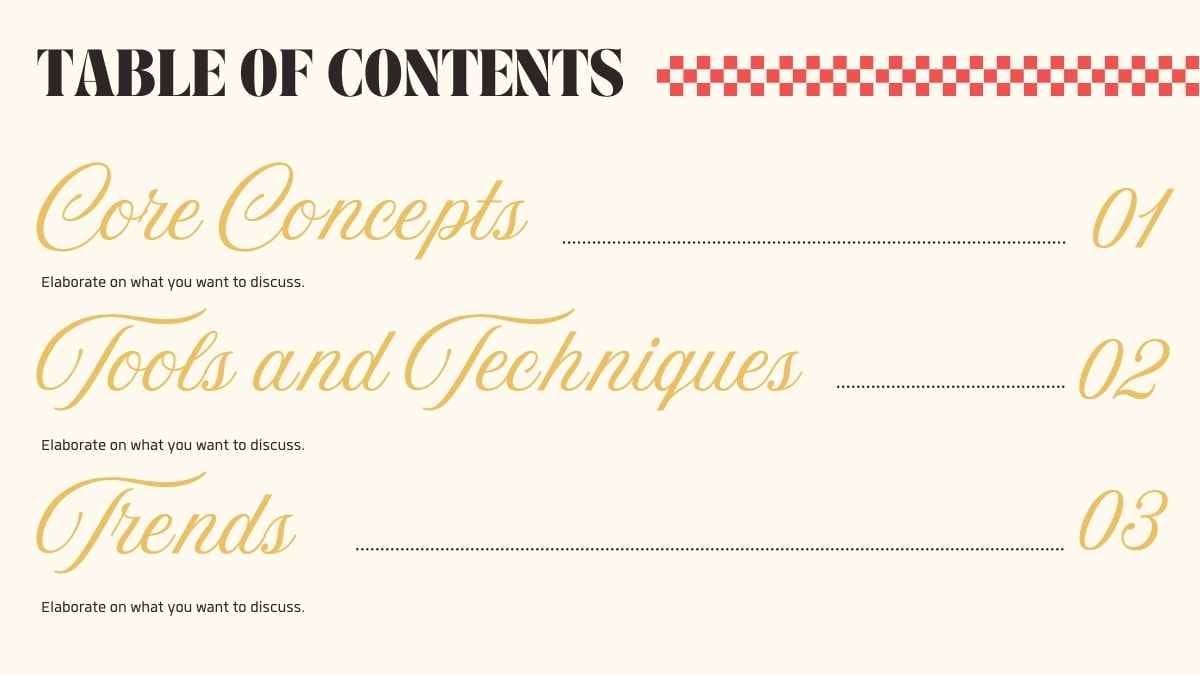
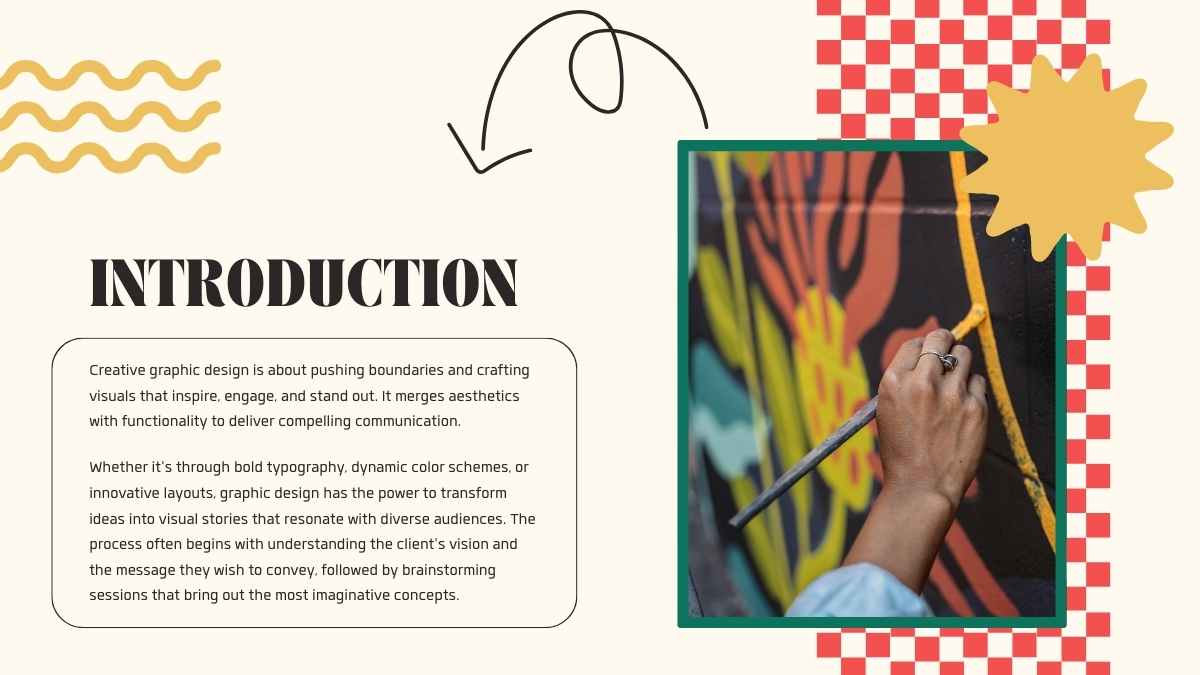
This template is set in the fonts Abril fatface and Work sans, and features the color red.









 15
15