

 4
4 




Free Canva presentation template
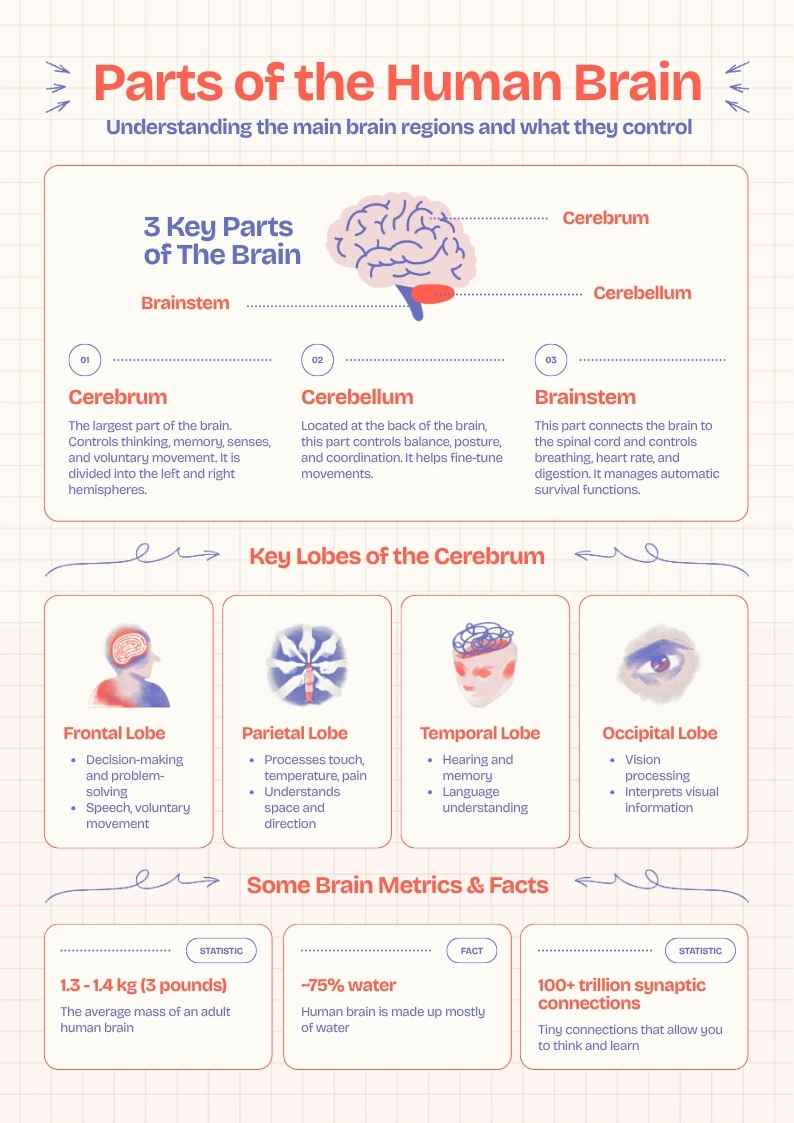
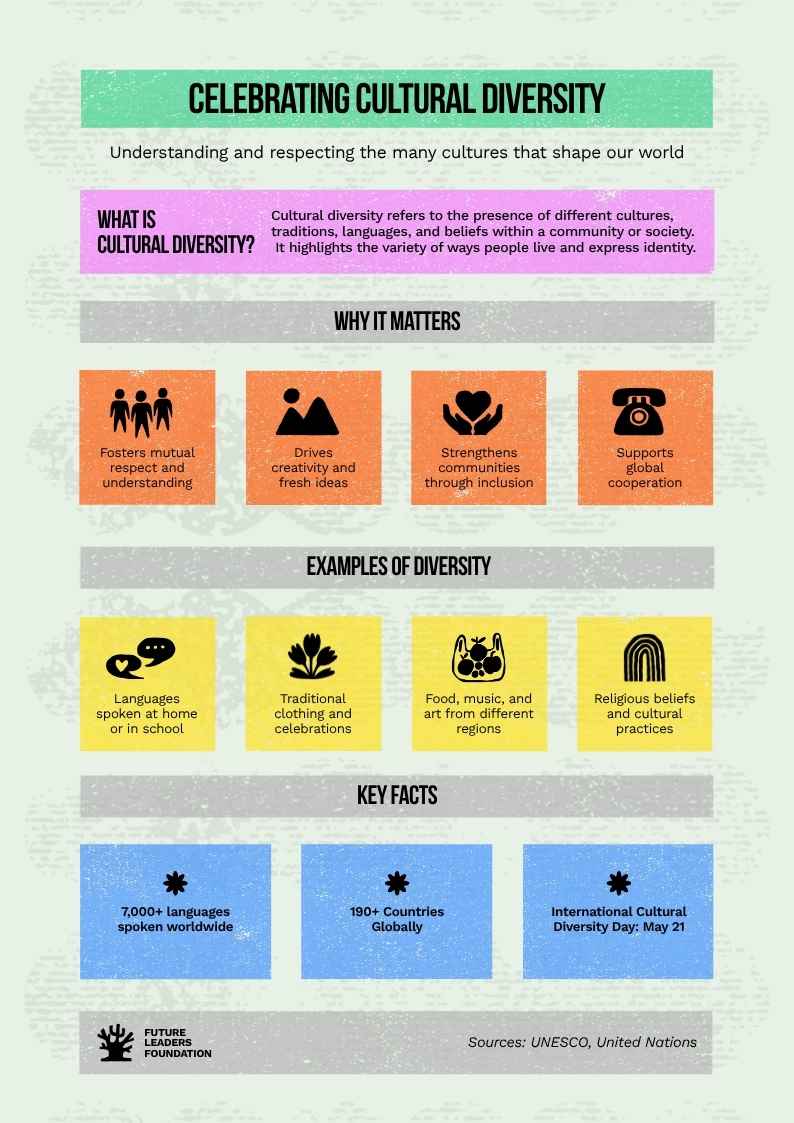
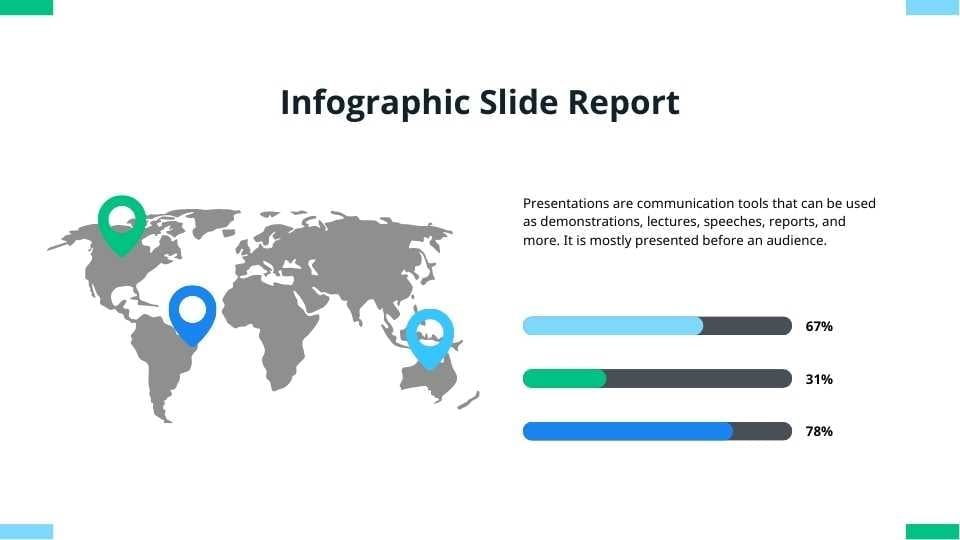
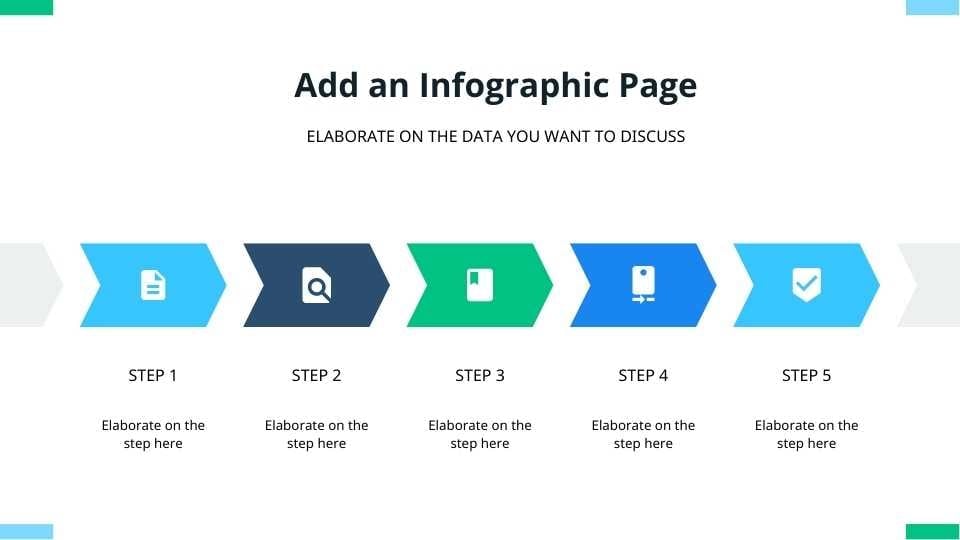
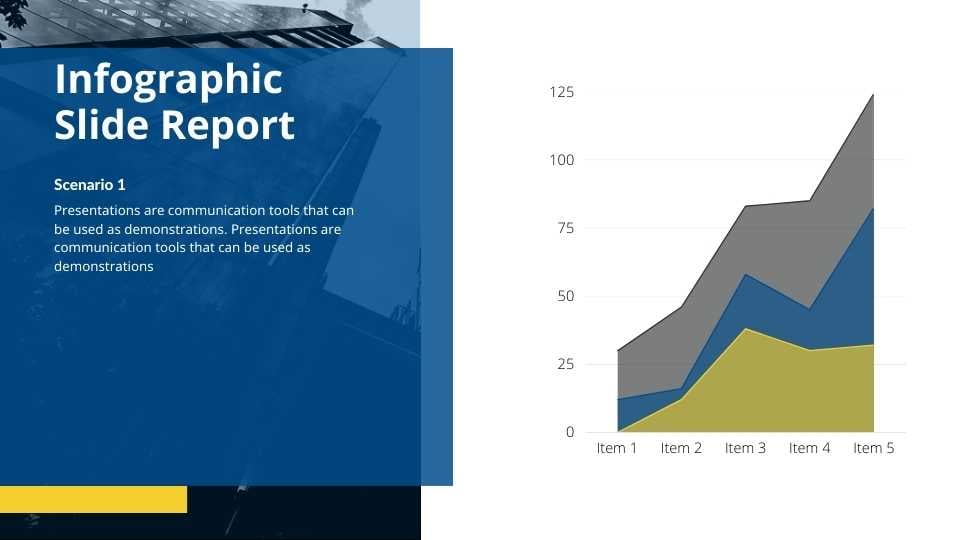
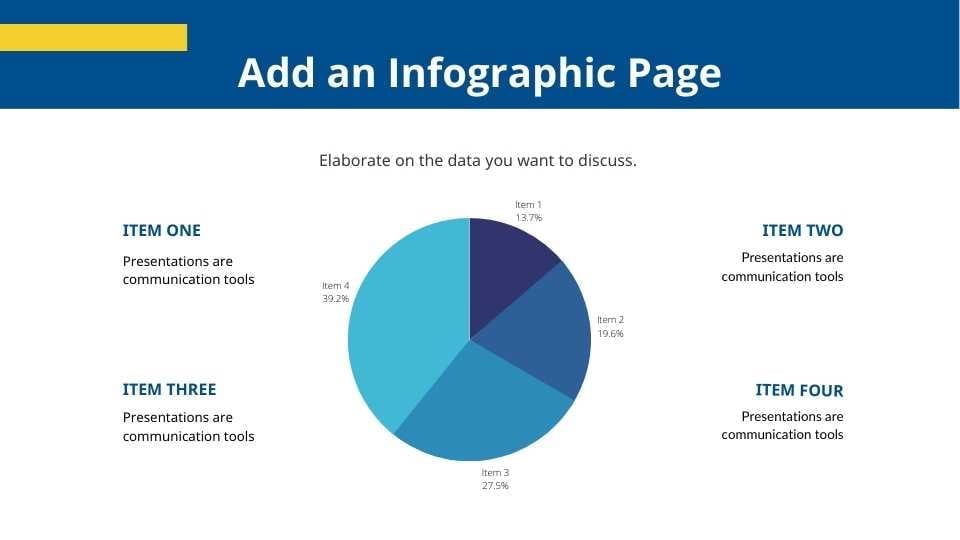
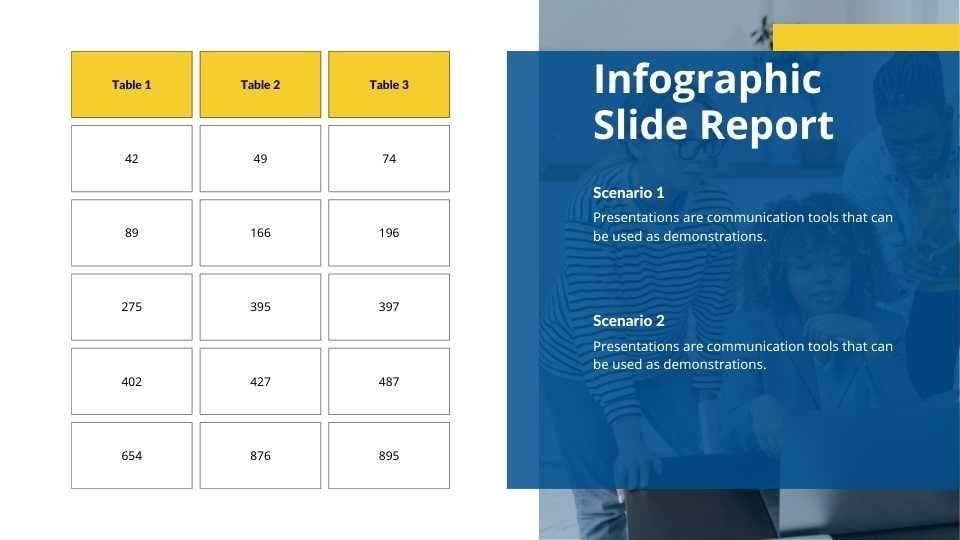
Looking for a way to jazz up your next educational presentation? This infographic template is tailor-made for teachers, students, and anyone in the world of education looking to add a splash of creativity to their information sharing. Perfect for classroom lessons, academic presentations, or school project summaries, this set of visuals is your go-to for making learning more engaging and comprehensible. Say goodbye to yawn-inducing lectures and hello to captivating visuals that bring your facts and figures to life. Grab this template and give your audience a memorable learning experience that sticks.
Features of this template
- 25+ stunning slides designed by professionals
- Sample layouts to get your creative juices flowing
- Collaboration features so you can design with others
- Videos and soundtracks for multi-media appeal
- Slides for creating schedules and guest lists
- Simple to share or download as a PDF or JPG
- A library of designer-curated elements and icons
- Millions of high-quality photos, illustrations and fonts
- A handy drag-and-drop tool for elements and graphics
- Pre-recorded Talking Presentations for easy prep
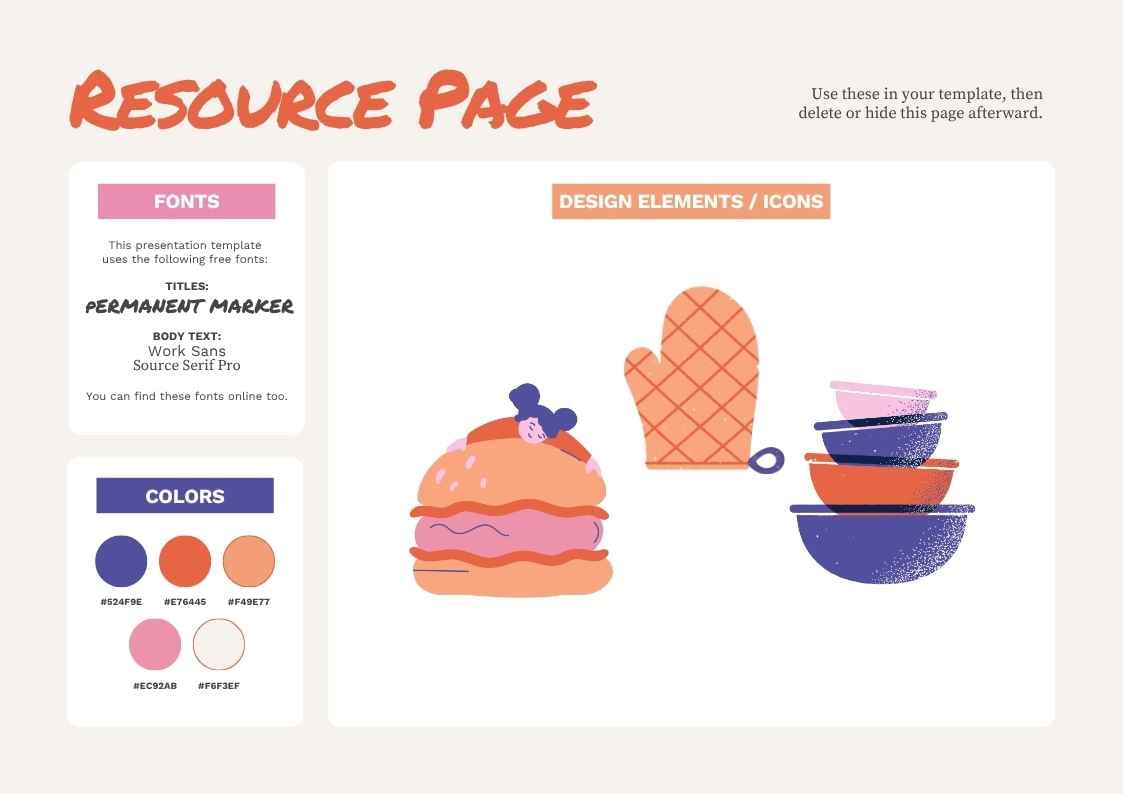
This template is set in the fonts Nunito sans, Questrial, and Secular one.
FAQs
Is this template exclusive to Canva?
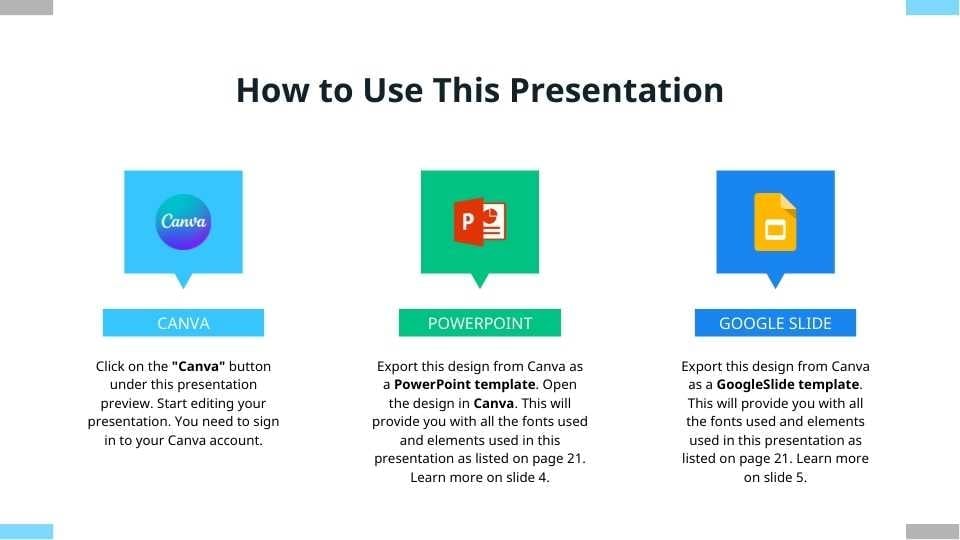
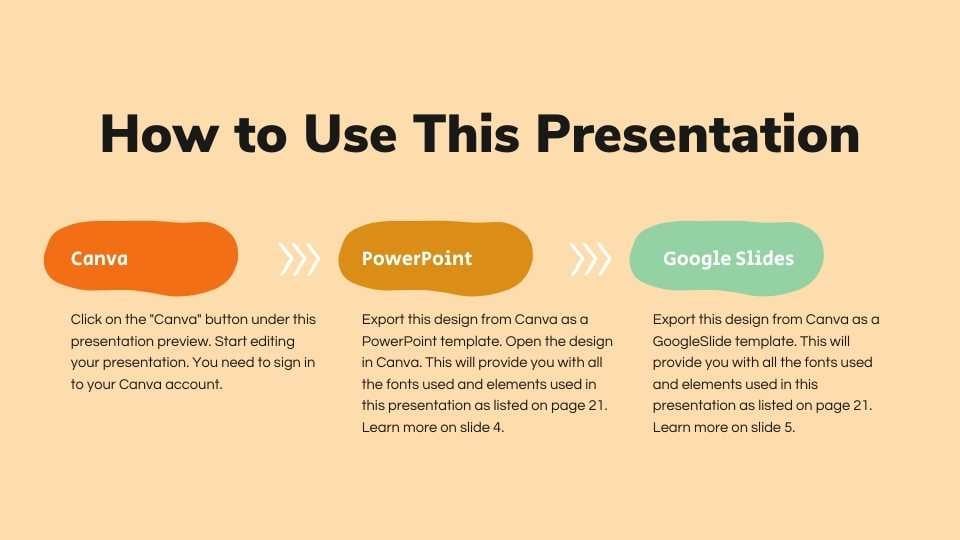
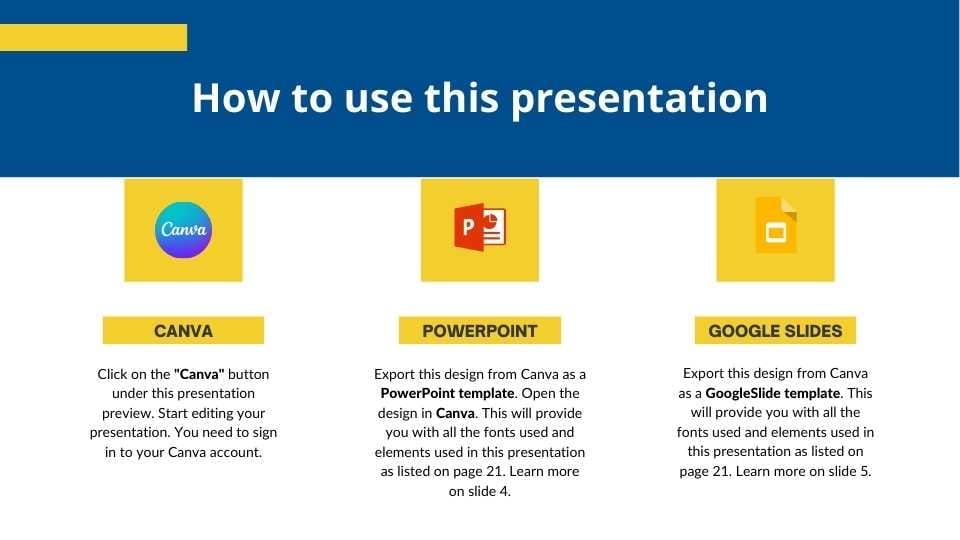
This template is exclusive to Canva, with some features designed to work best in Canva’s intuitive editor. But don’t worry—once you open it in Canva, you can still export it to PowerPoint or Google Slides in just a few clicks.
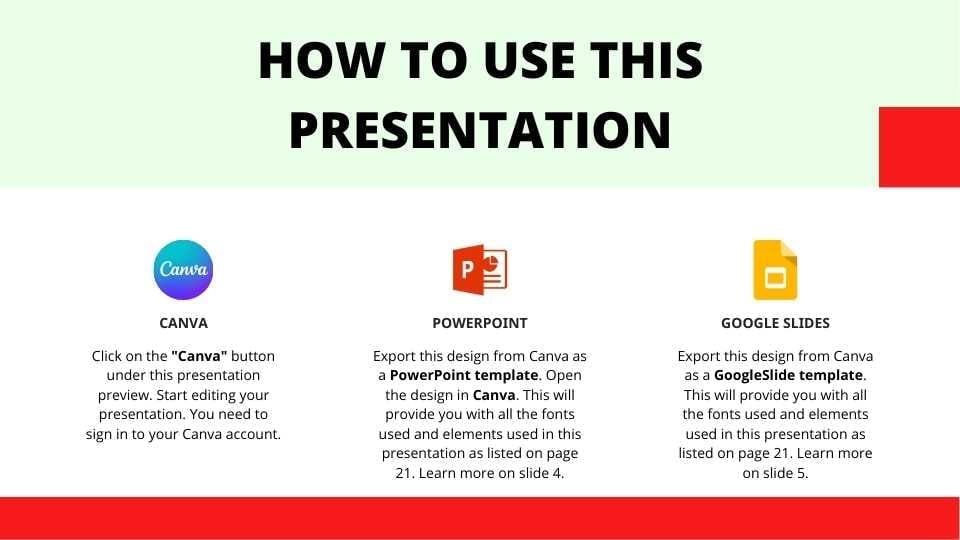
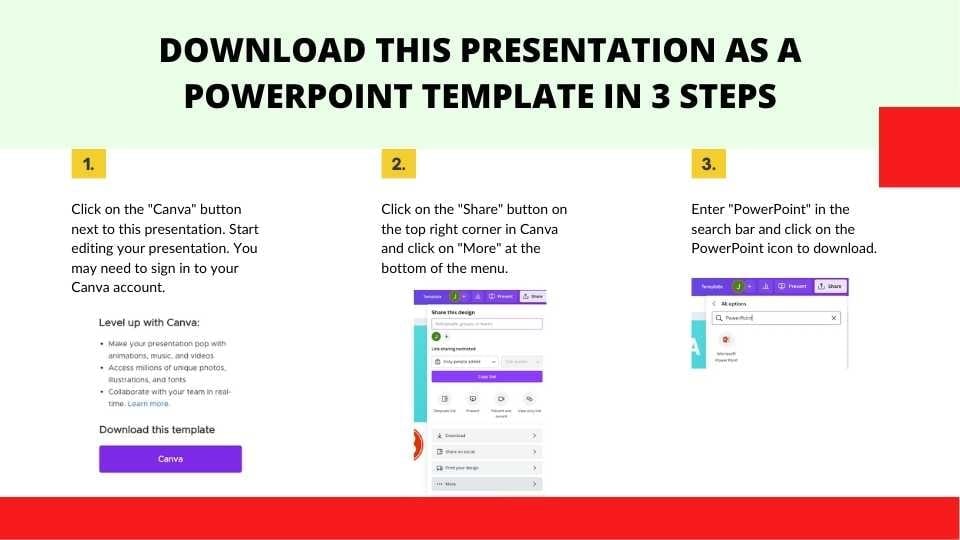
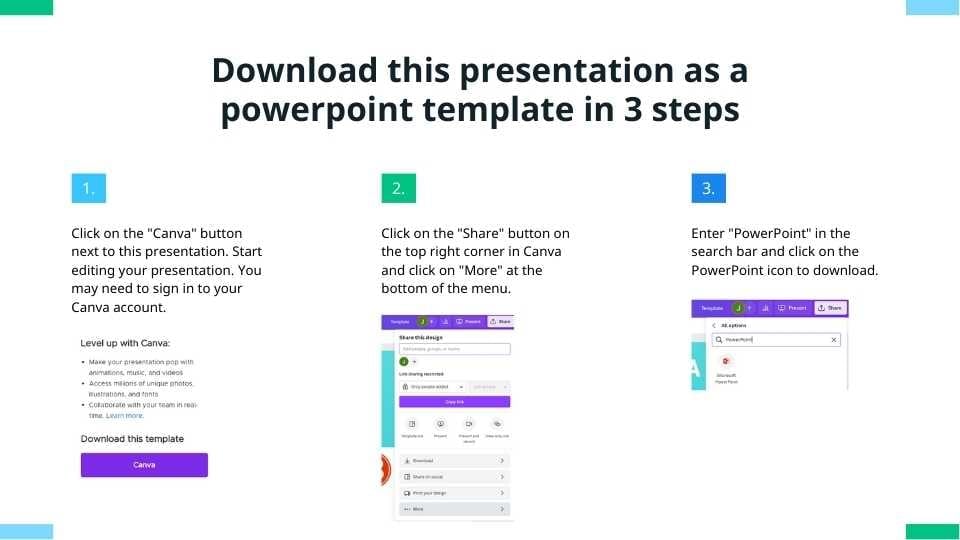
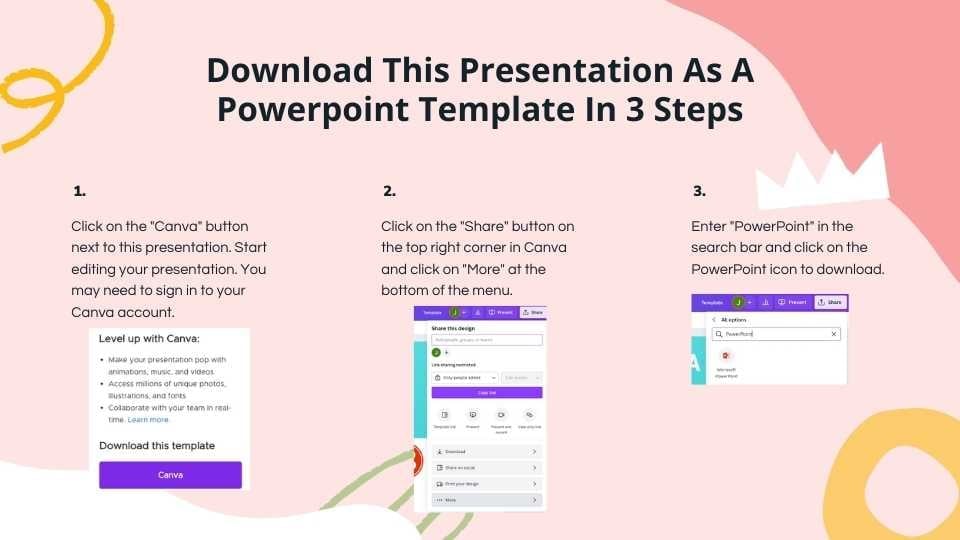
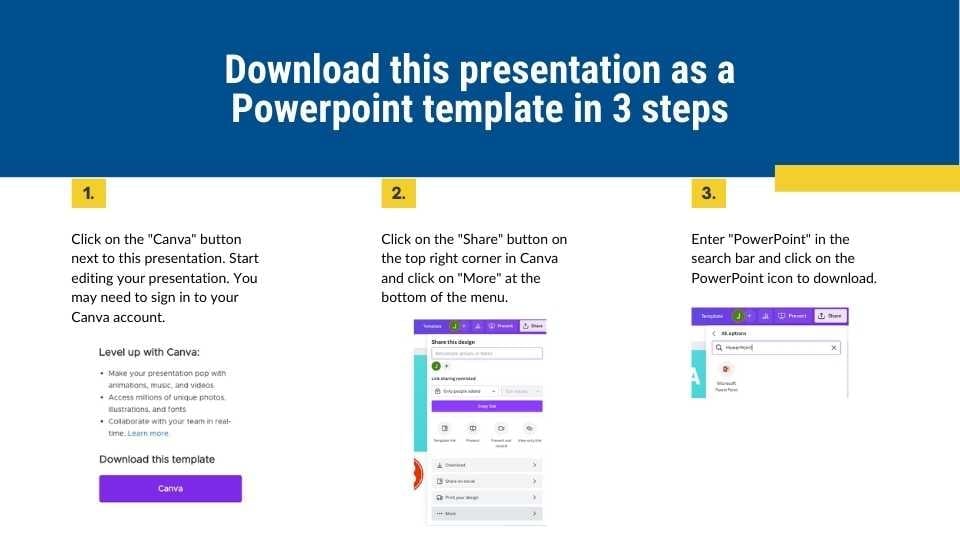
For PowerPoint, click the greyed out PowerPoint button then “Download as PowerPoint”. You should then be able to view the template in the Canva editor. After doing so, go to “Share” → “See all” → search for “PowerPoint” → click the PPT icon to download a PPTX file.
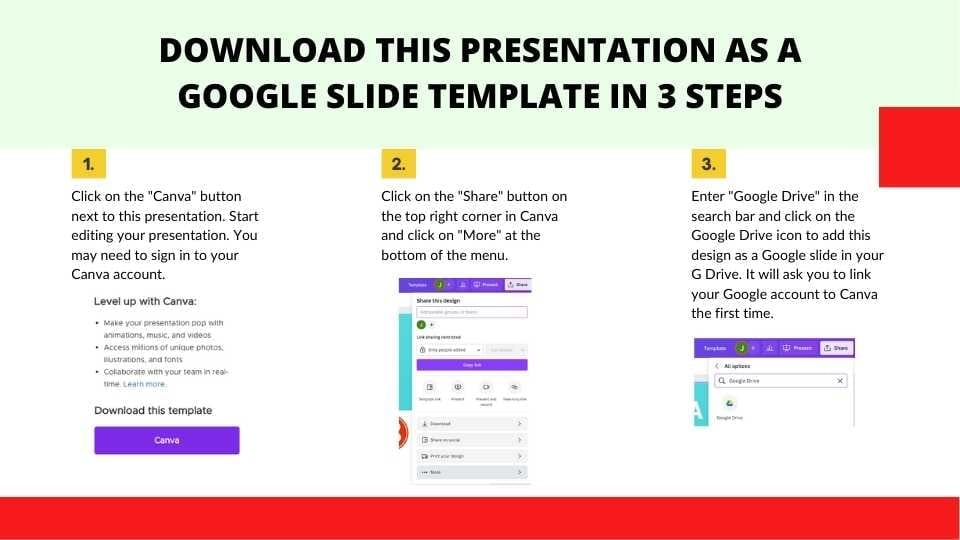
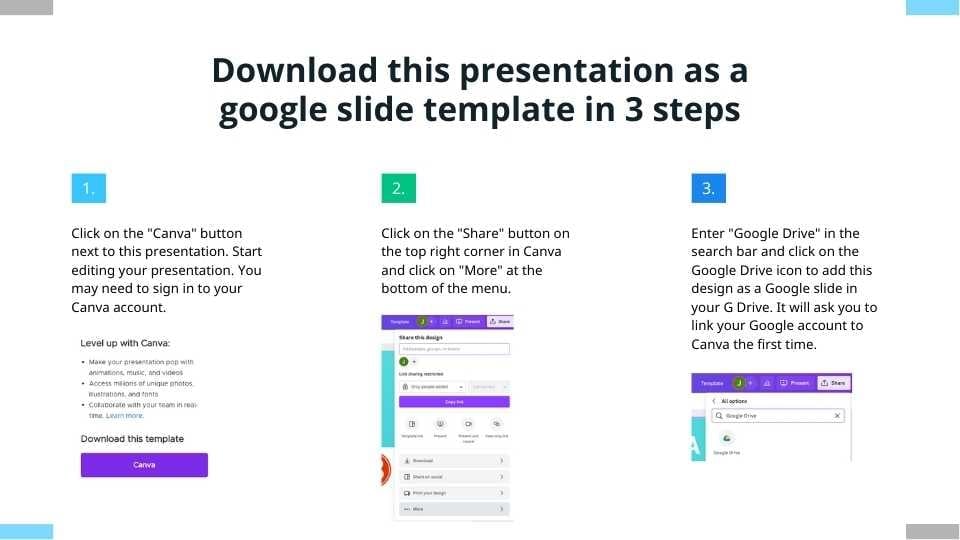
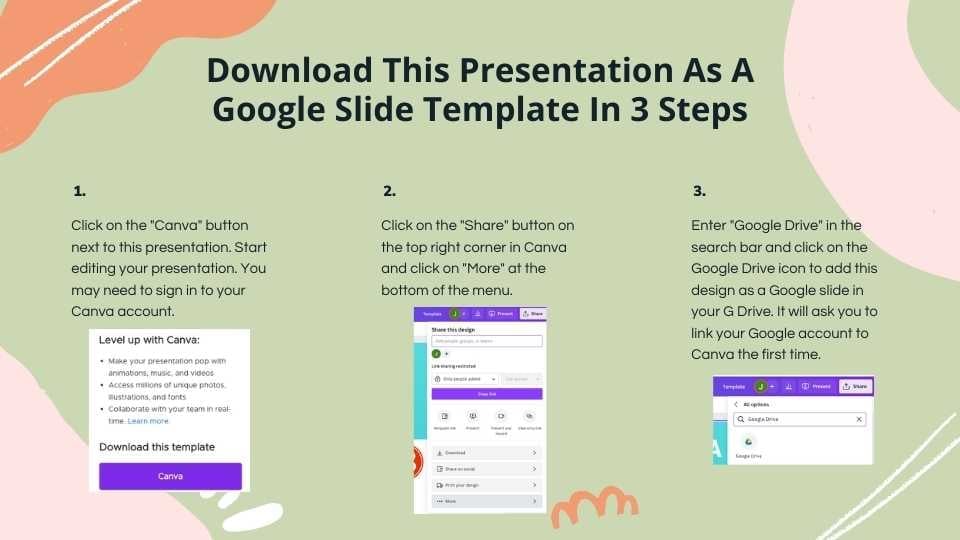
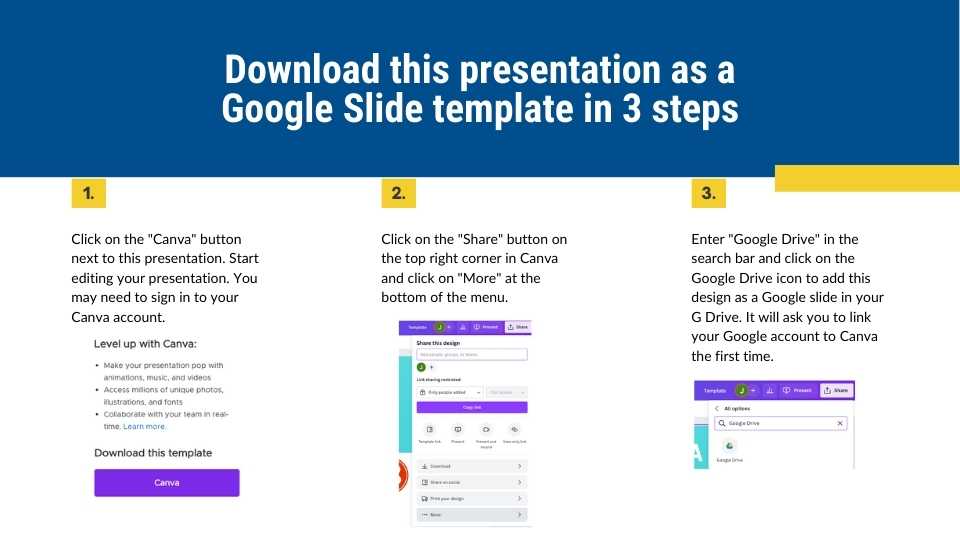
For Google Slides, click the greyed out Google Slides button then “Get this as Google Slides”. You should then be able to view the template in the Canva editor. After doing so, go to “Share” → “See all” → search for “Google Drive” → click the Google Drive icon to save an editable copy to your Drive.







 10
10