

 2.5
2.5 

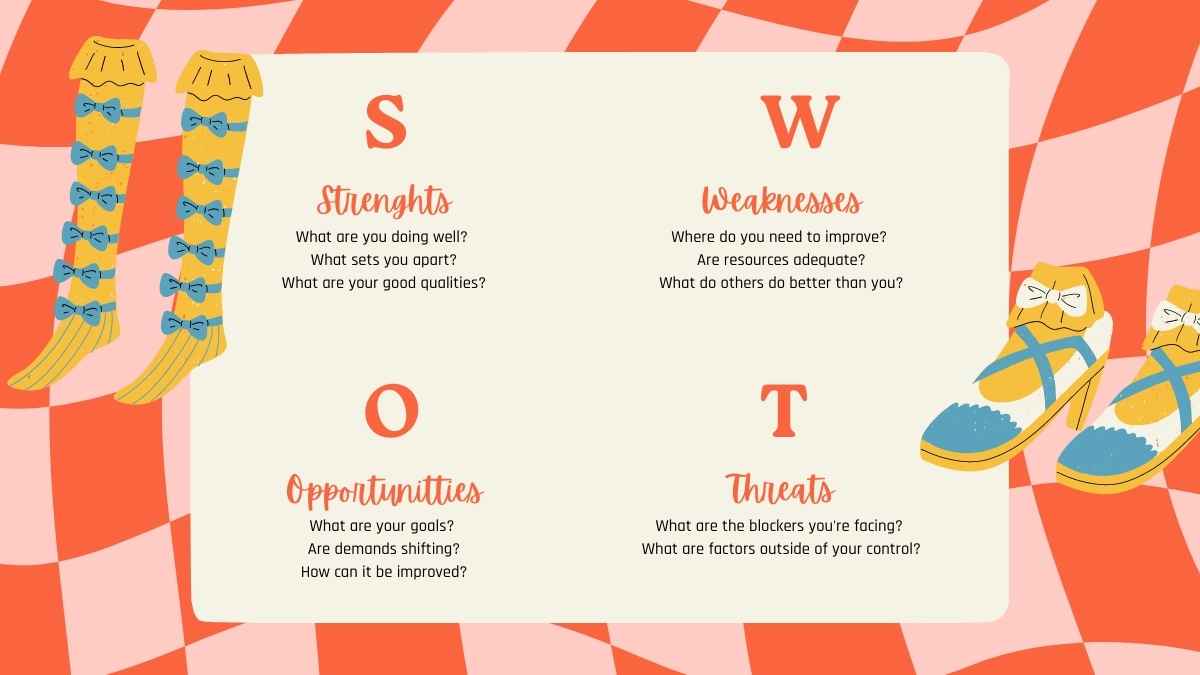


Free Canva presentation template
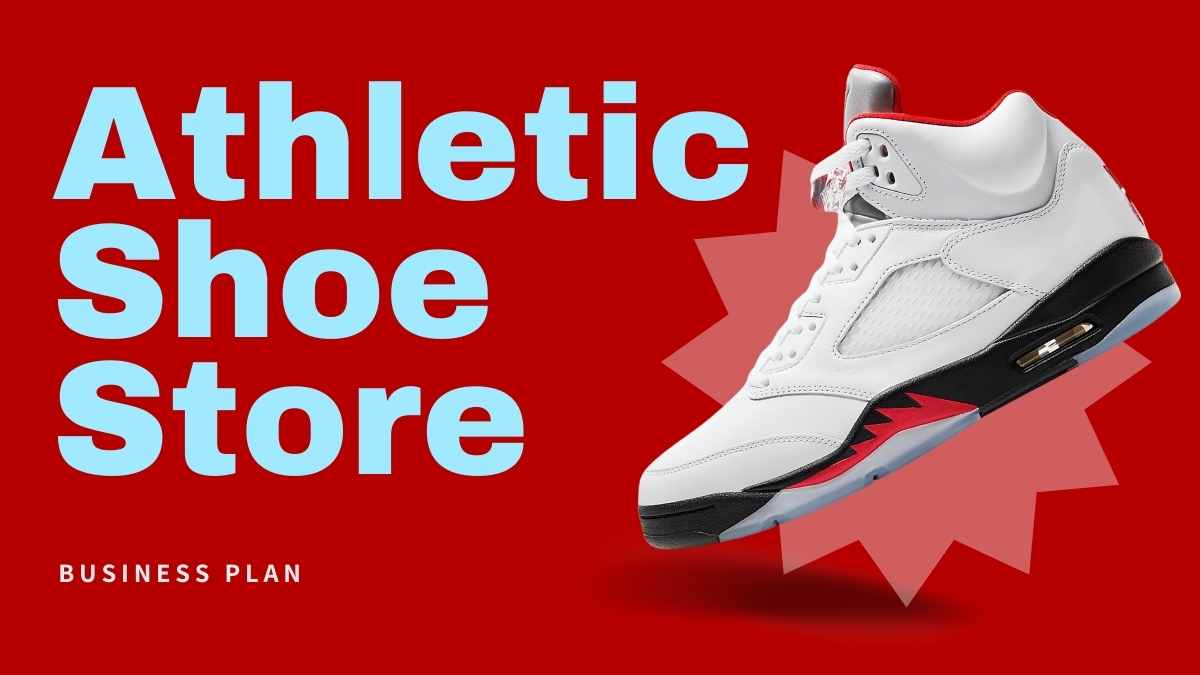
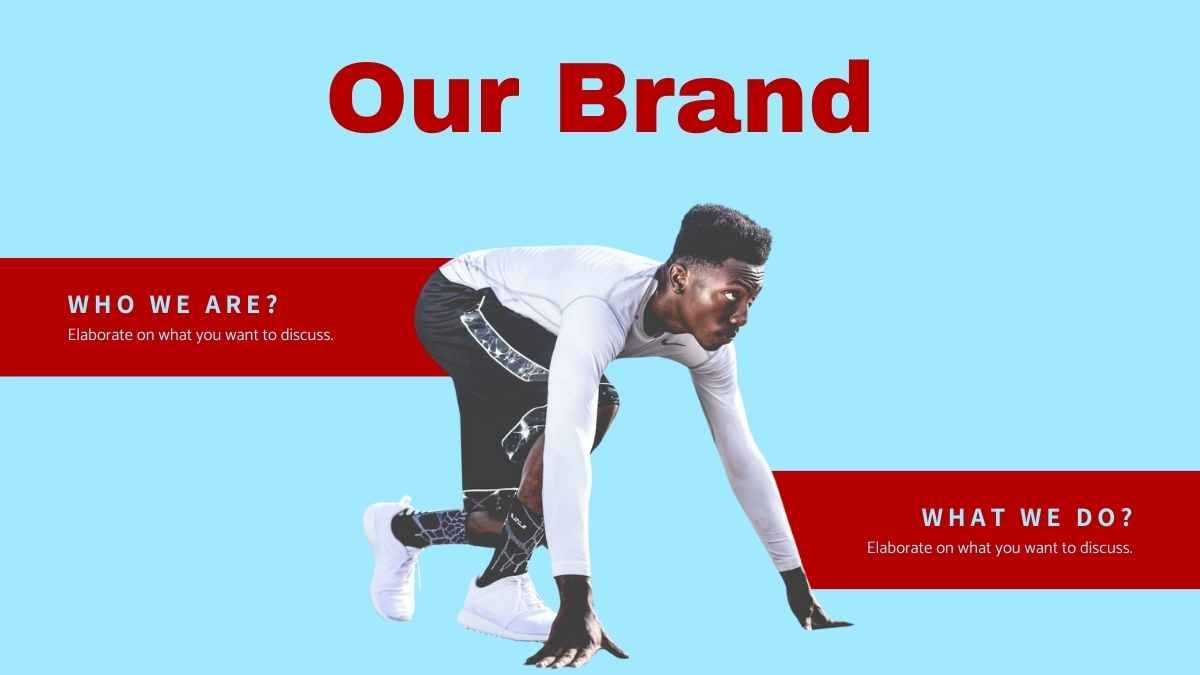
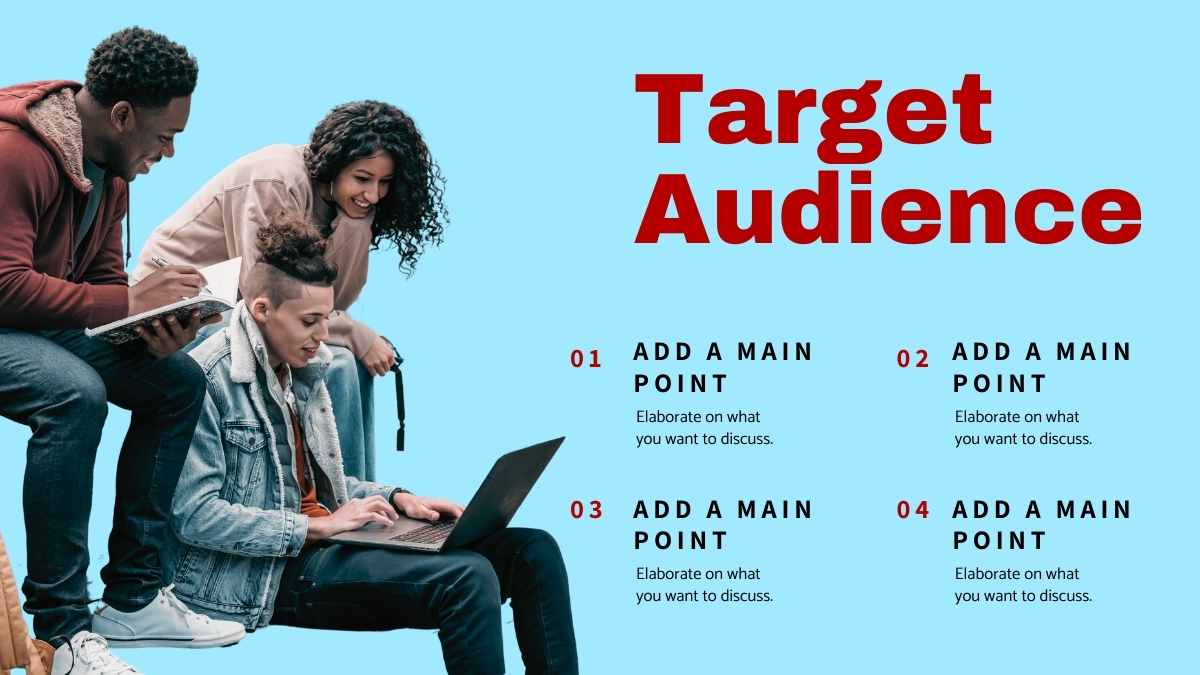
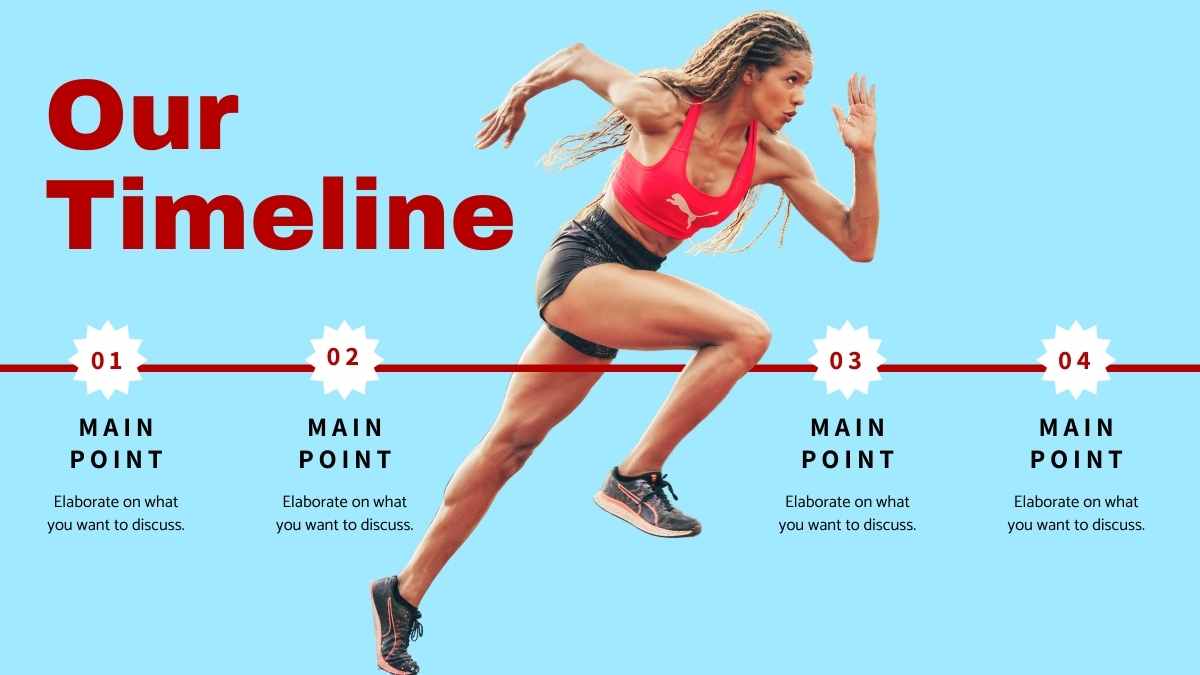
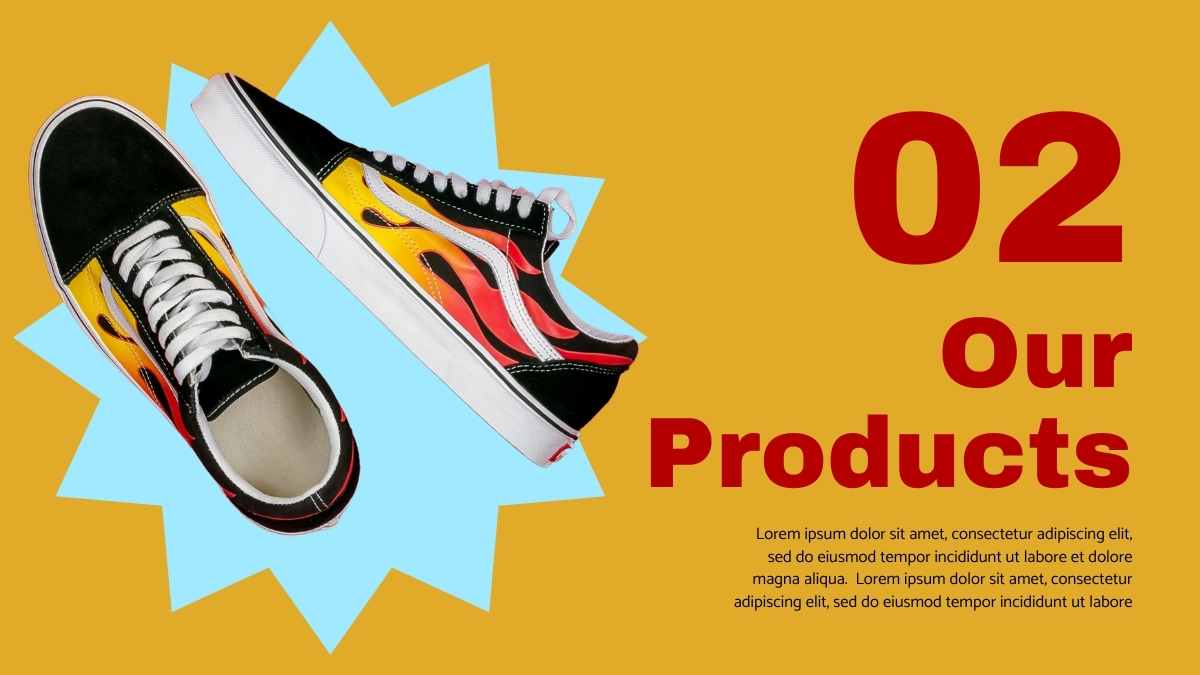
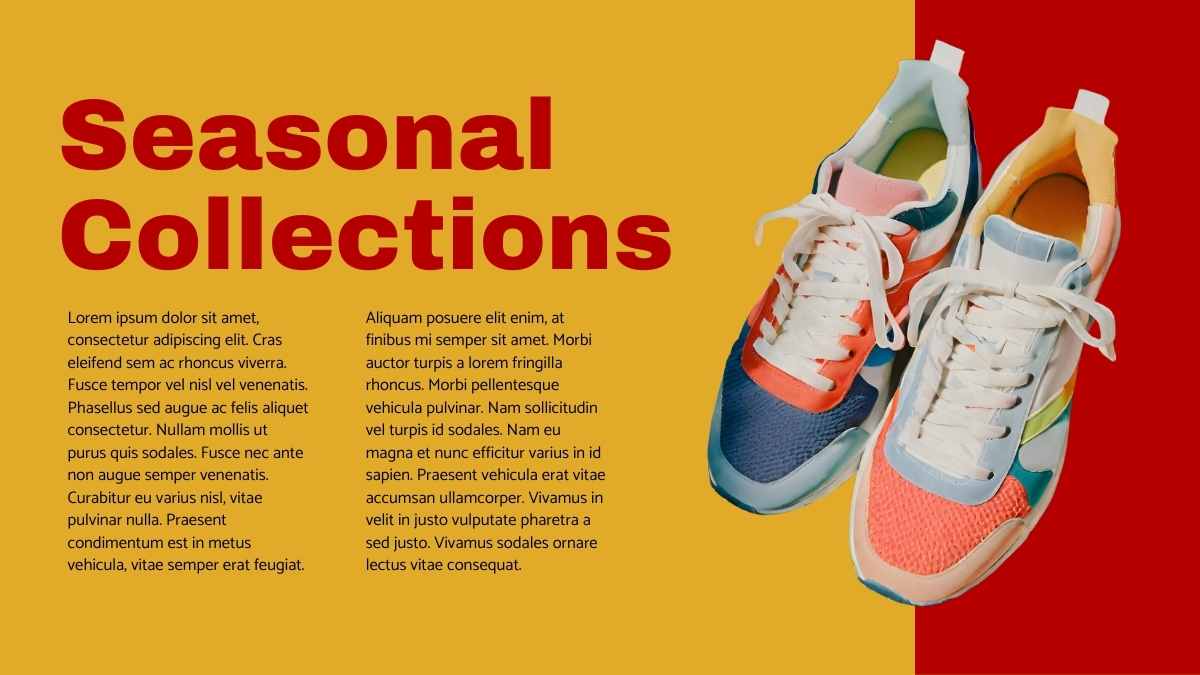
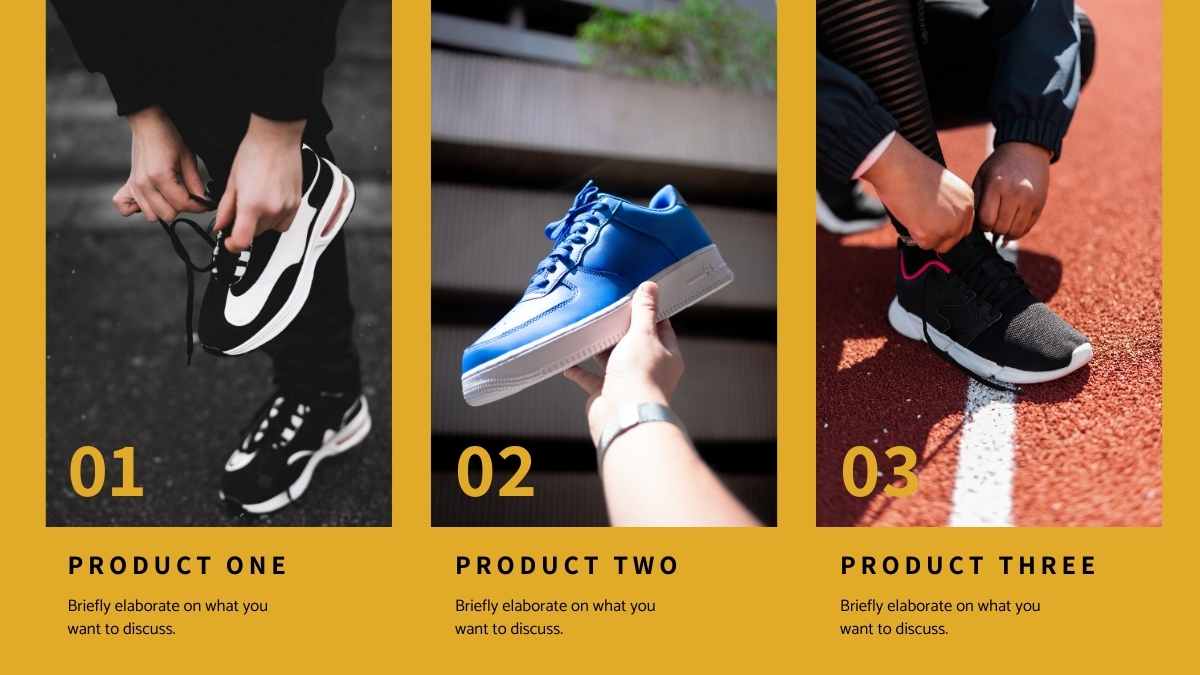
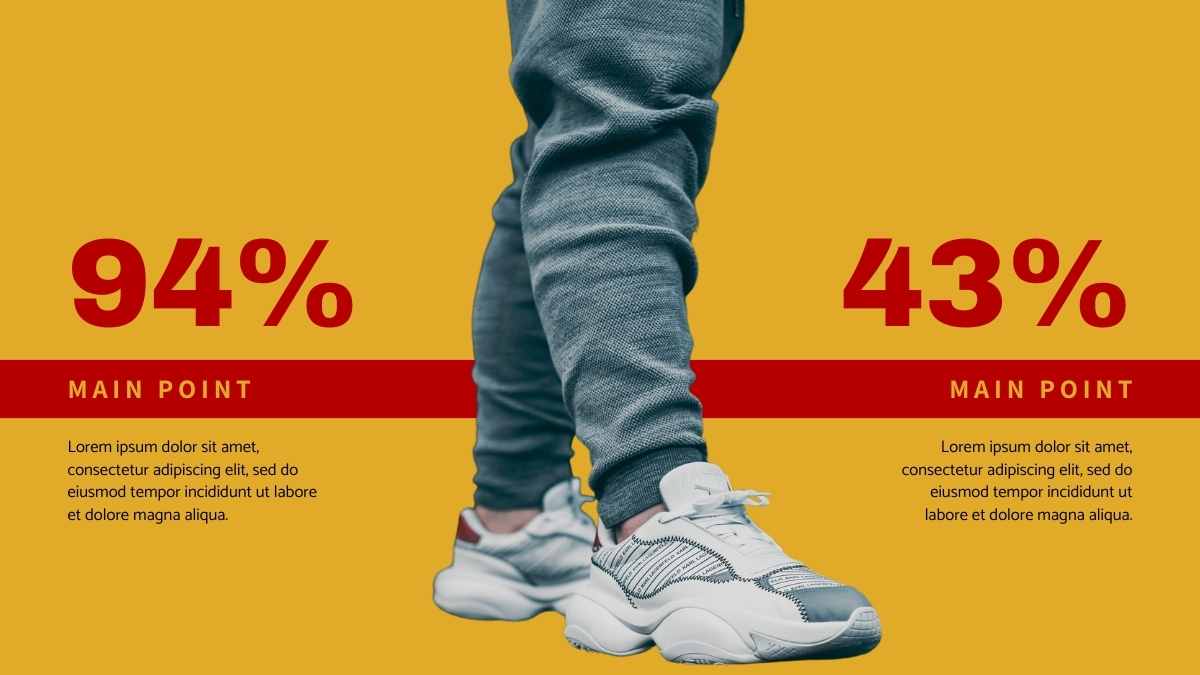
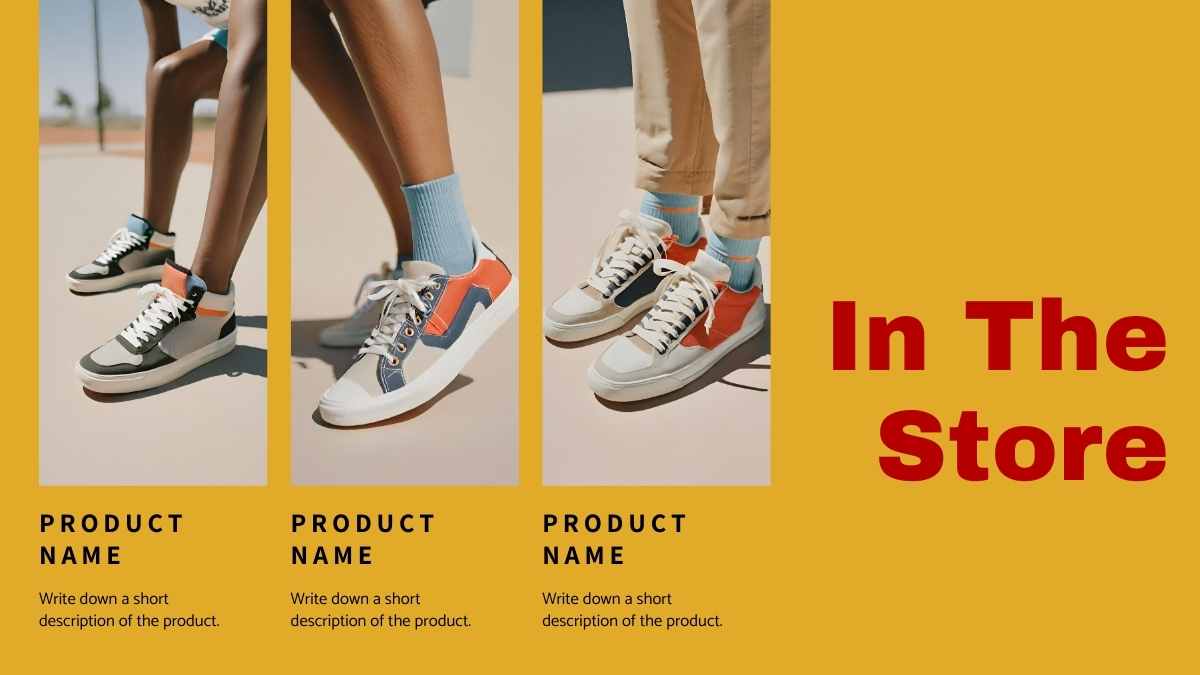
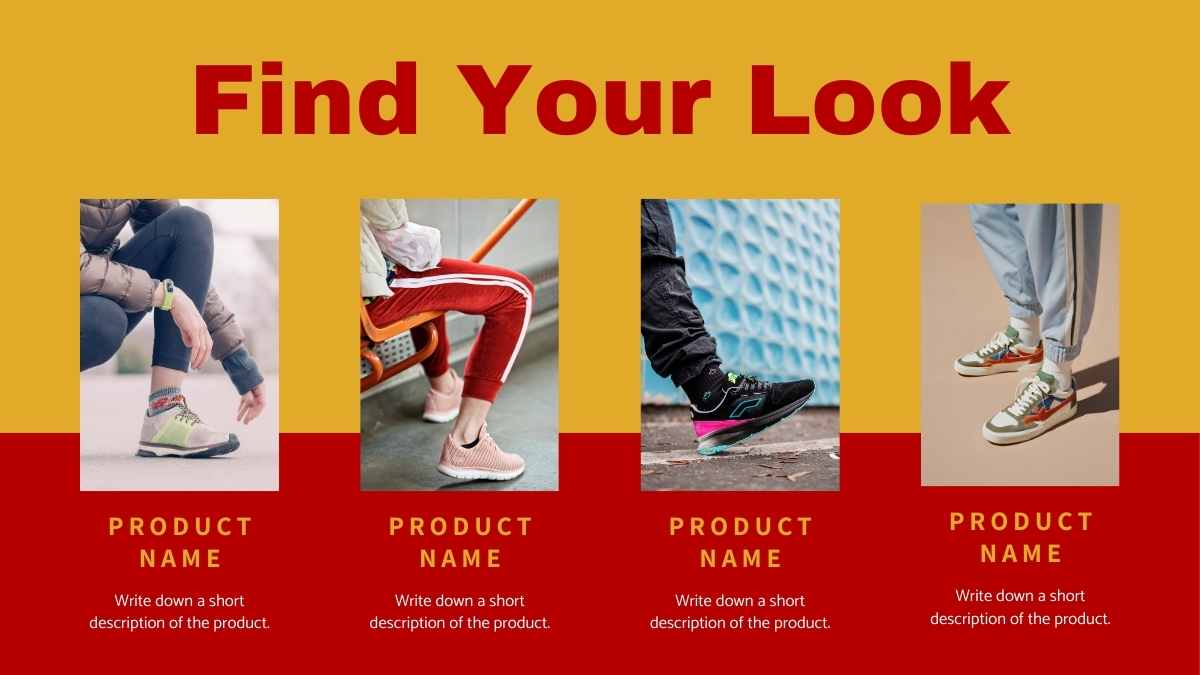
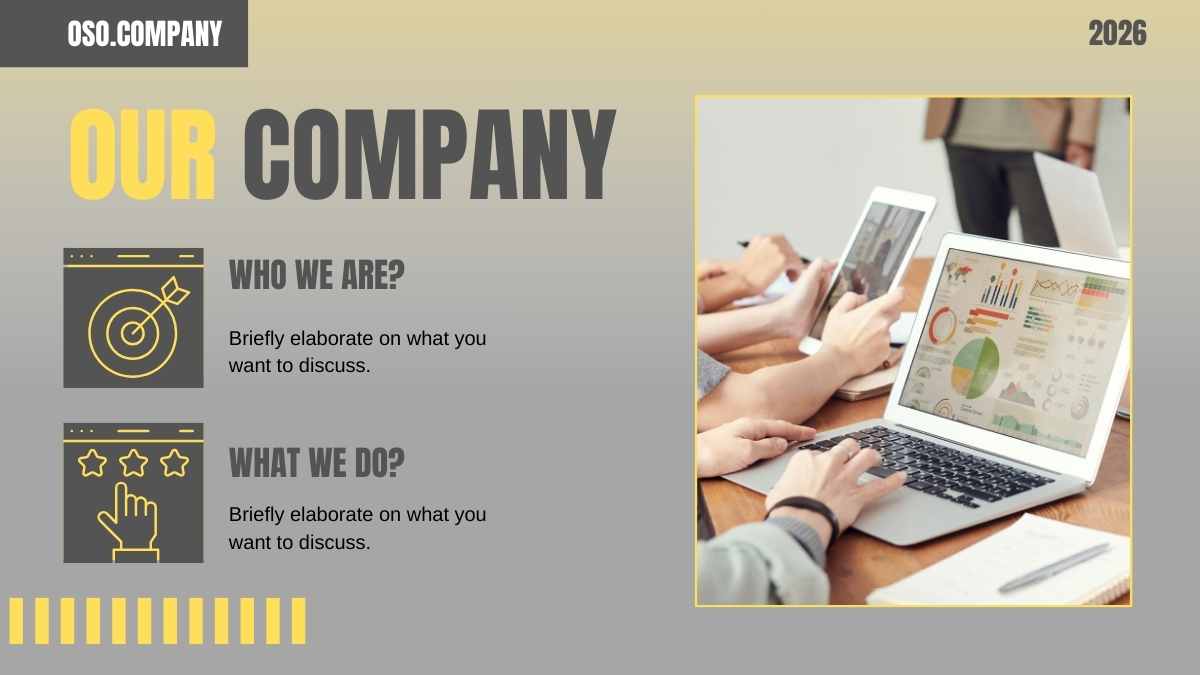
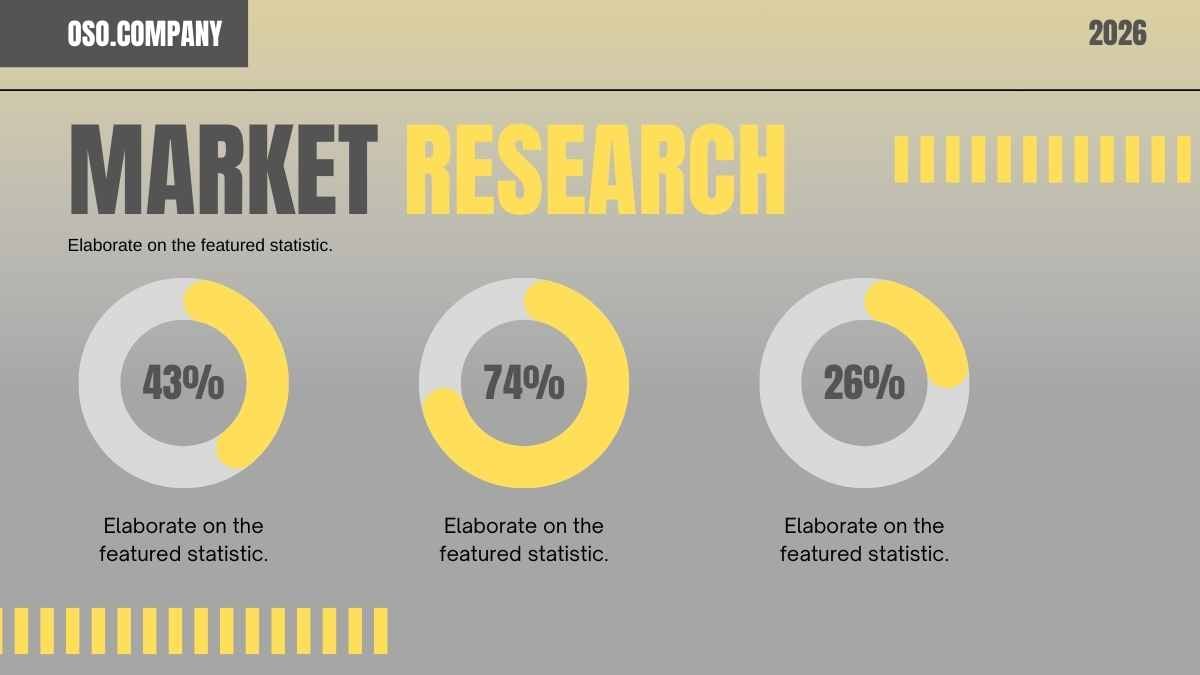
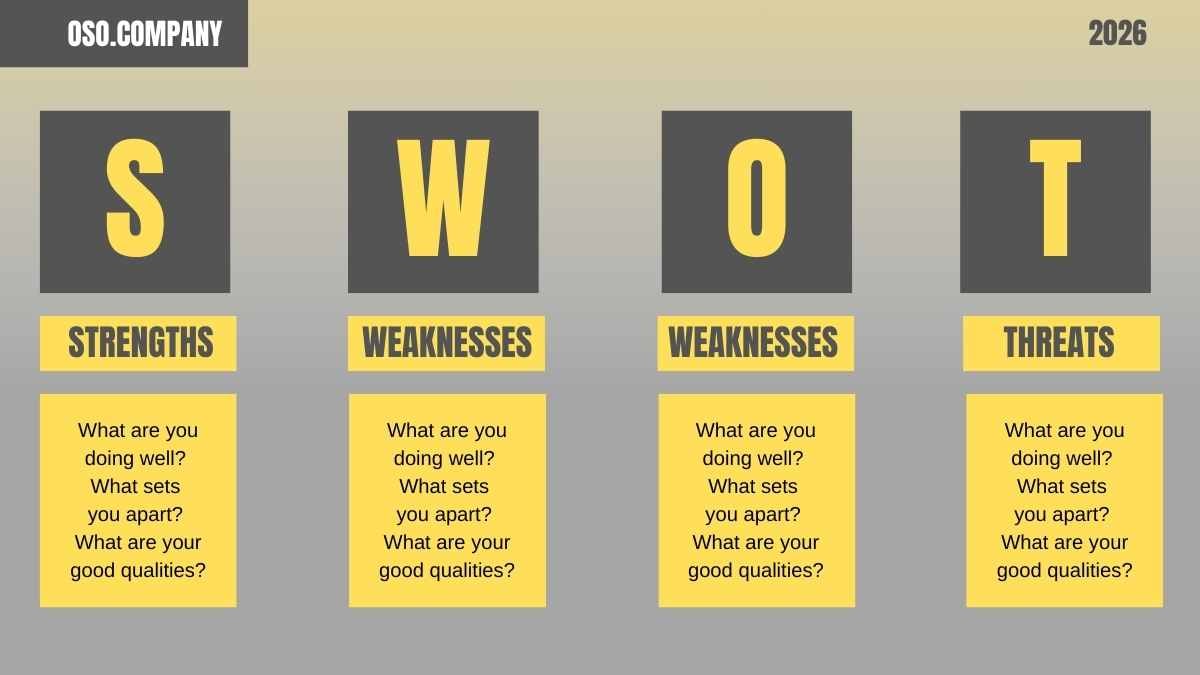
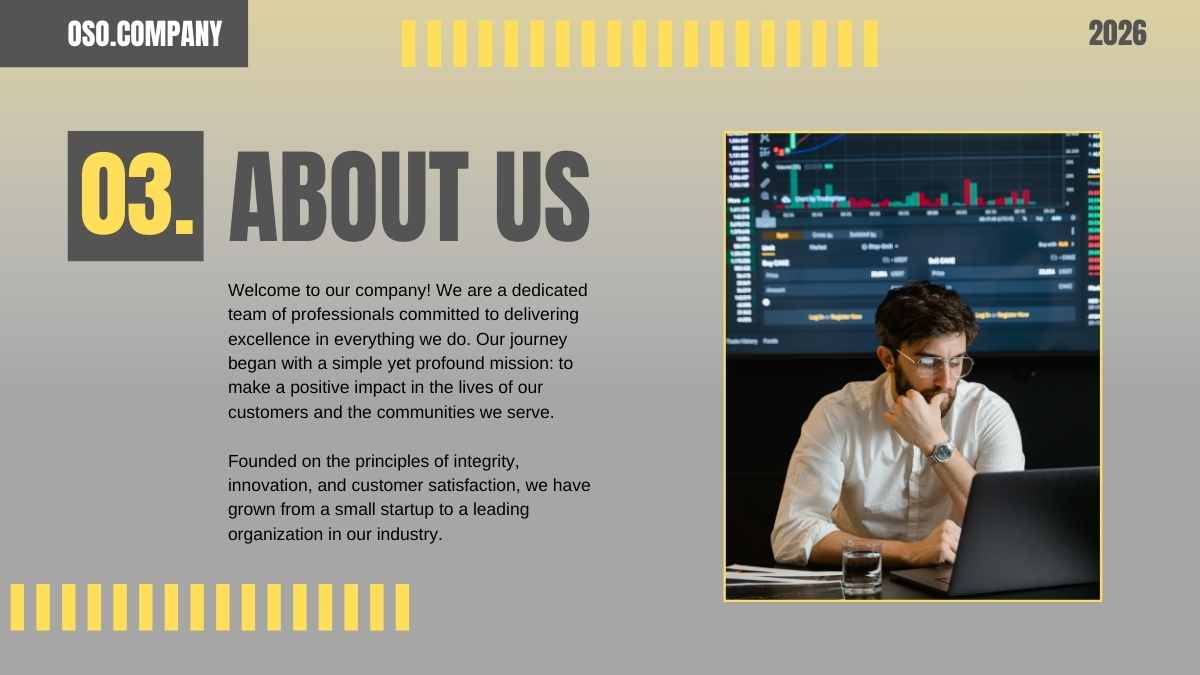
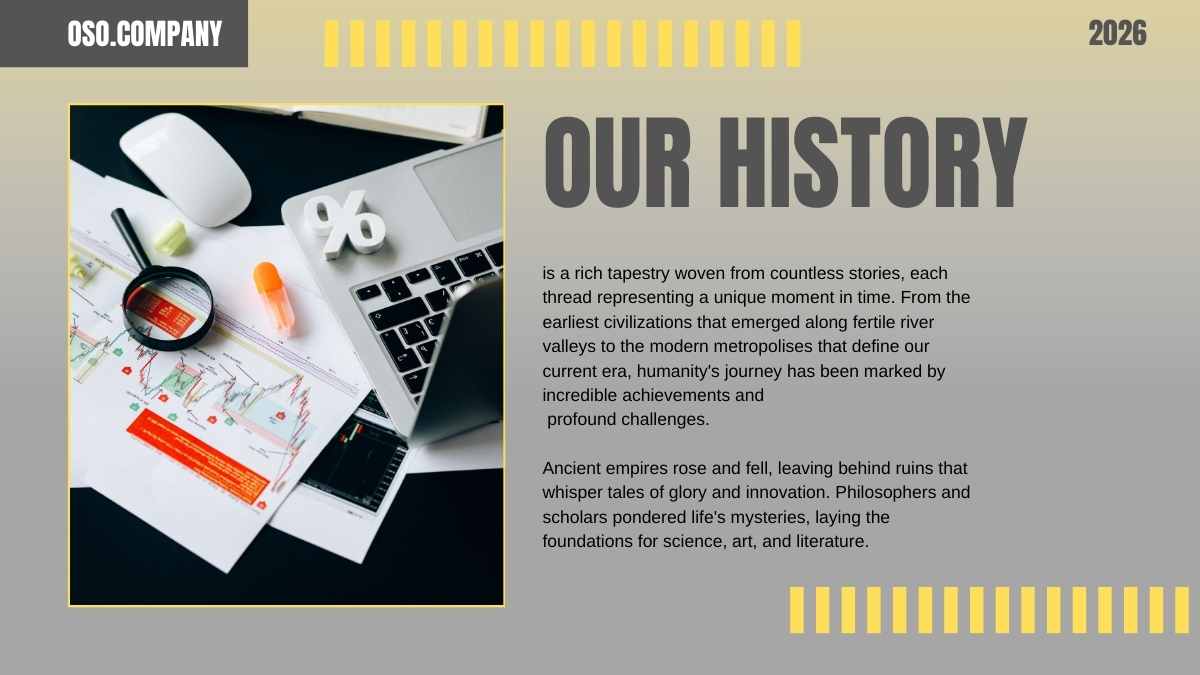
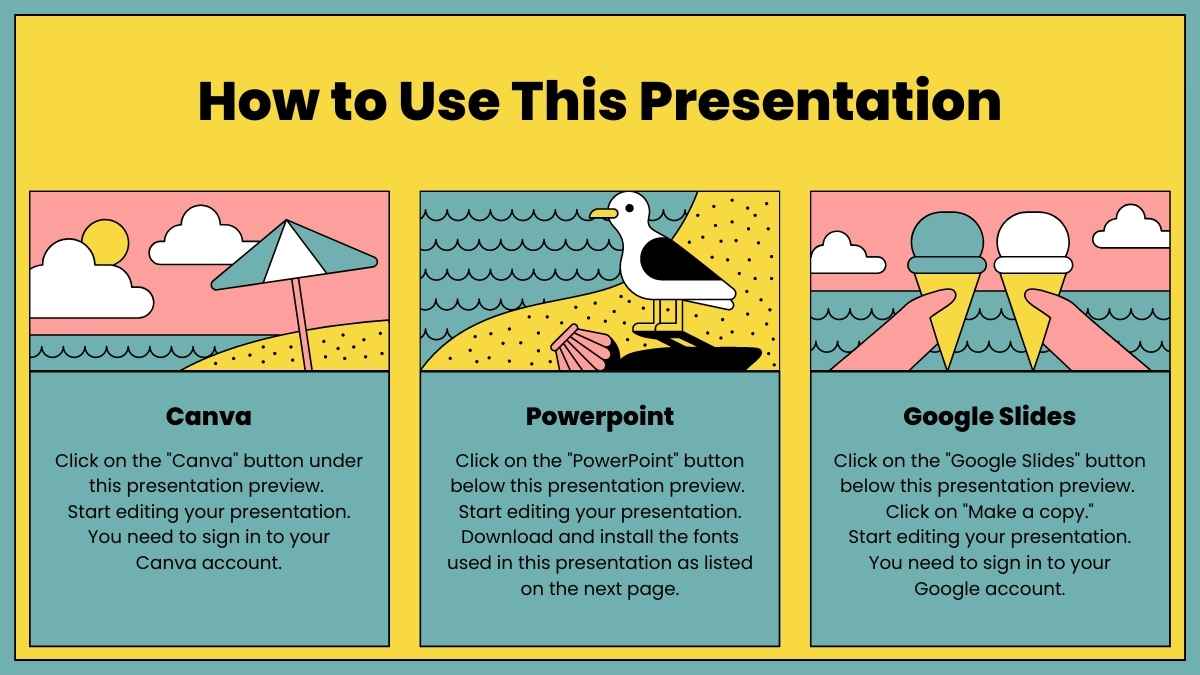
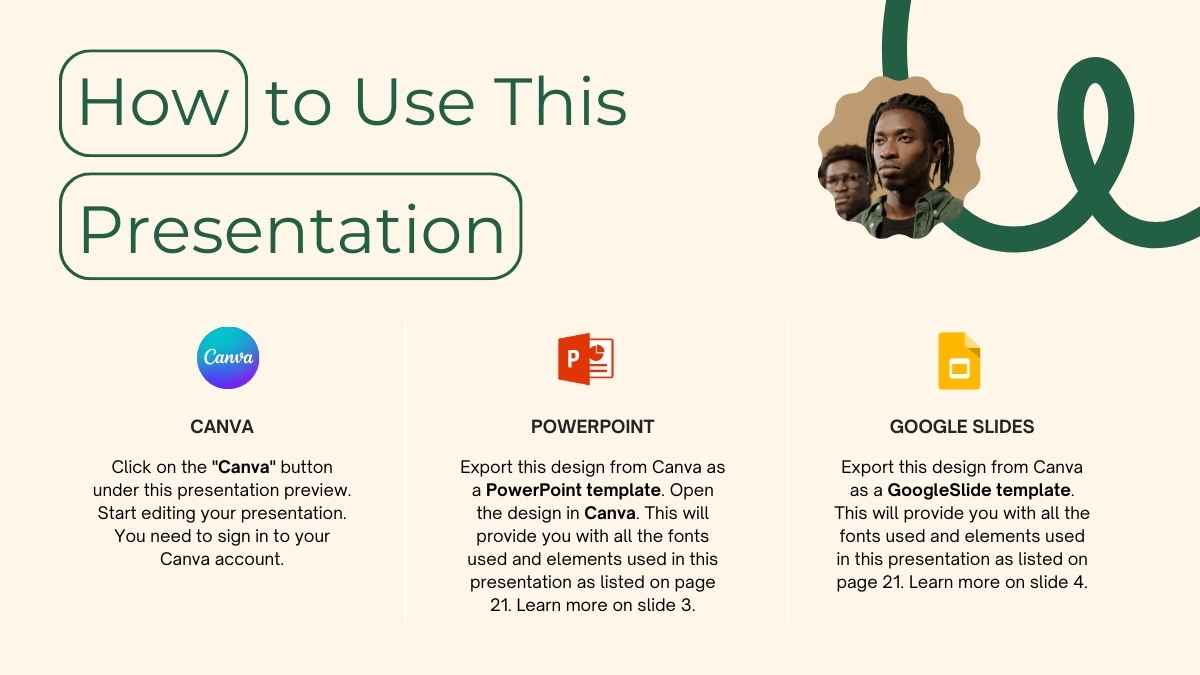
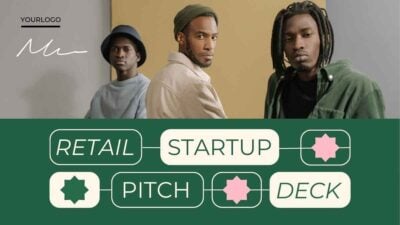
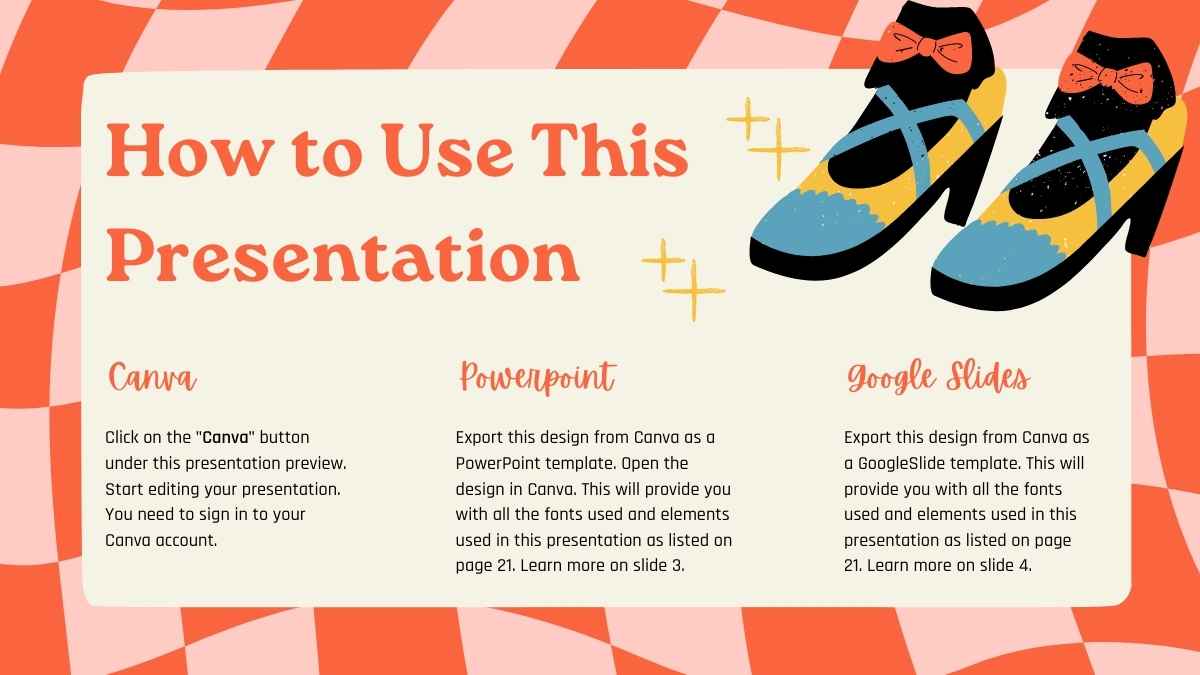
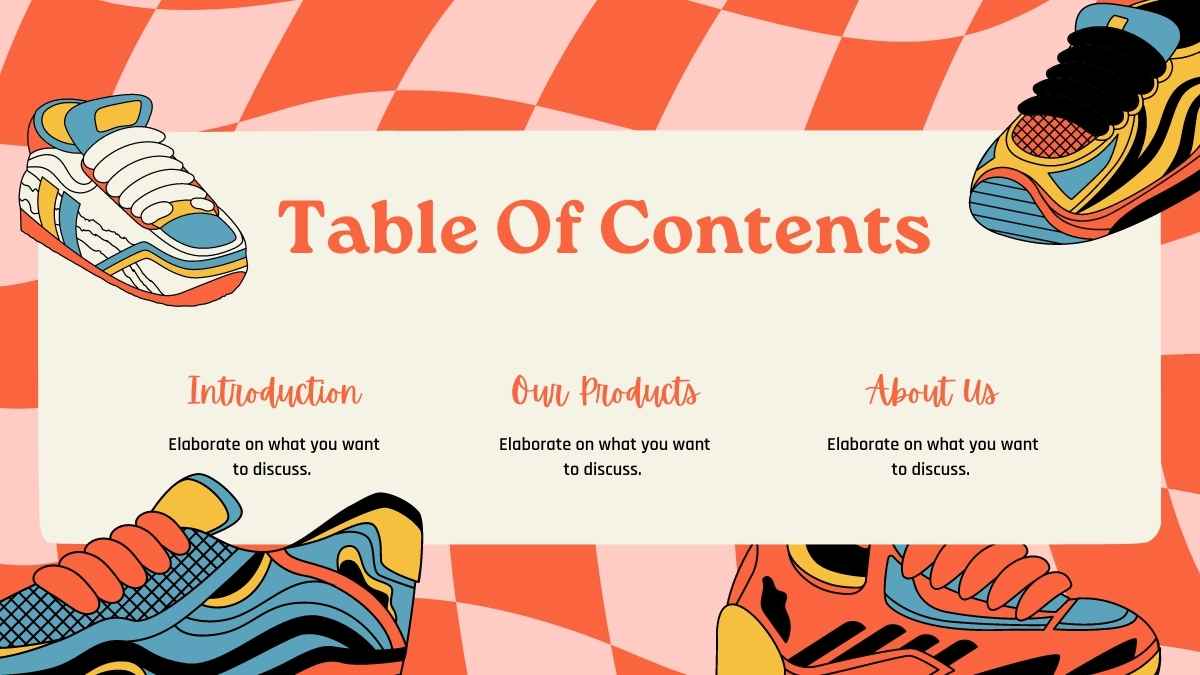
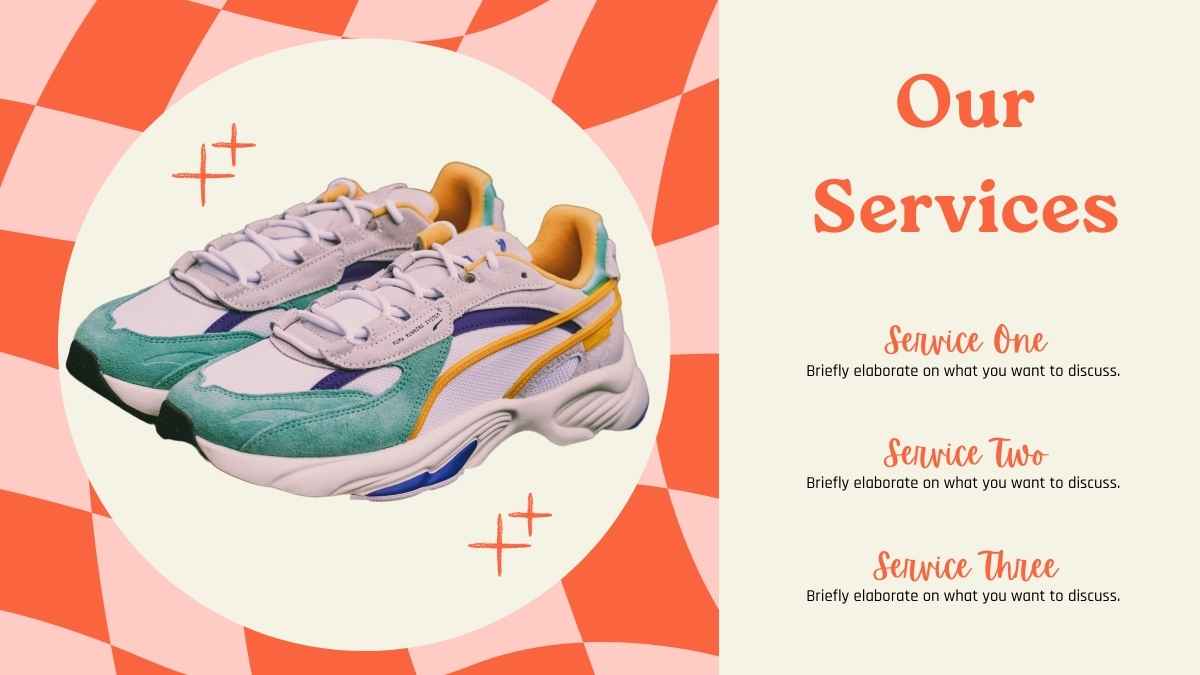
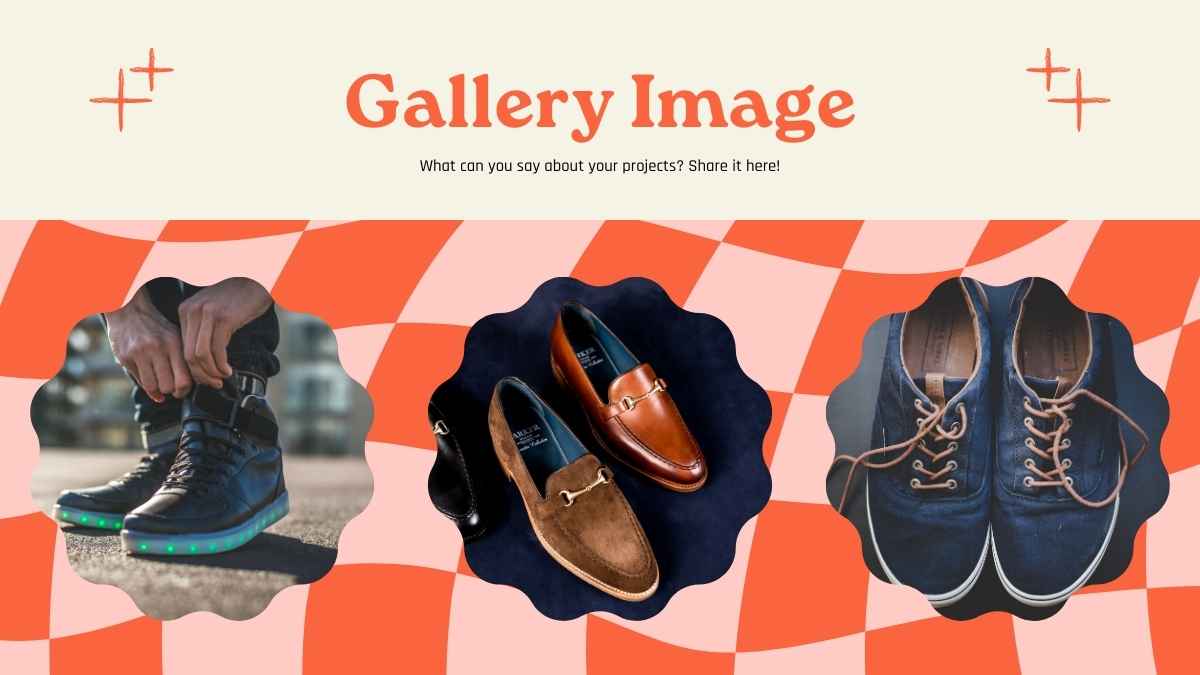
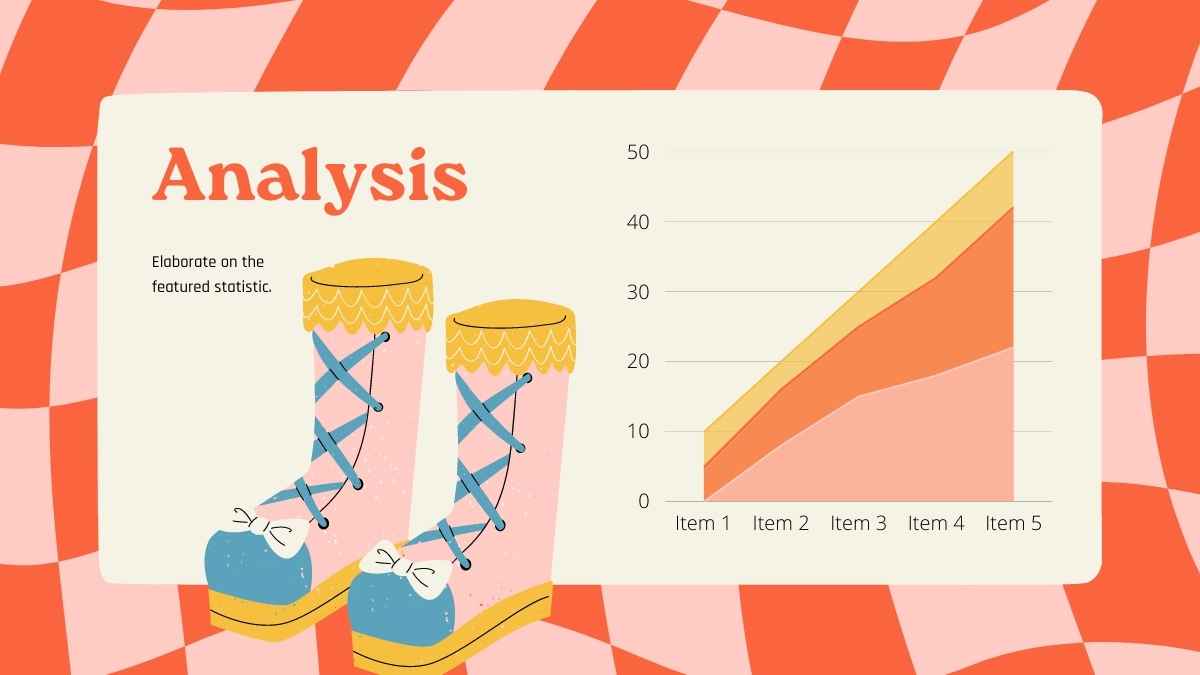
Ready to run with it? Slide into your next round of funding with this retail shoes brand company profile template. These illustrative, red and pink slides let you share all the essential details about your brand, from value proposition and market analysis to customer segments and cost structure. Stand out from the crowd with a bold message for each slide. Check out the How-To slide at the start of the deck for tips on using it as a Google Slides theme, PowerPoint template, or Canva theme.
Features of this template
- 25+ ready-made slides to customize to your heart’s content
- Easy drag-and-drop editor to help you hit the ground running
- Millions of searchable images, fonts, videos, and soundtracks
Level up with Canva:
- Use Canva Magic Write to type in “retail shoes brand” and get AI-powered text for each slide. Learn more.
- Upload a video of yourself presenting each slide with the online screen recorder. Learn more.
- Magically generate or edit an image by typing what you want to see. Learn more.
This template is set in one font, Rajdhani, and features the color orange.
FAQs
Is this template exclusive to Canva?
This template is exclusive to Canva, with some features designed to work best in Canva’s intuitive editor. But don’t worry—once you open it in Canva, you can still export it to PowerPoint or Google Slides in just a few clicks.
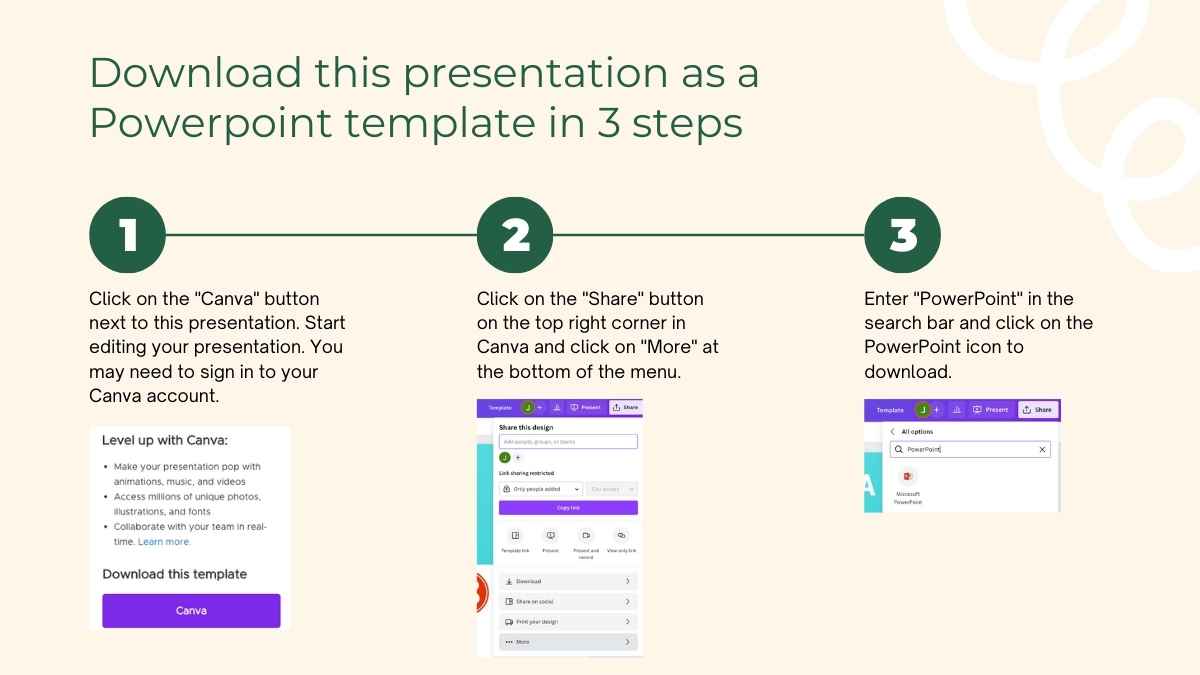
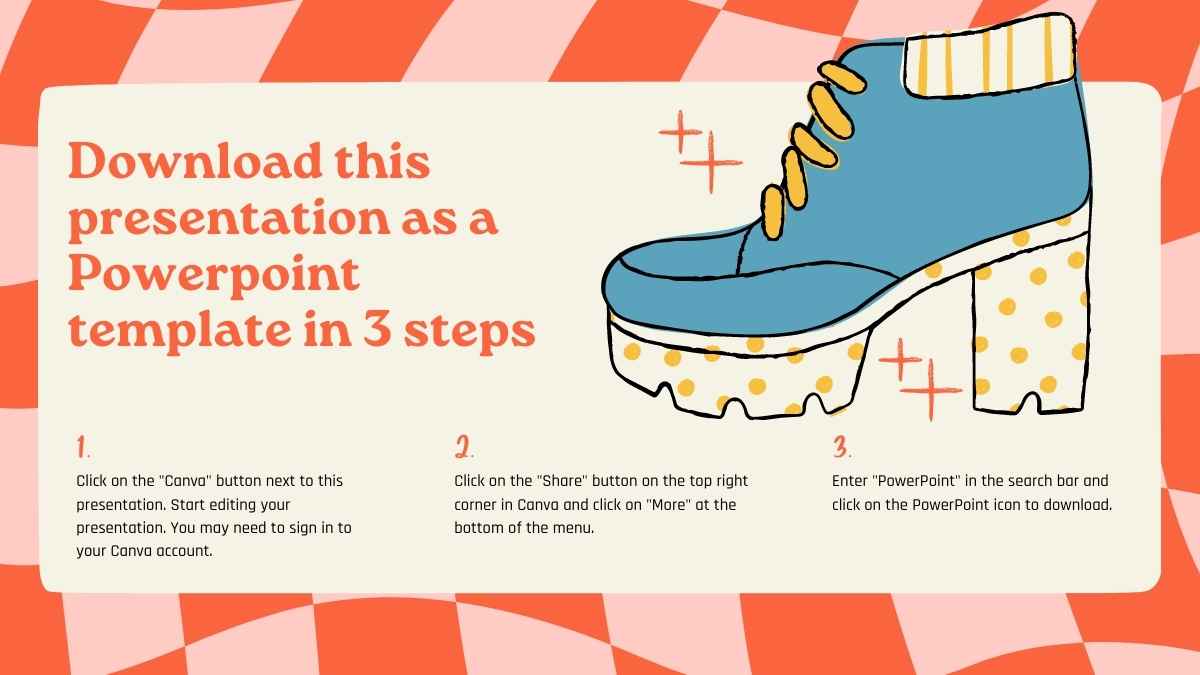
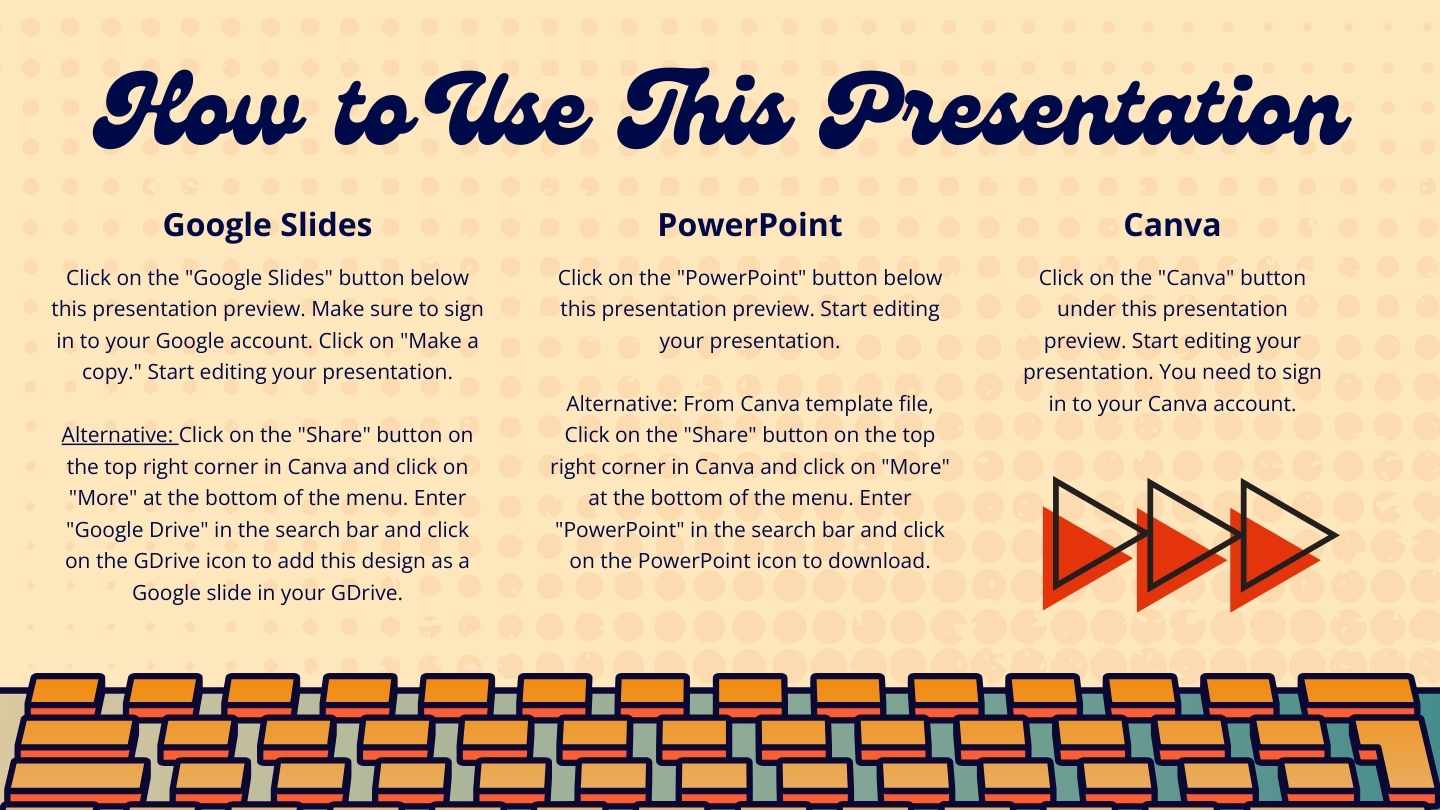
For PowerPoint, click the greyed out PowerPoint button then “Download as PowerPoint”. You should then be able to view the template in the Canva editor. After doing so, go to “Share” → “See all” → search for “PowerPoint” → click the PPT icon to download a PPTX file.
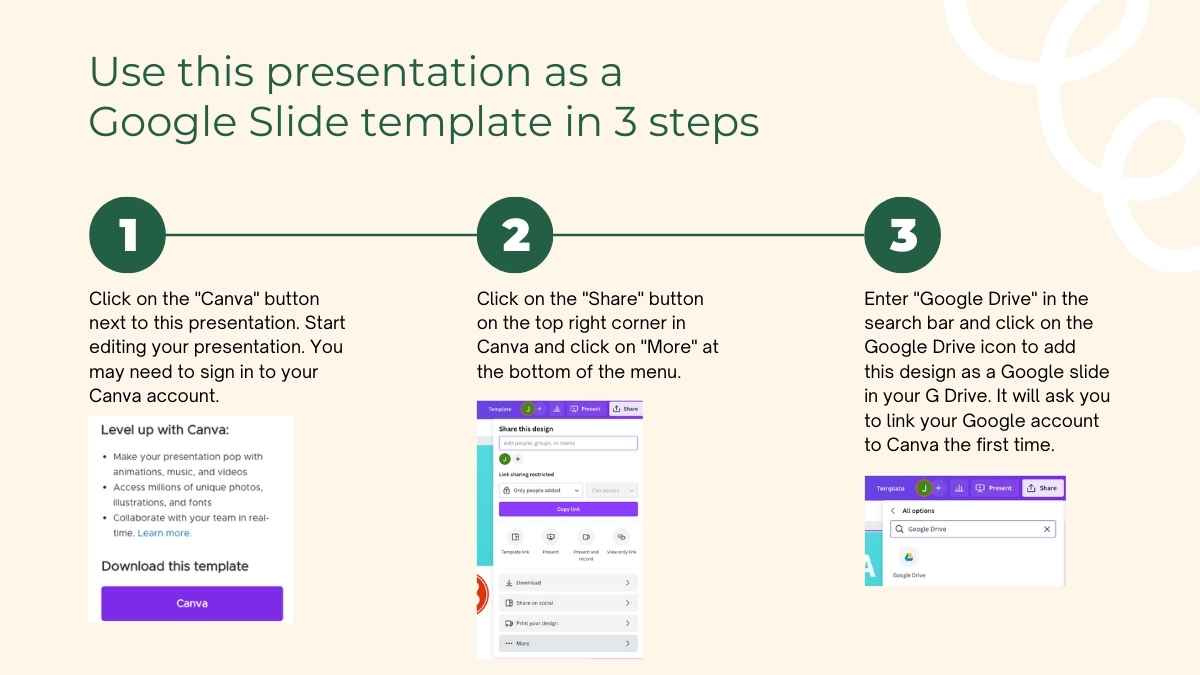
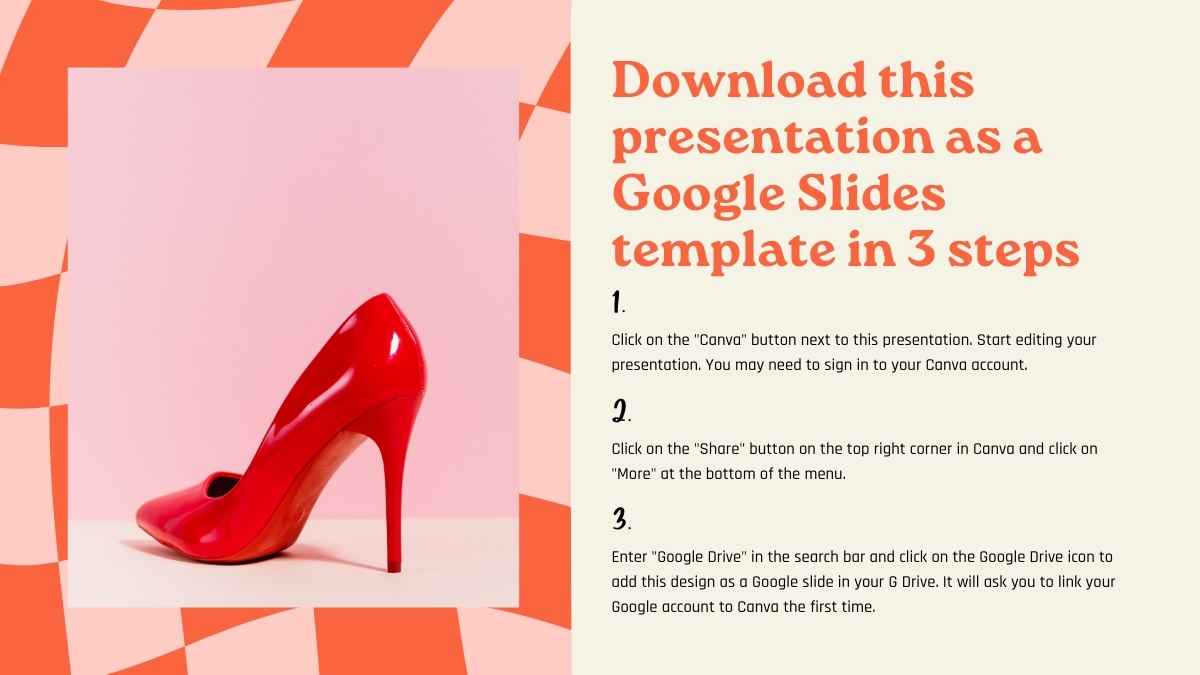
For Google Slides, click the greyed out Google Slides button then “Get this as Google Slides”. You should then be able to view the template in the Canva editor. After doing so, go to “Share” → “See all” → search for “Google Drive” → click the Google Drive icon to save an editable copy to your Drive.







 15
15