

 4
4 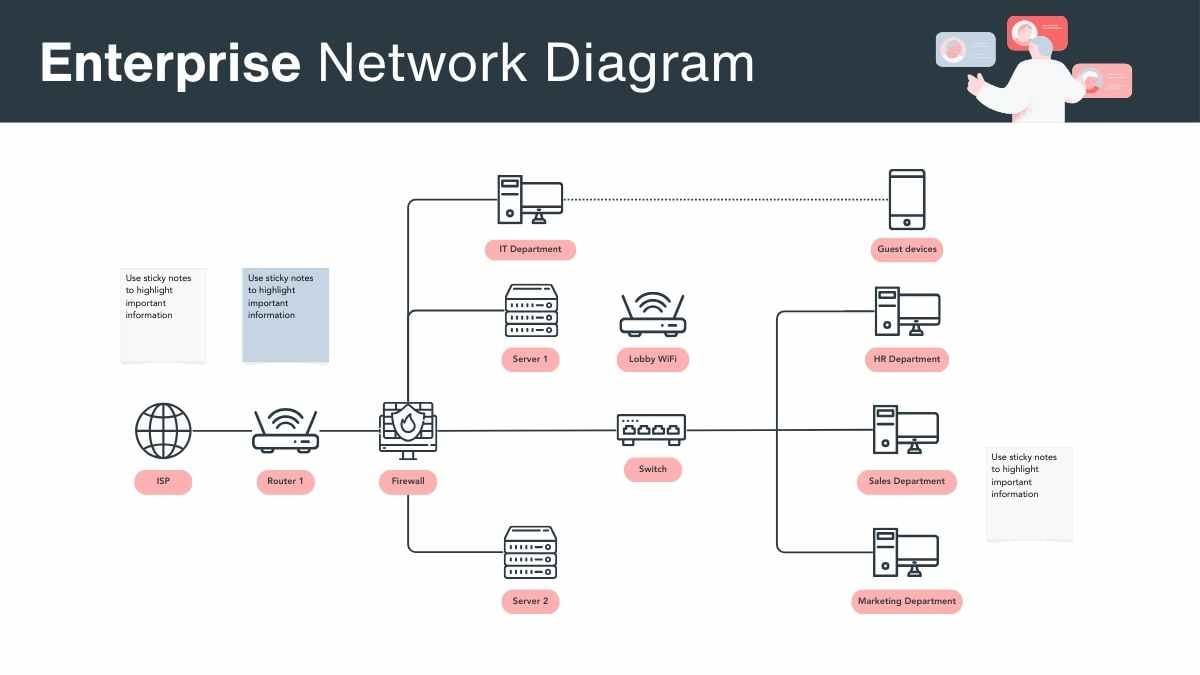
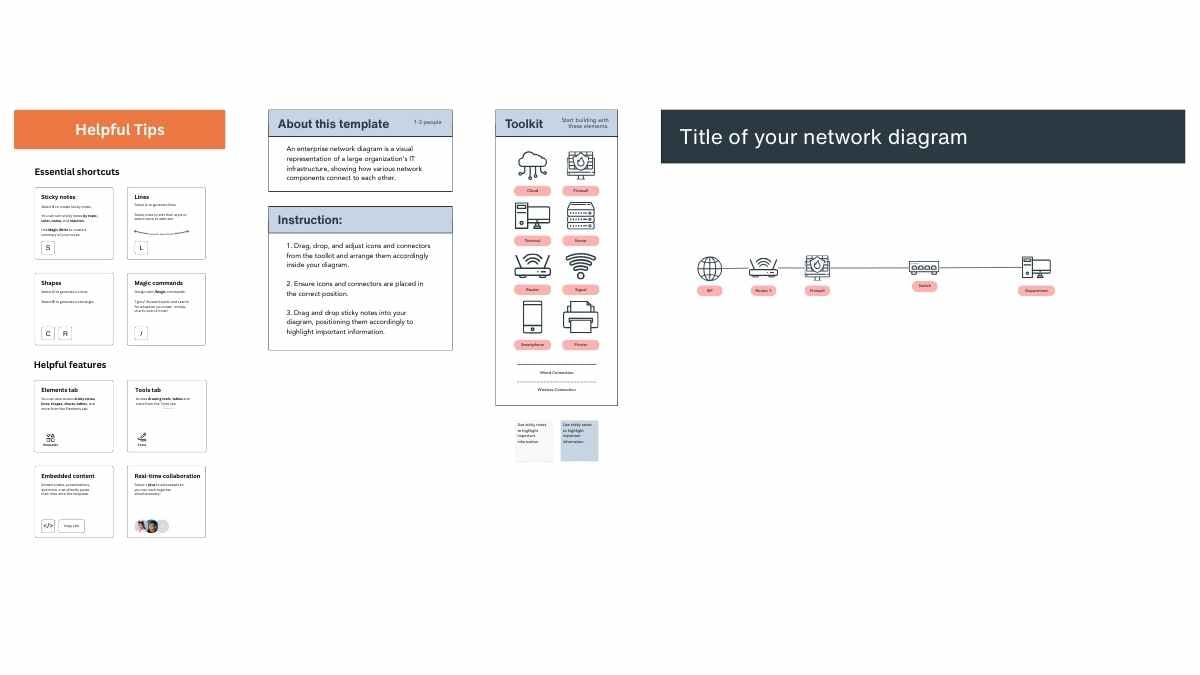


Premium Canva whiteboard template
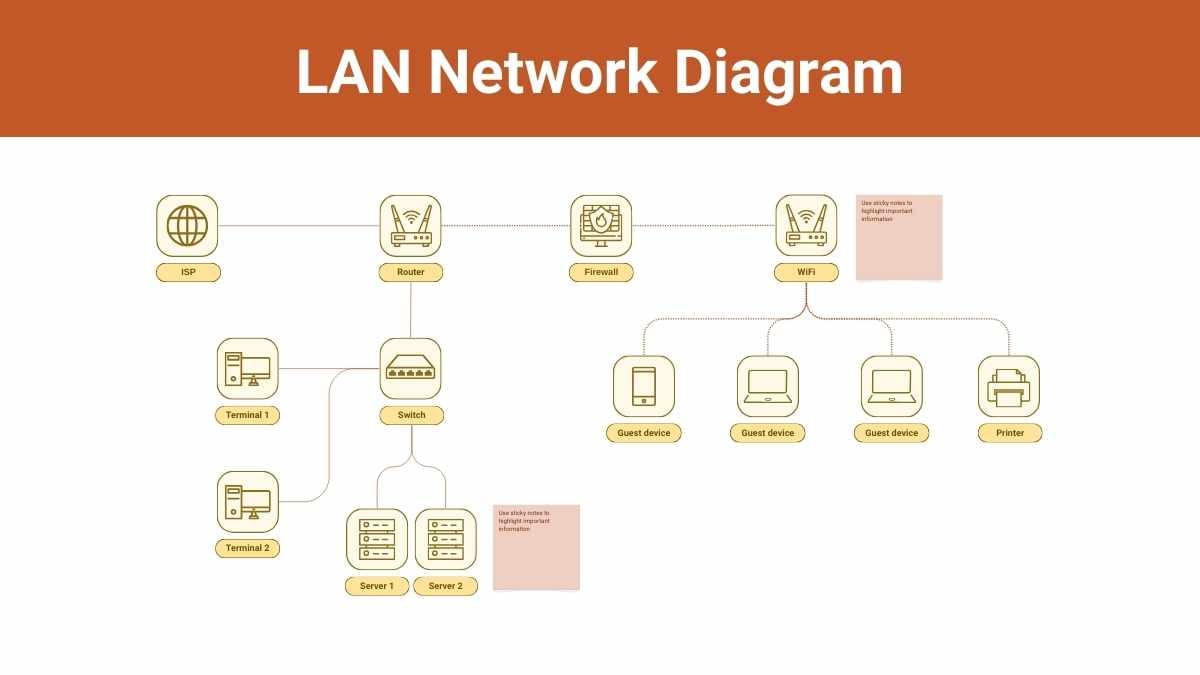
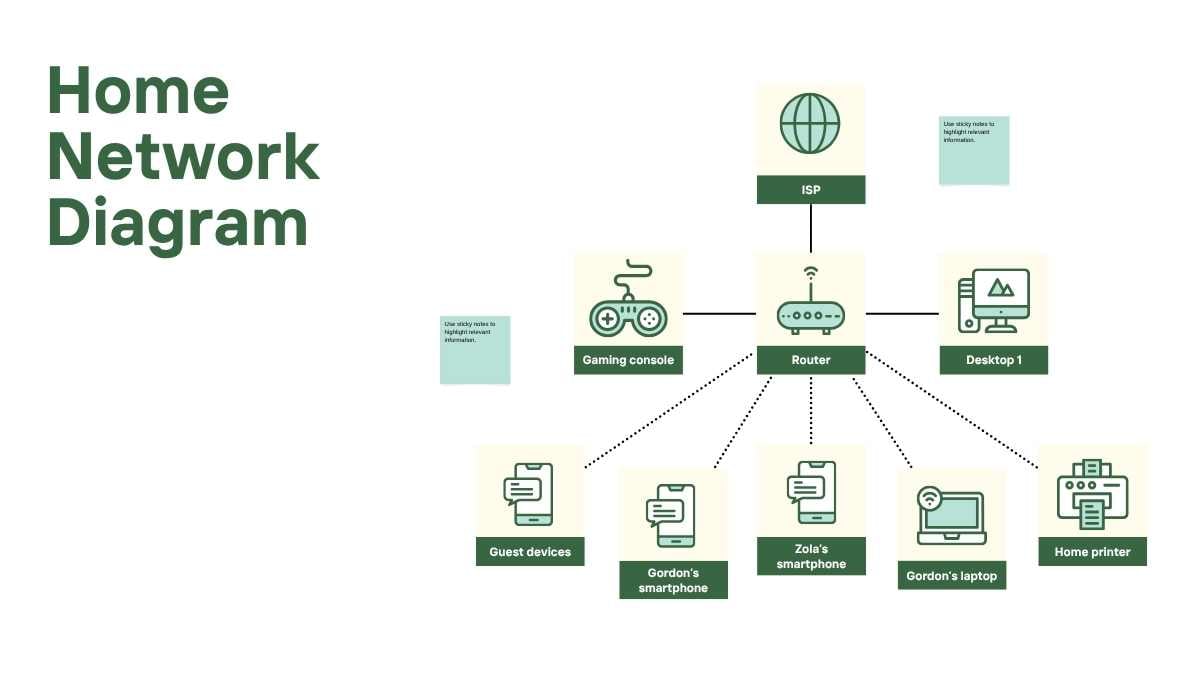
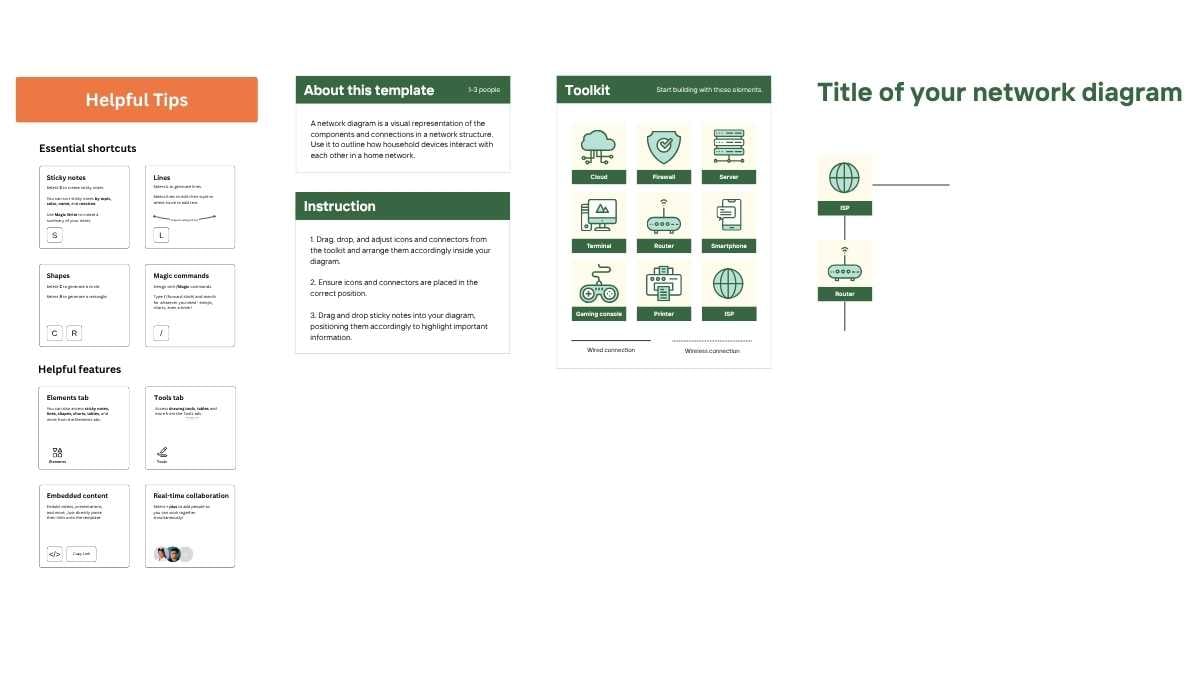
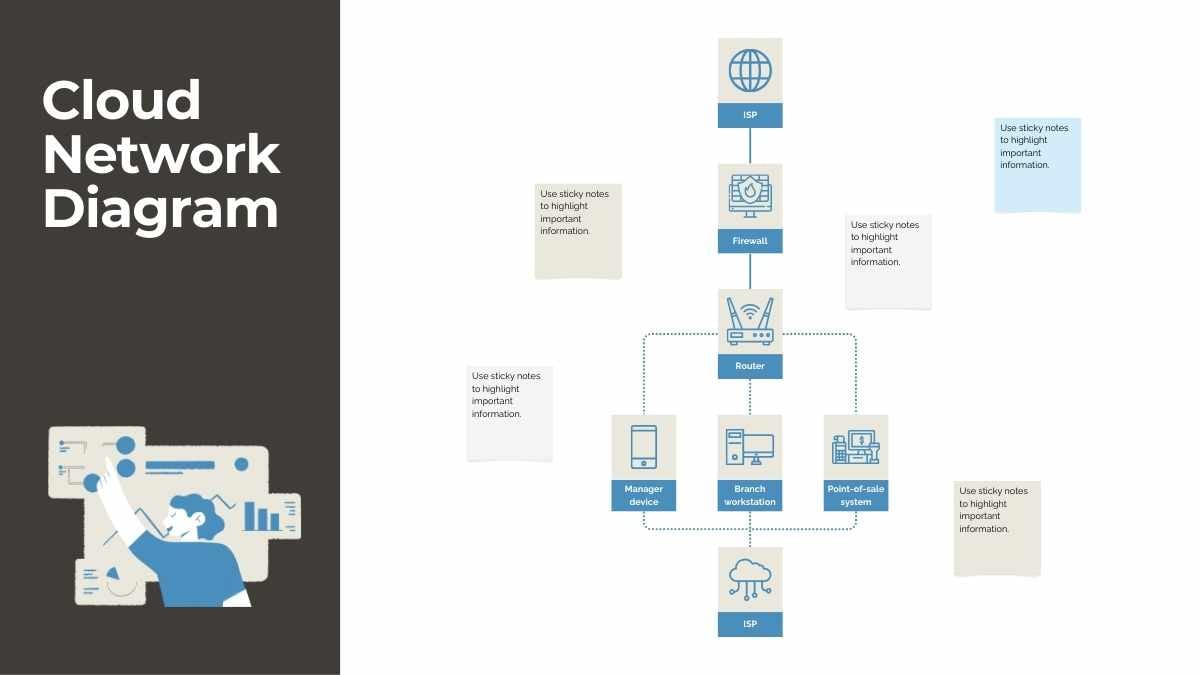
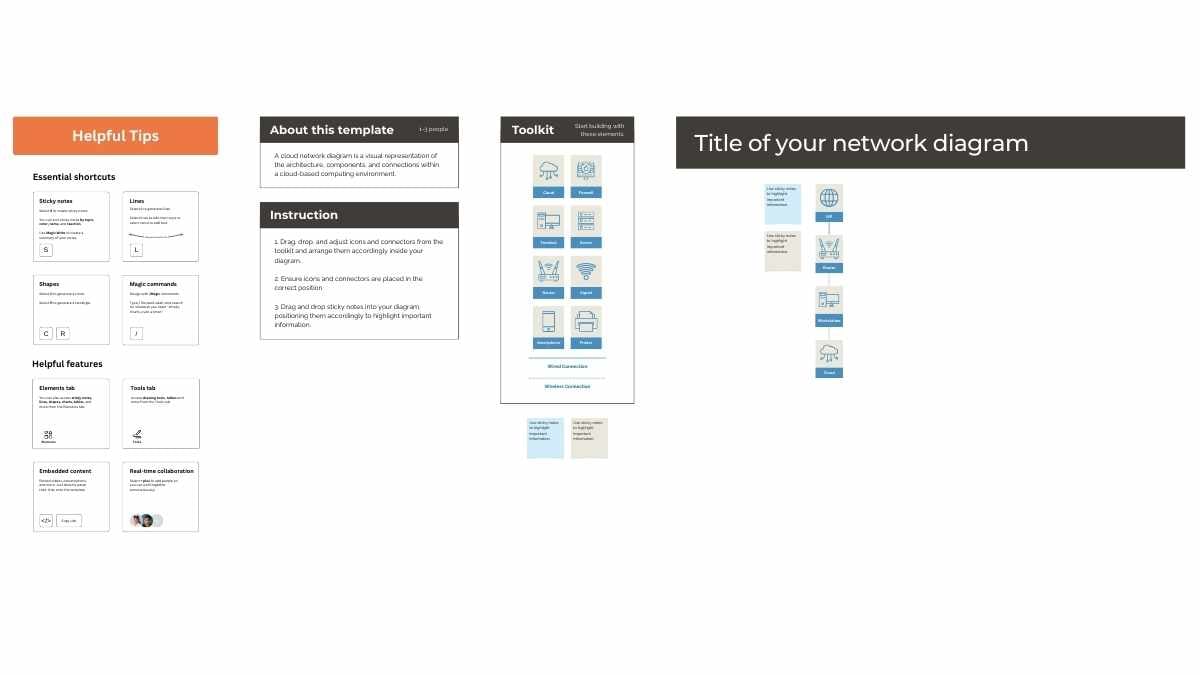
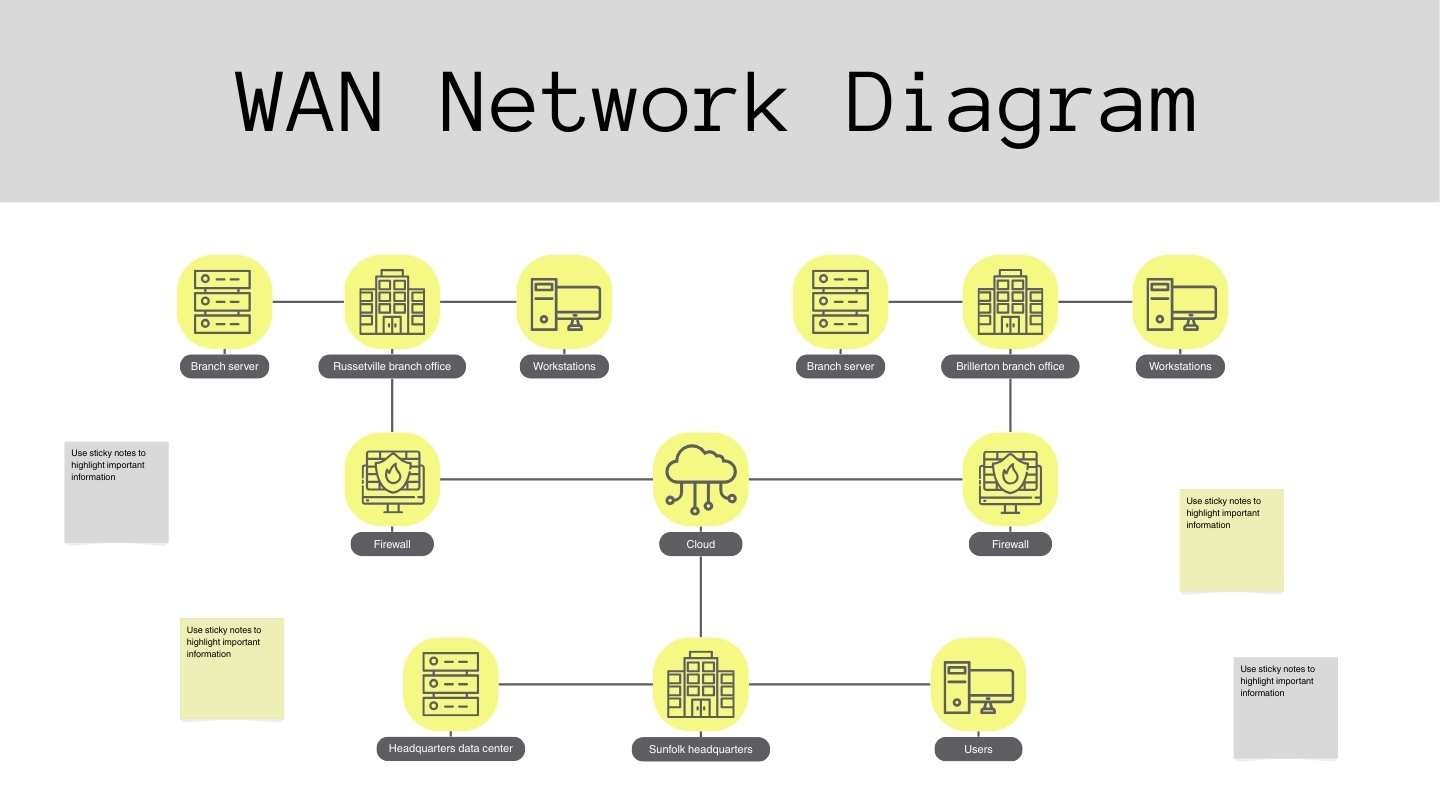
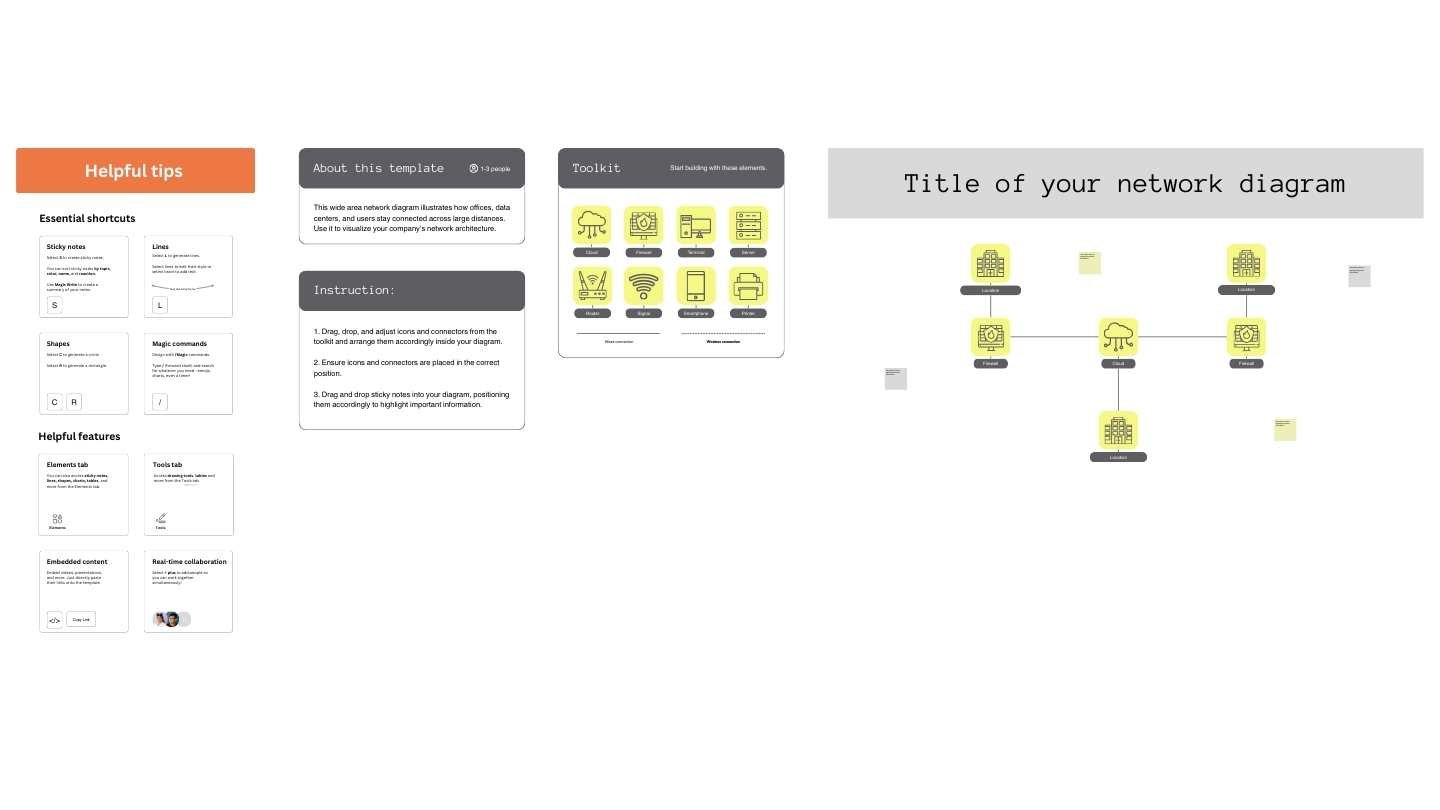
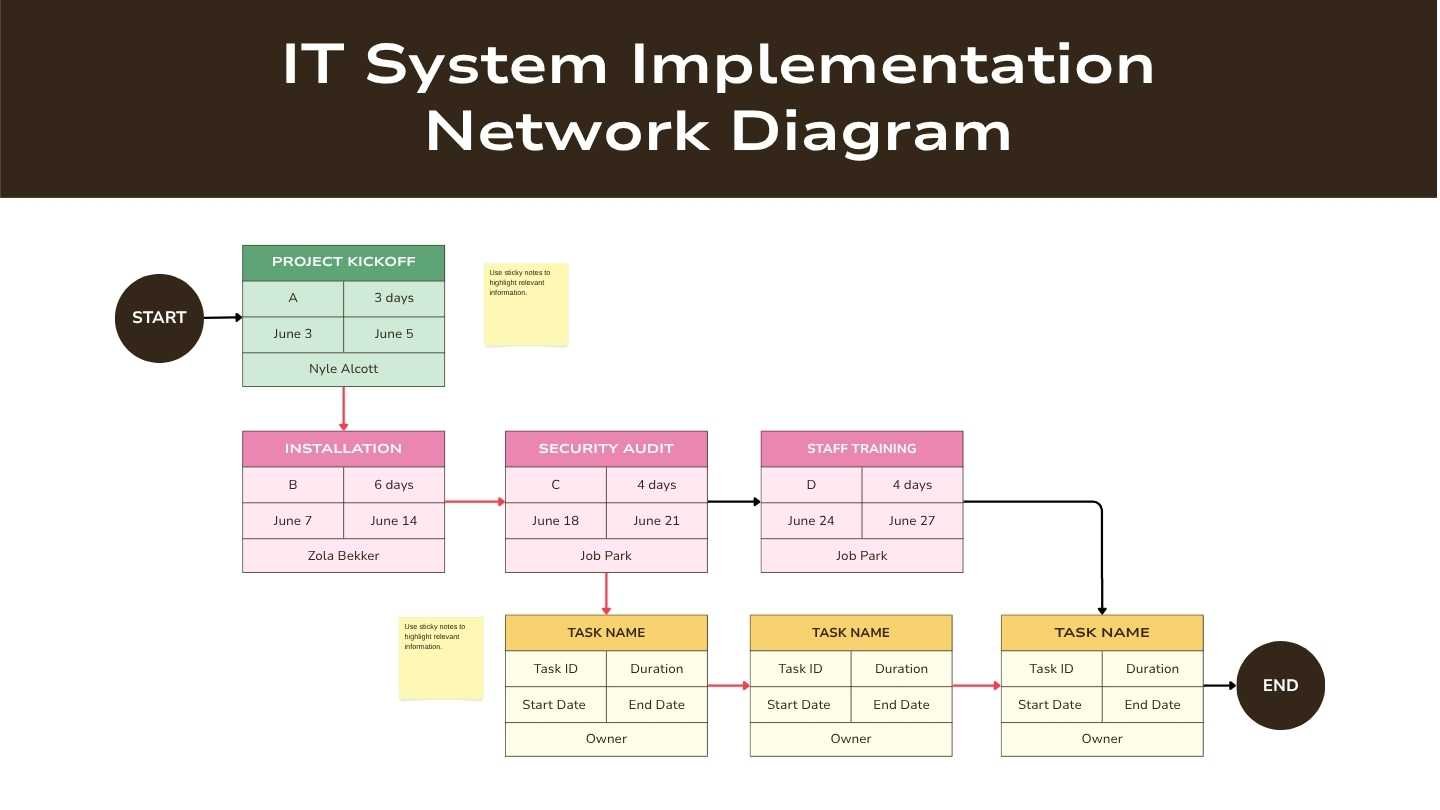
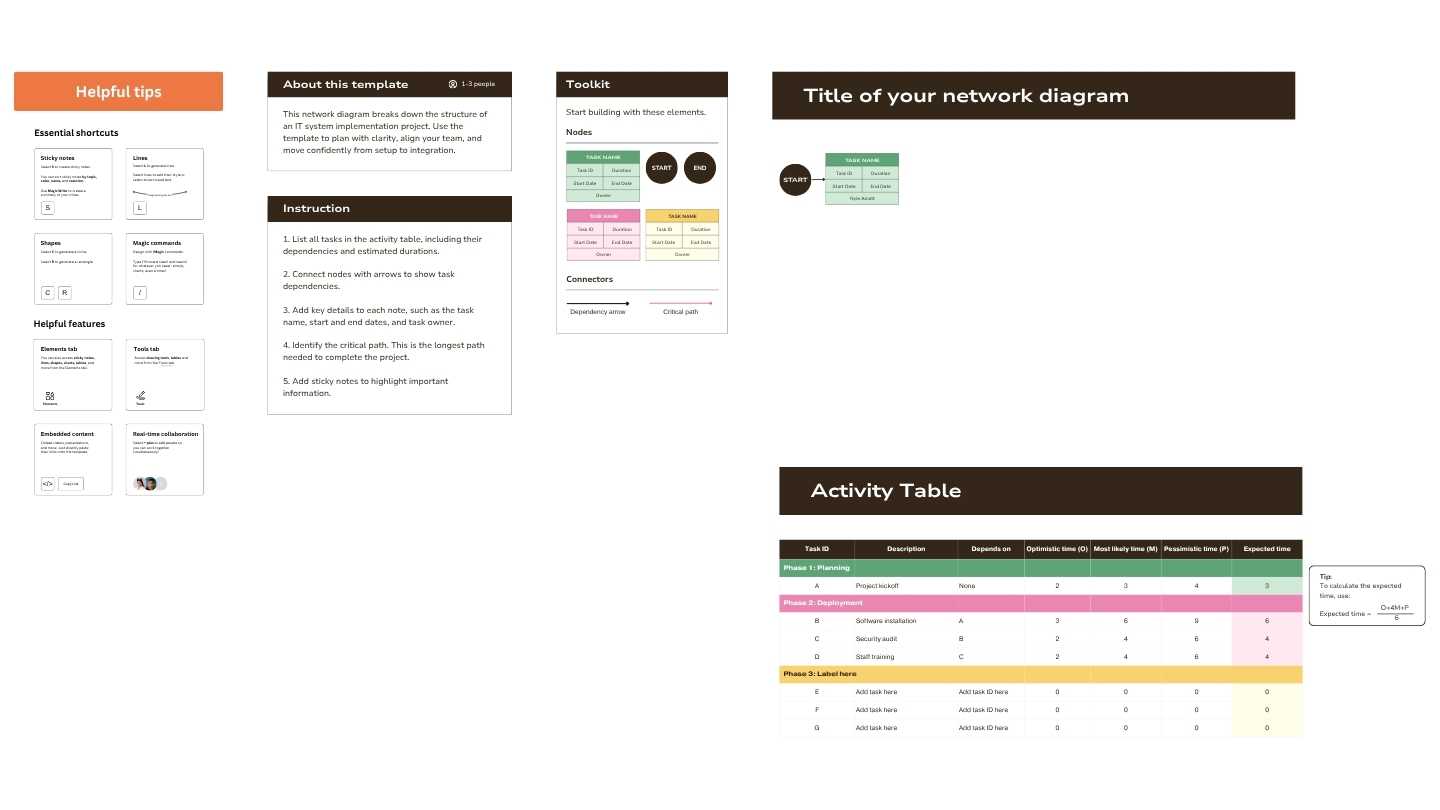
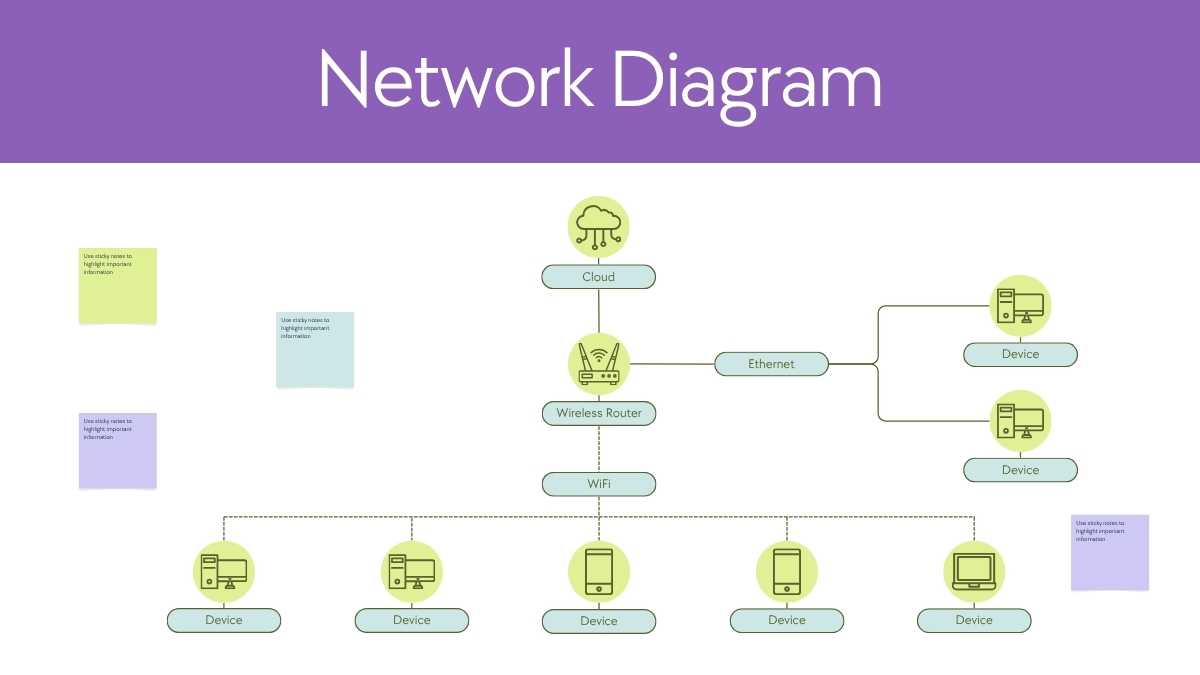
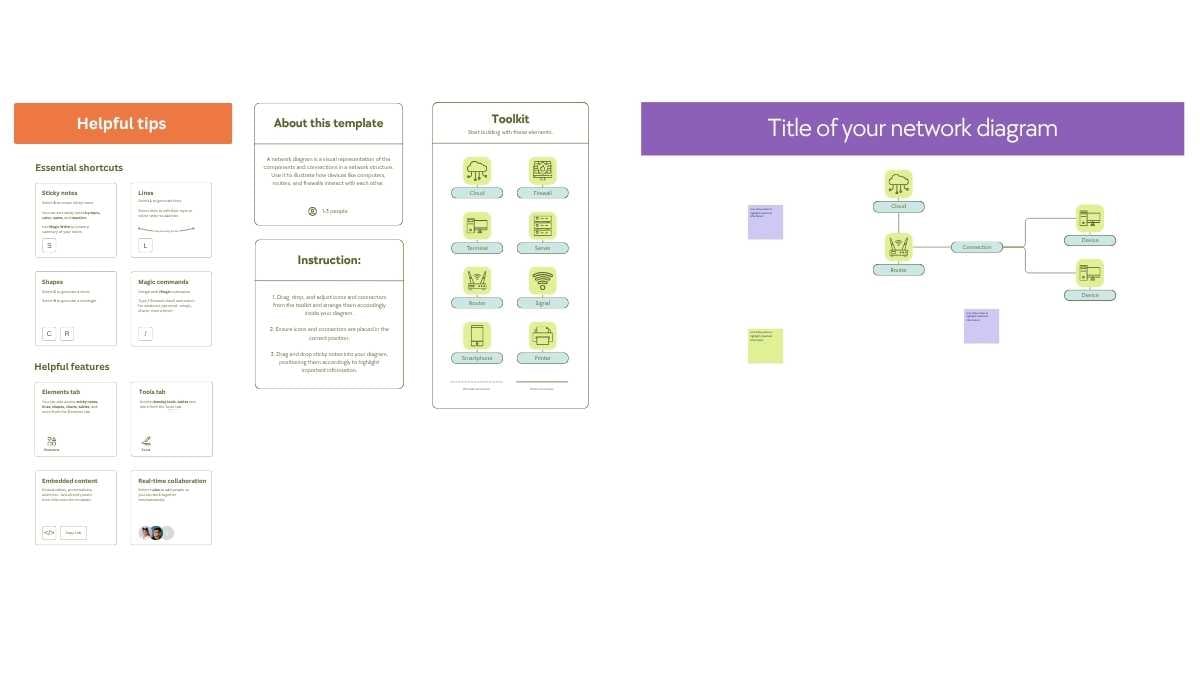
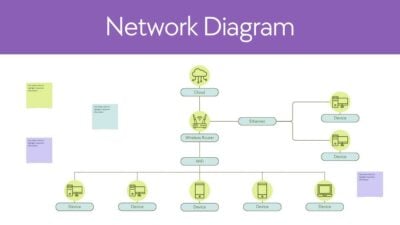
This professionally designed whiteboard is perfect for anyone looking to visualize complex network structures in a clear and concise manner. Ideal for IT professionals, project managers, and educators, this template helps in mapping out systems, illustrating workflows, and explaining intricate connections with ease. Whether you’re planning a new infrastructure or educating a team on network dynamics, this tool supports effective communication and strategic planning in any setting.
Features of this template
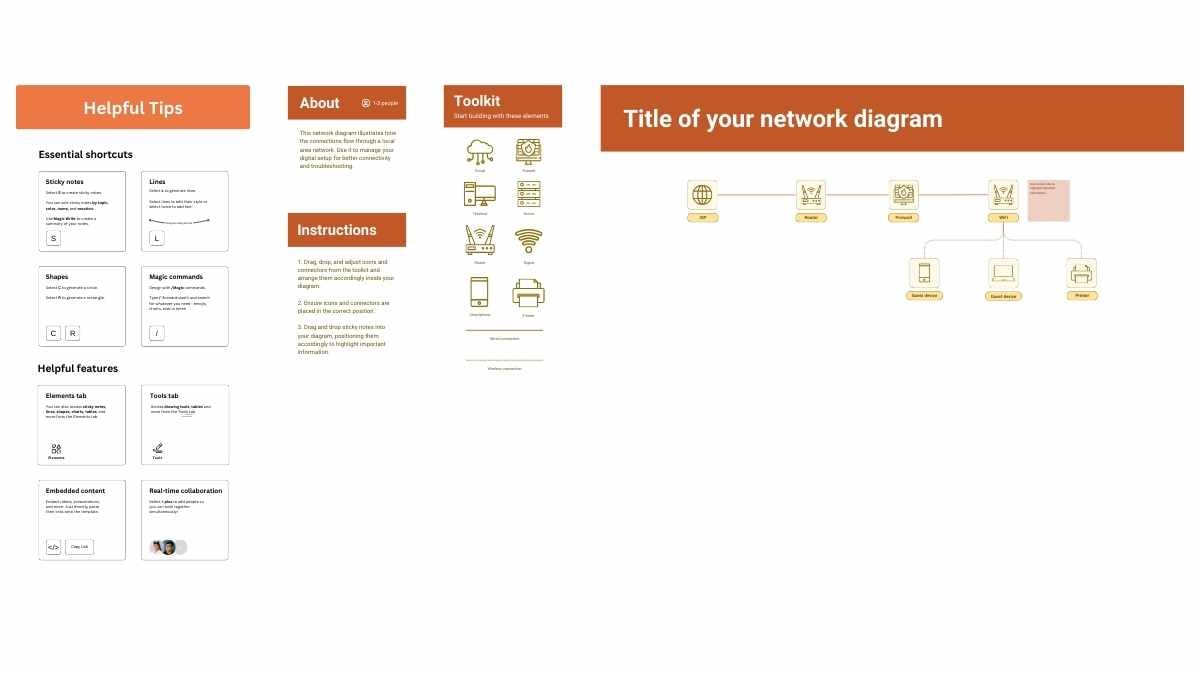
- 3 ready-to-use 16:9 whiteboard completely customizable to suit your needs
- Hundreds of charts, frames, lines and shapes to choose from
- Handy animation and transition features for each whiteboard
- Easy downloading or sharing in a wide range of formats
- An easy drag-and-drop tool to help you add graphics
- Page animation features, emojis, color palettes and font sets
- Millions of professionally designed images and photos
- Pre-recorded Talking Presentation tools to help you practice
- A notes feature for adding talking points to your design
- Searchable videos, soundtracks and other audio clips
- Easy collaboration with friends, coworkers and family
This template features the color white.
FAQs
Is this template exclusive to Canva?
This template is exclusive to Canva, with some features designed to work best in Canva’s intuitive editor. But don’t worry—once you open it in Canva, you can still export it to PowerPoint or Google Slides in just a few clicks.
For PowerPoint, click the greyed out PowerPoint button then “Download as PowerPoint”. You should then be able to view the template in the Canva editor. After doing so, go to “Share” → “See all” → search for “PowerPoint” → click the PPT icon to download a PPTX file.
For Google Slides, click the greyed out Google Slides button then “Get this as Google Slides”. You should then be able to view the template in the Canva editor. After doing so, go to “Share” → “See all” → search for “Google Drive” → click the Google Drive icon to save an editable copy to your Drive.

 3
3