

 3.3
3.3 
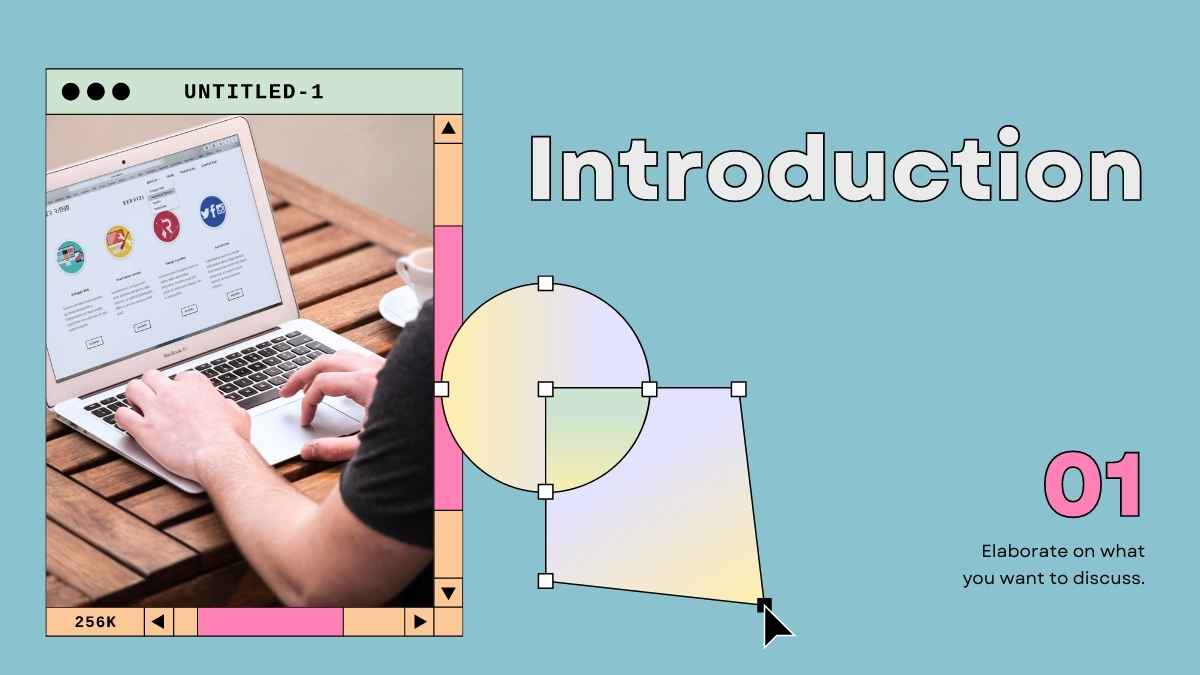
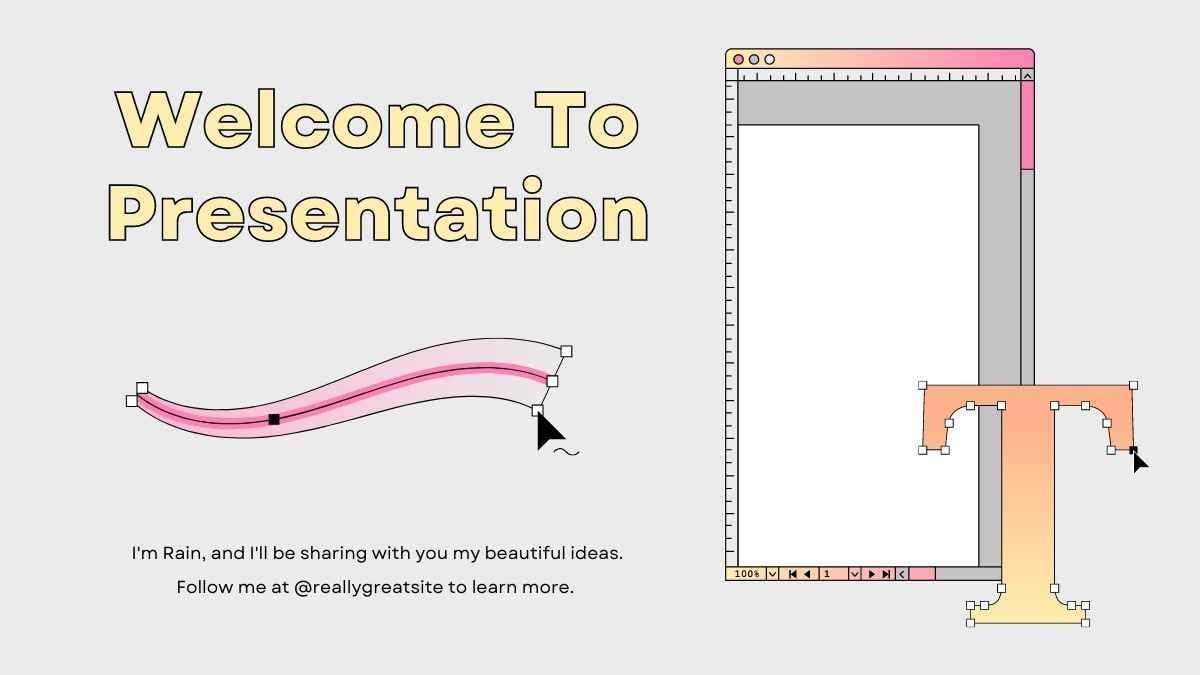
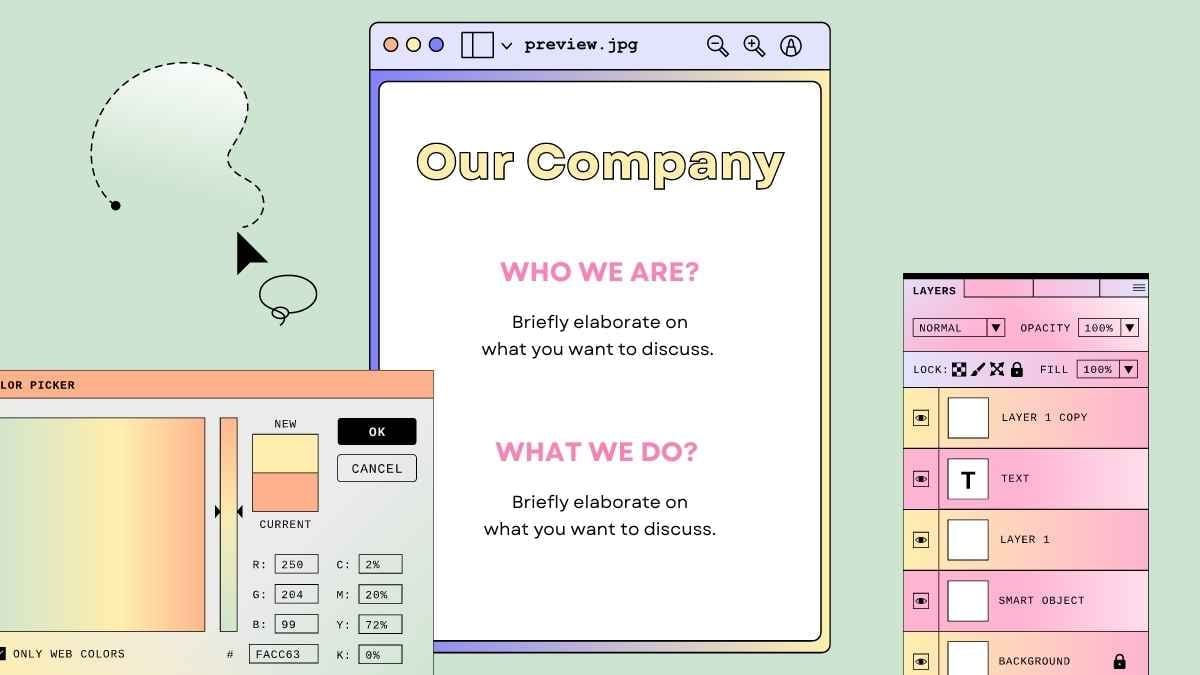
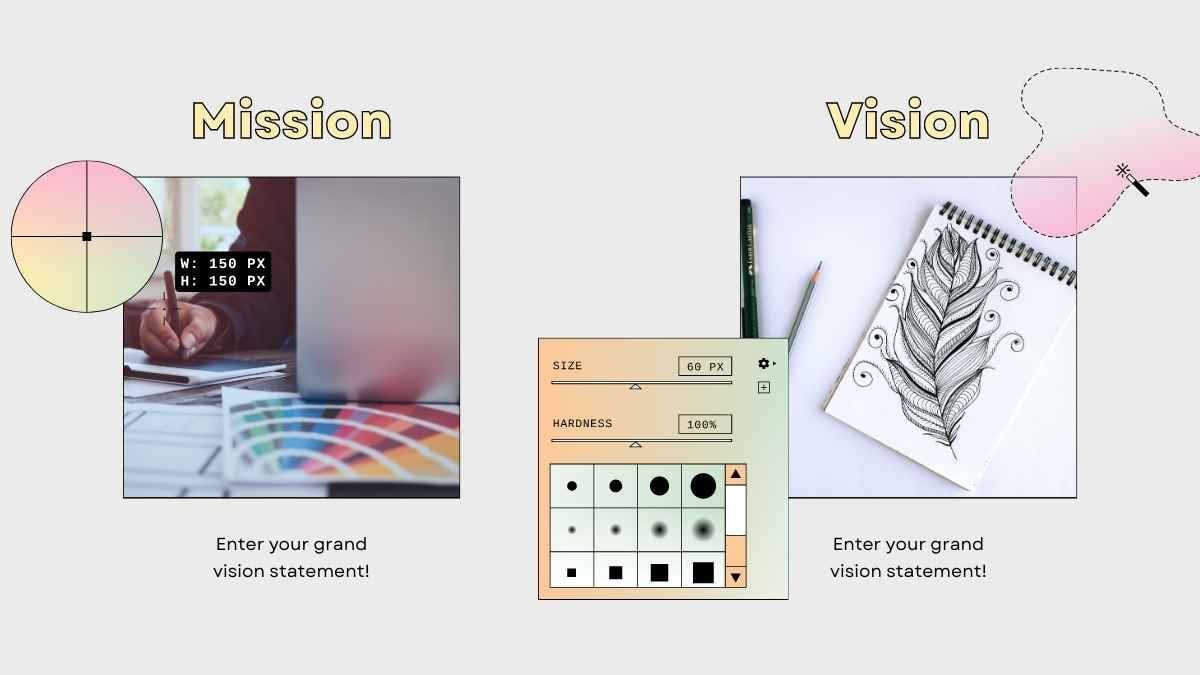
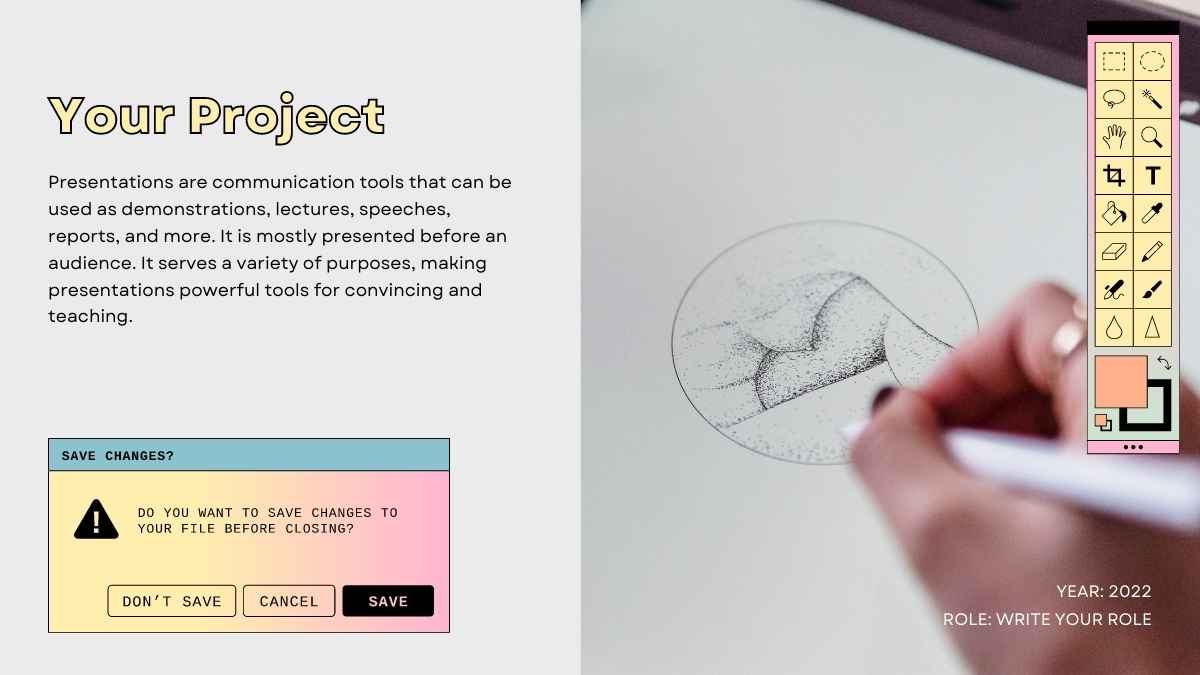
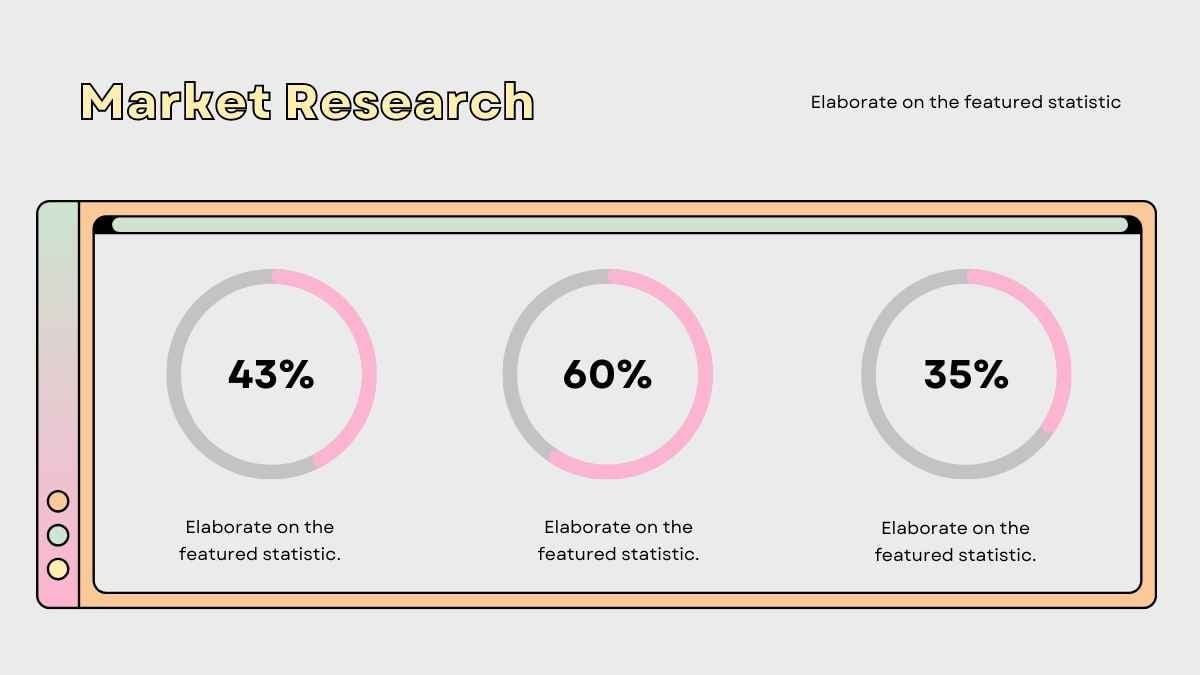


Free Canva presentation template
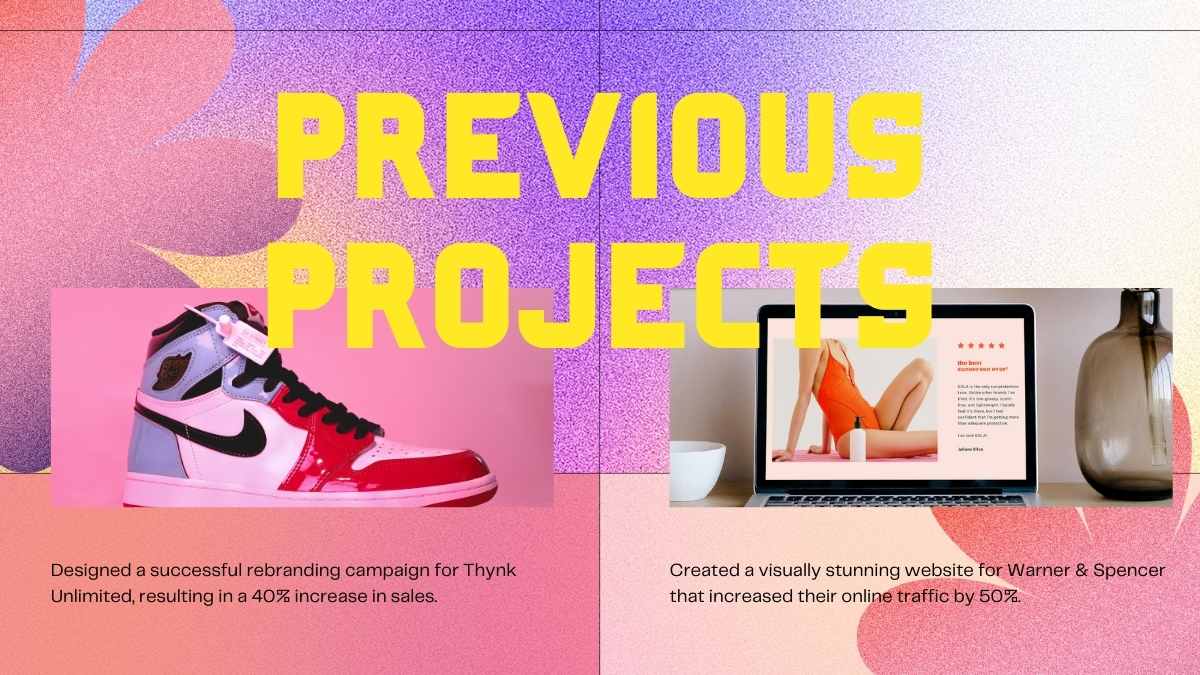
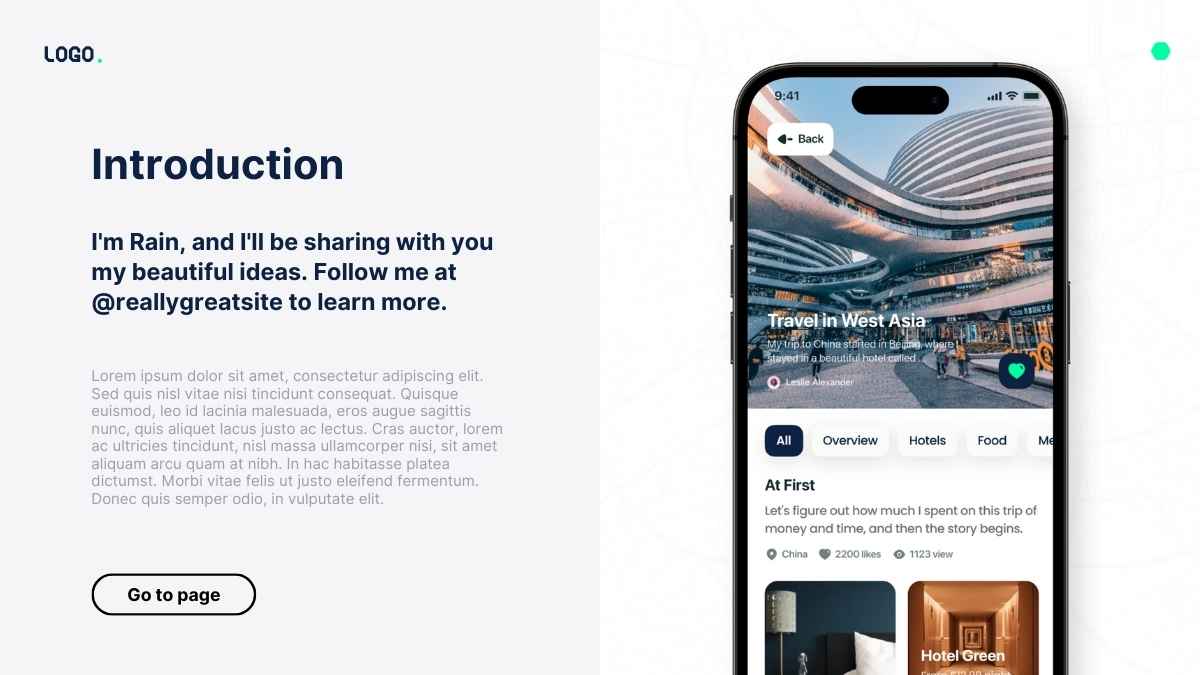
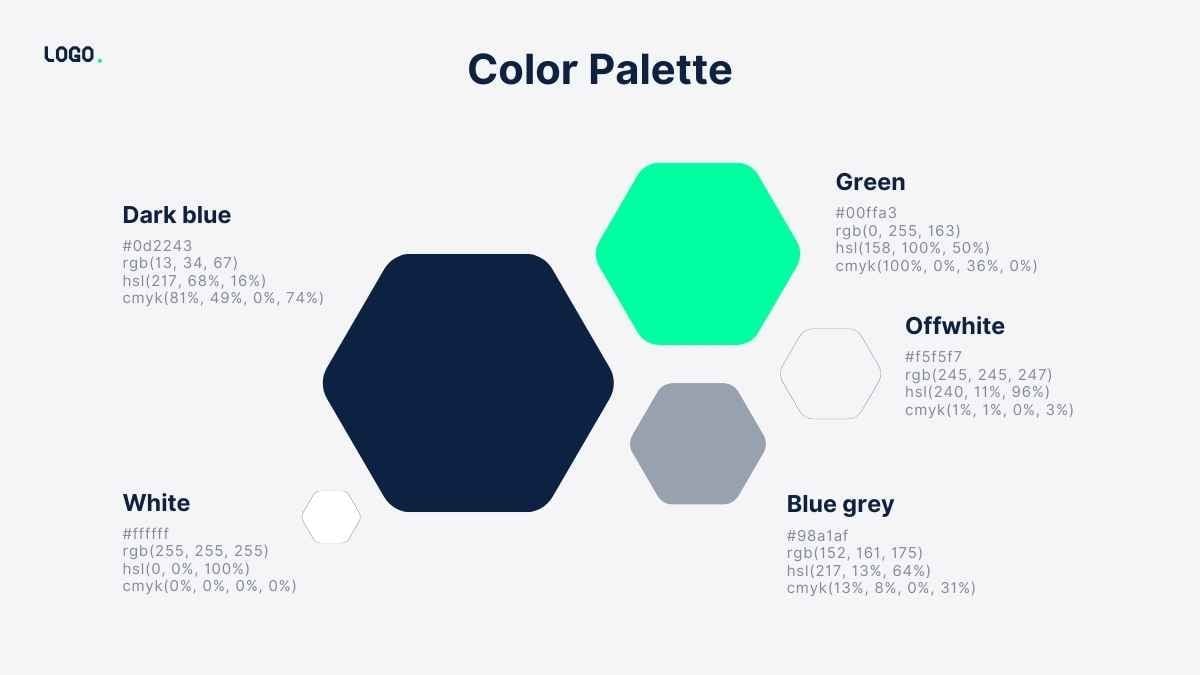
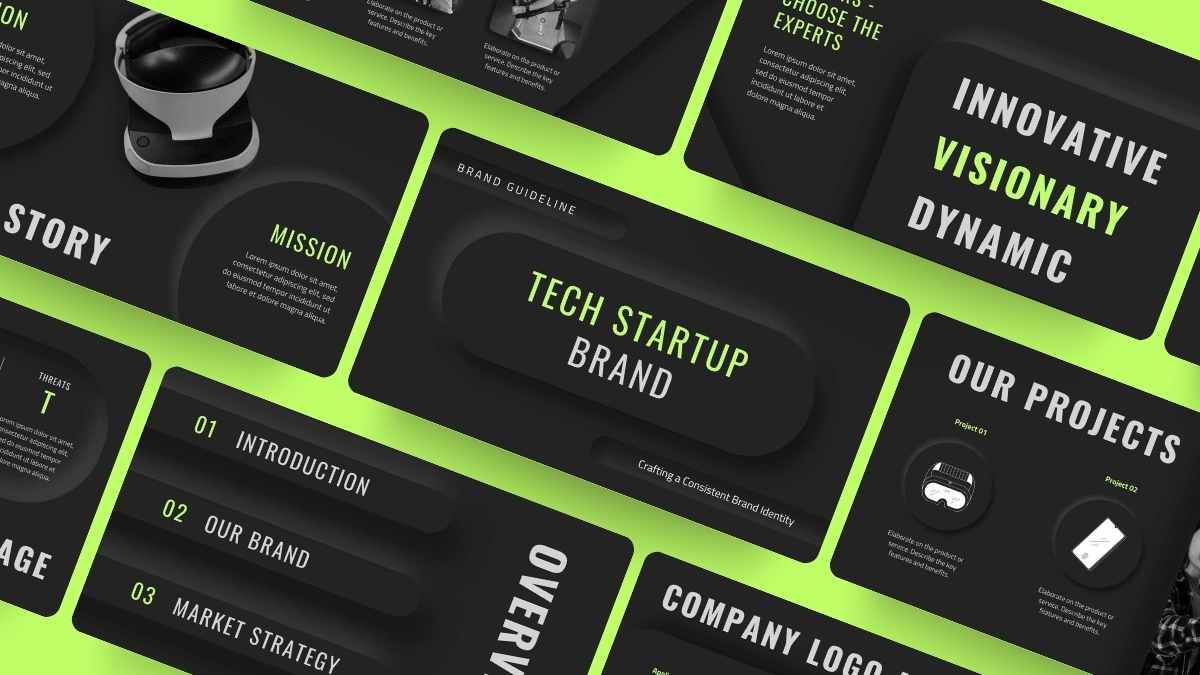
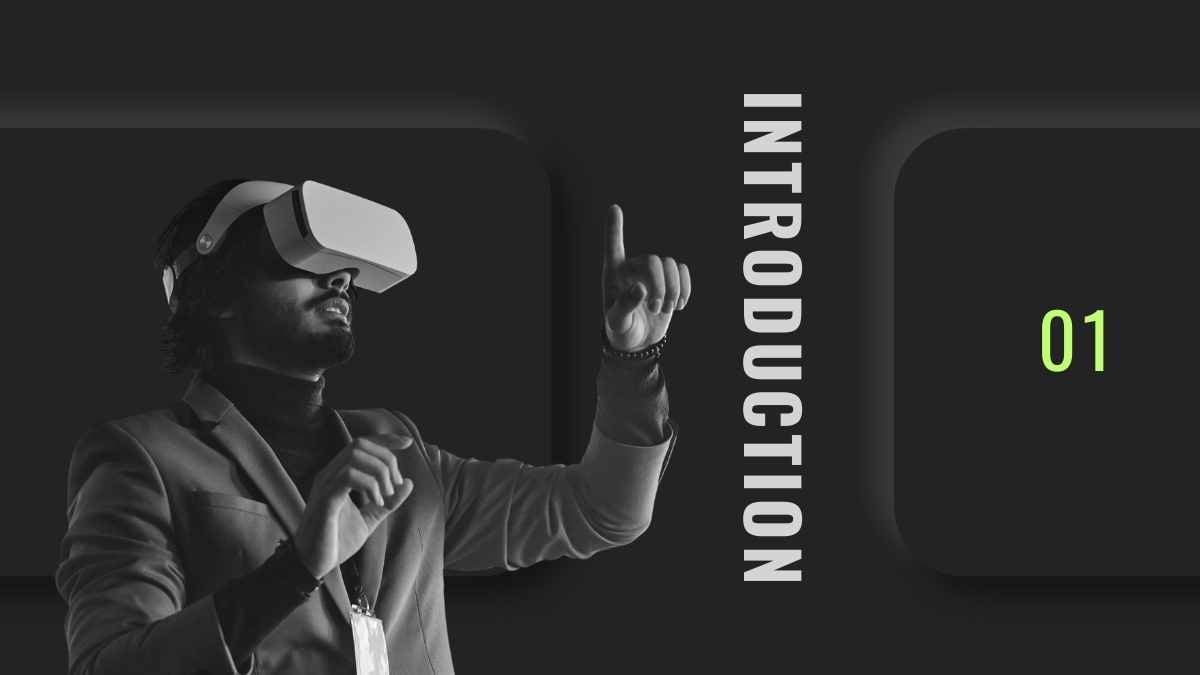
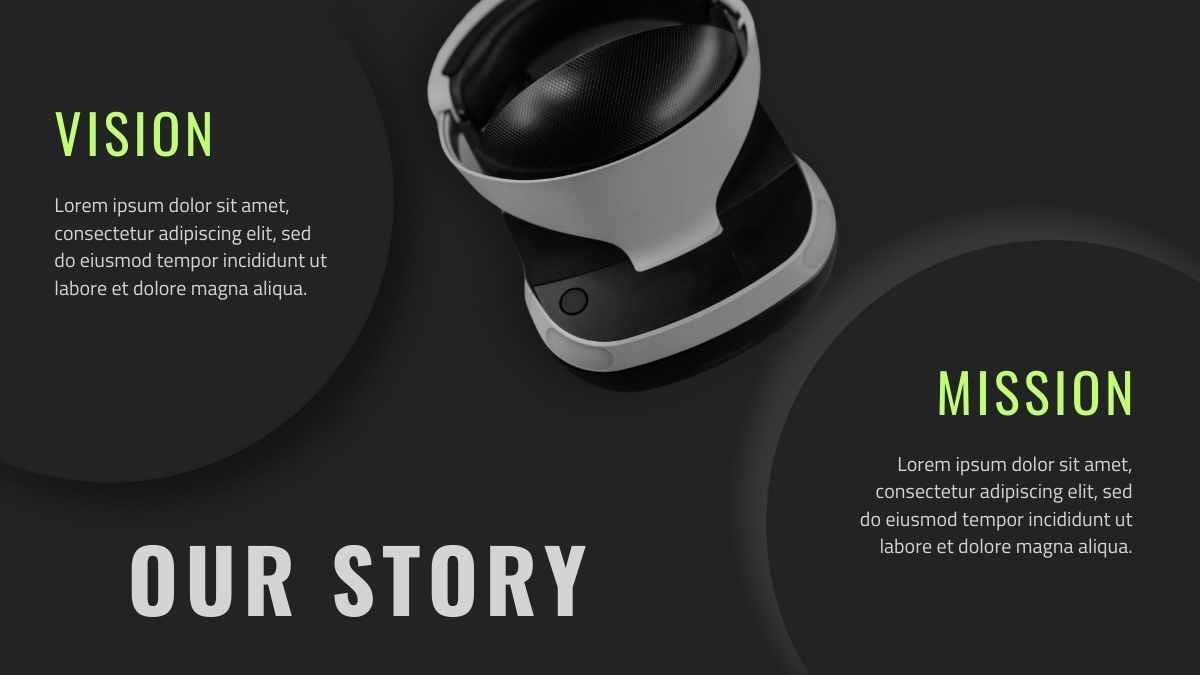
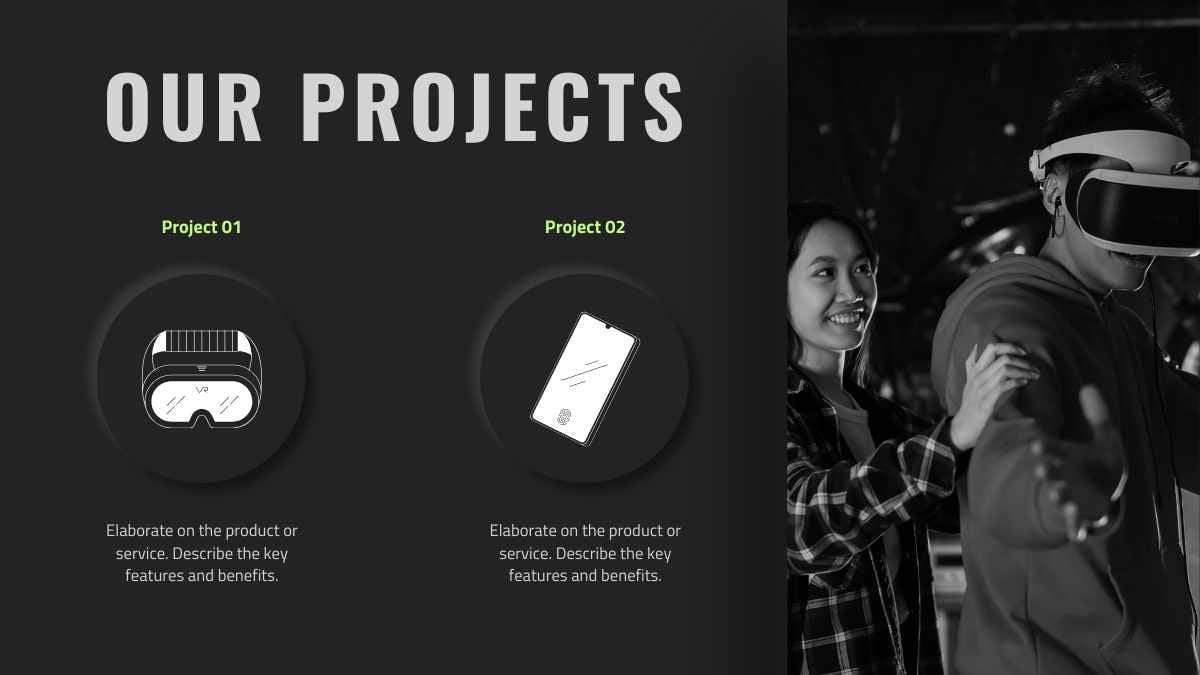
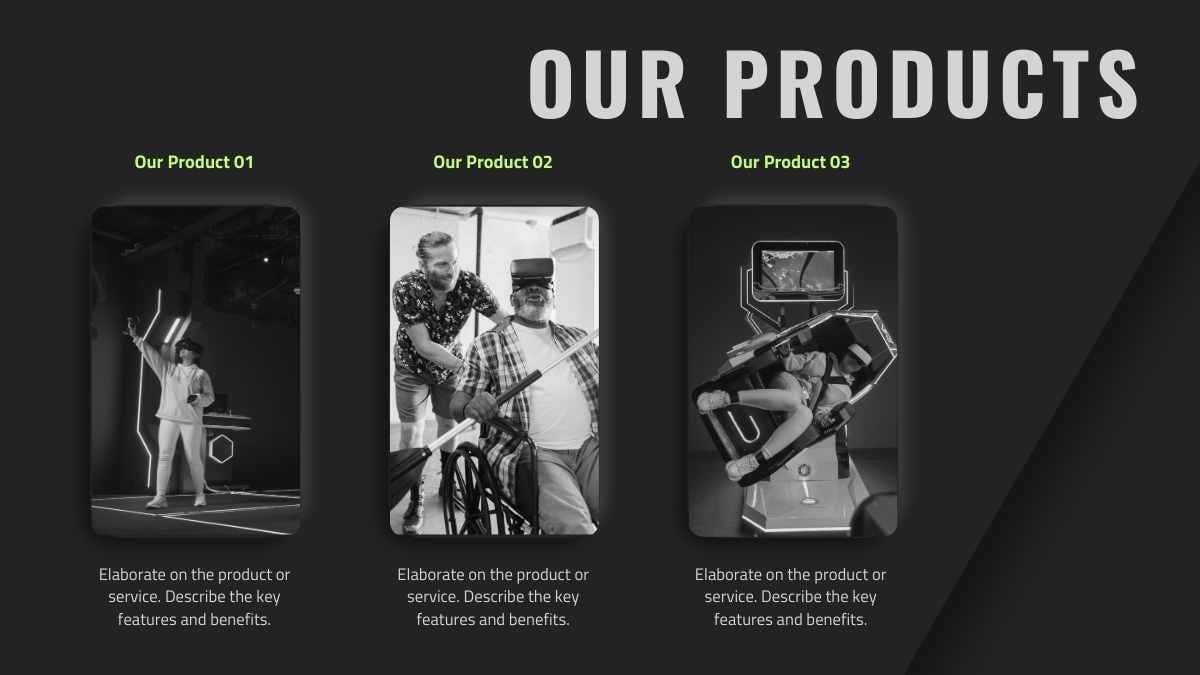
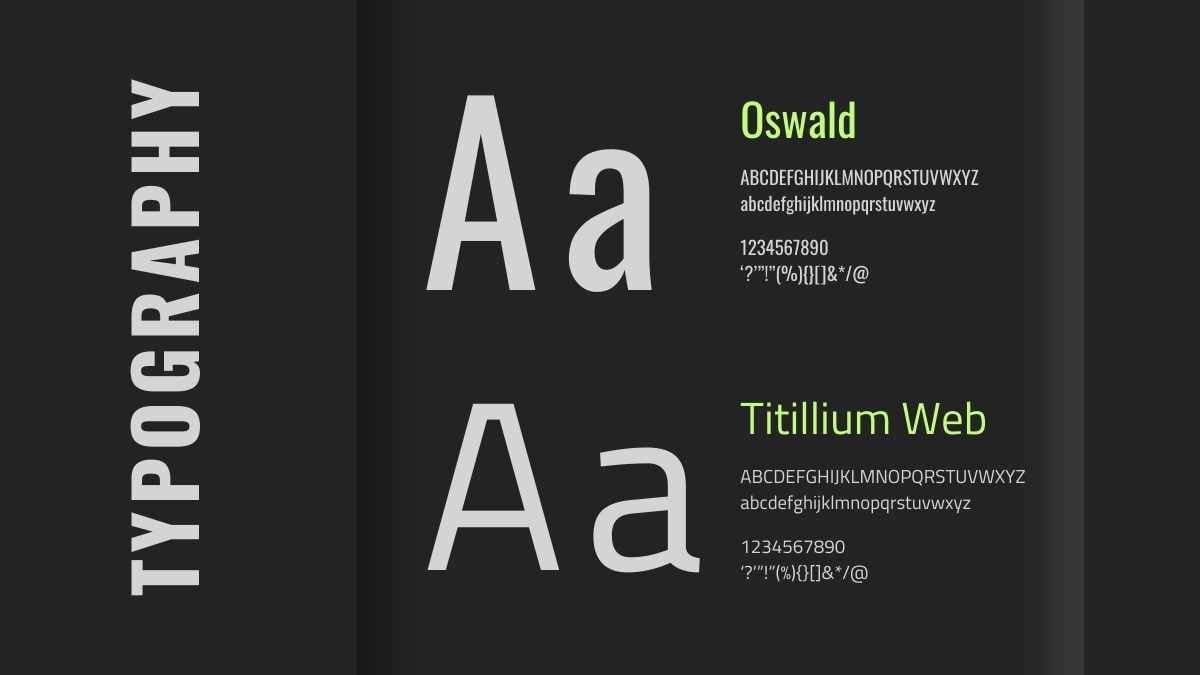
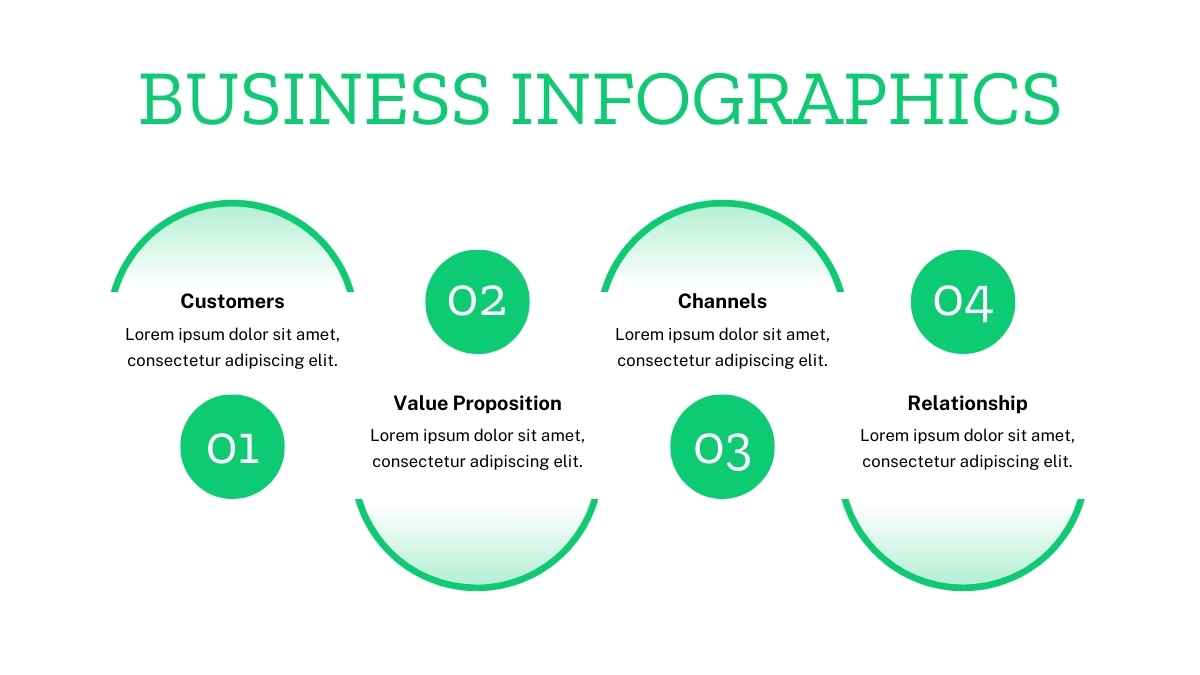
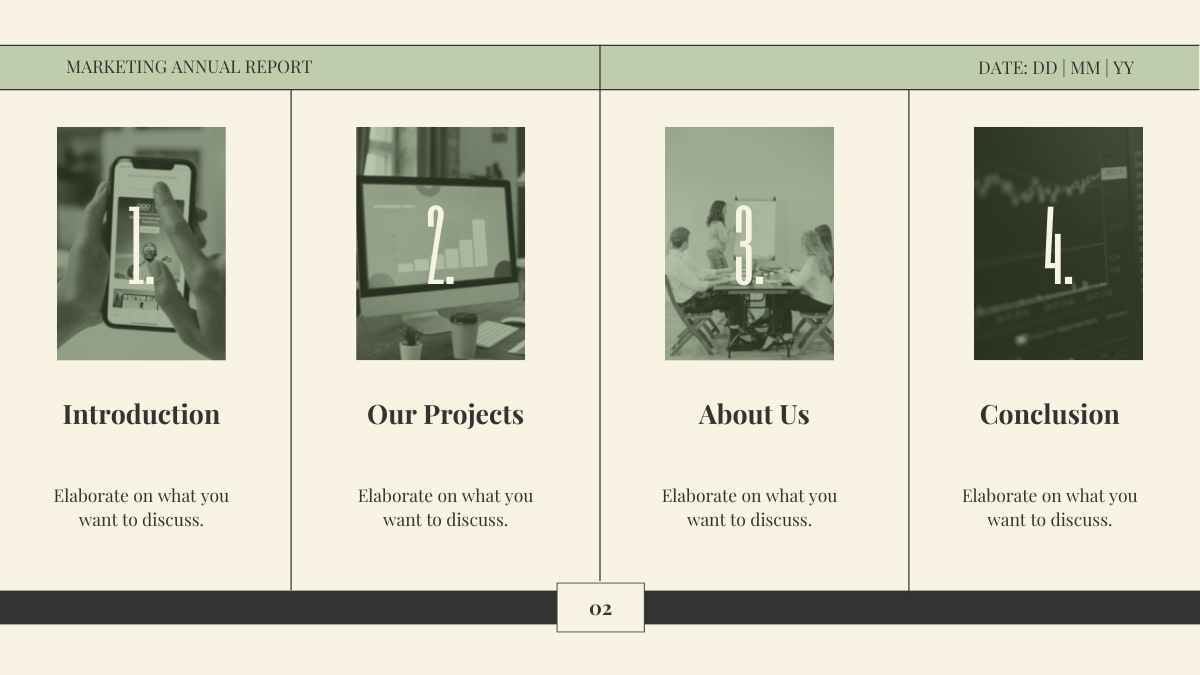
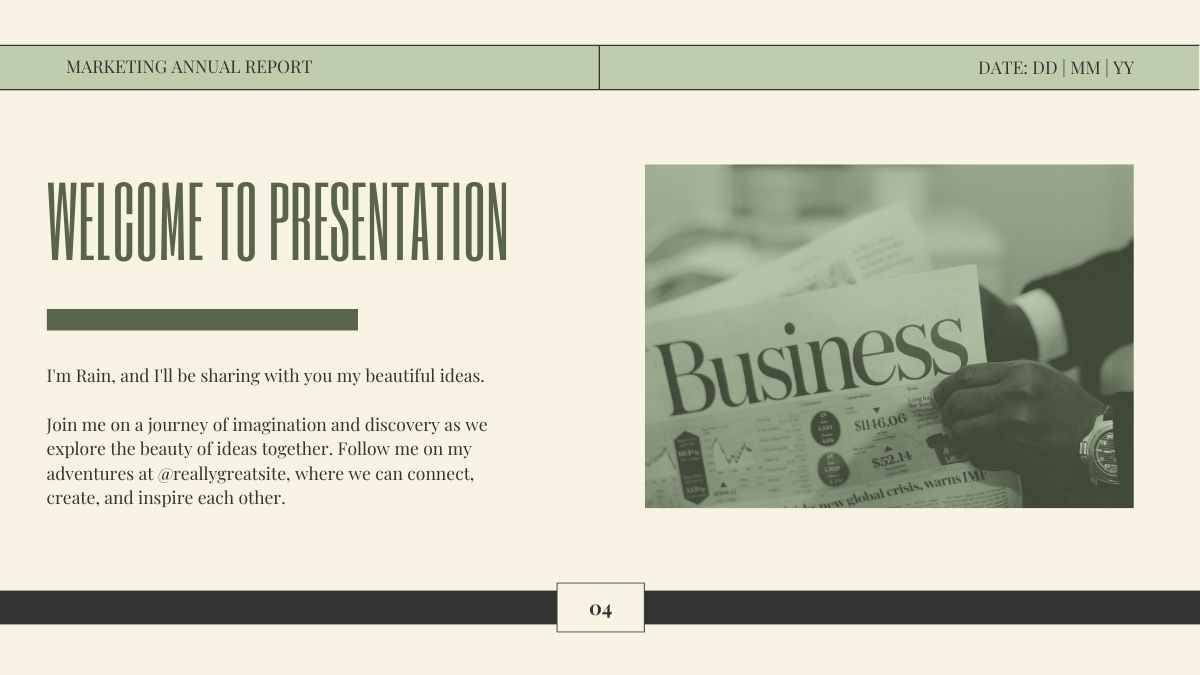
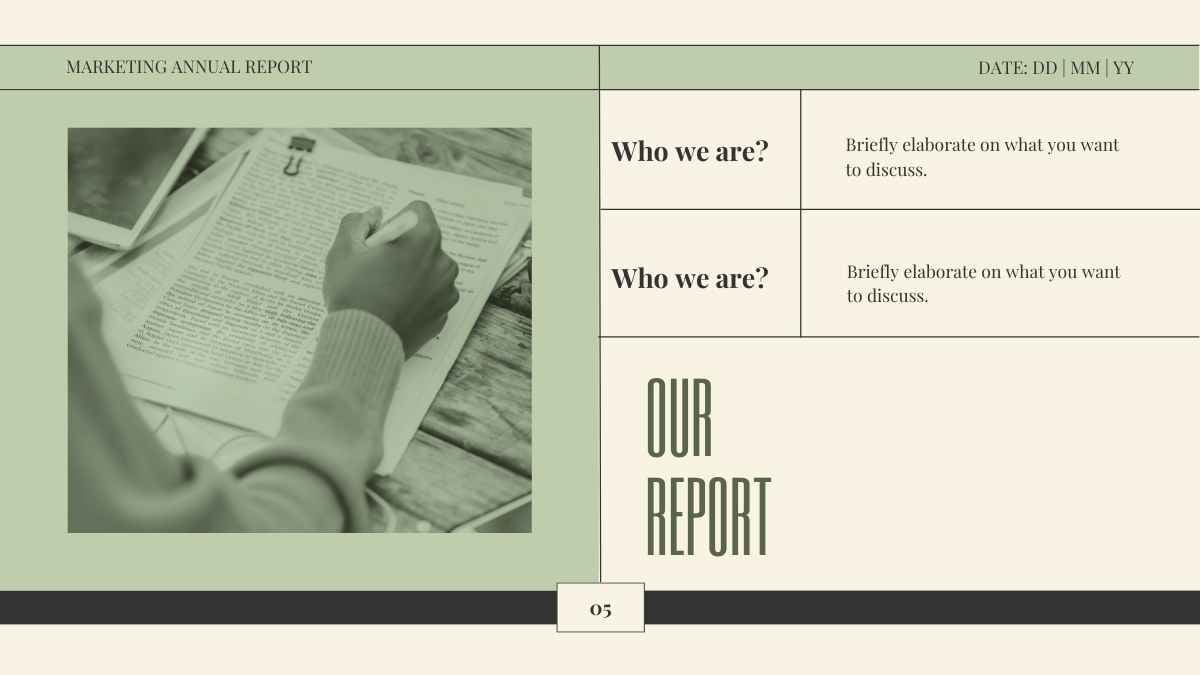
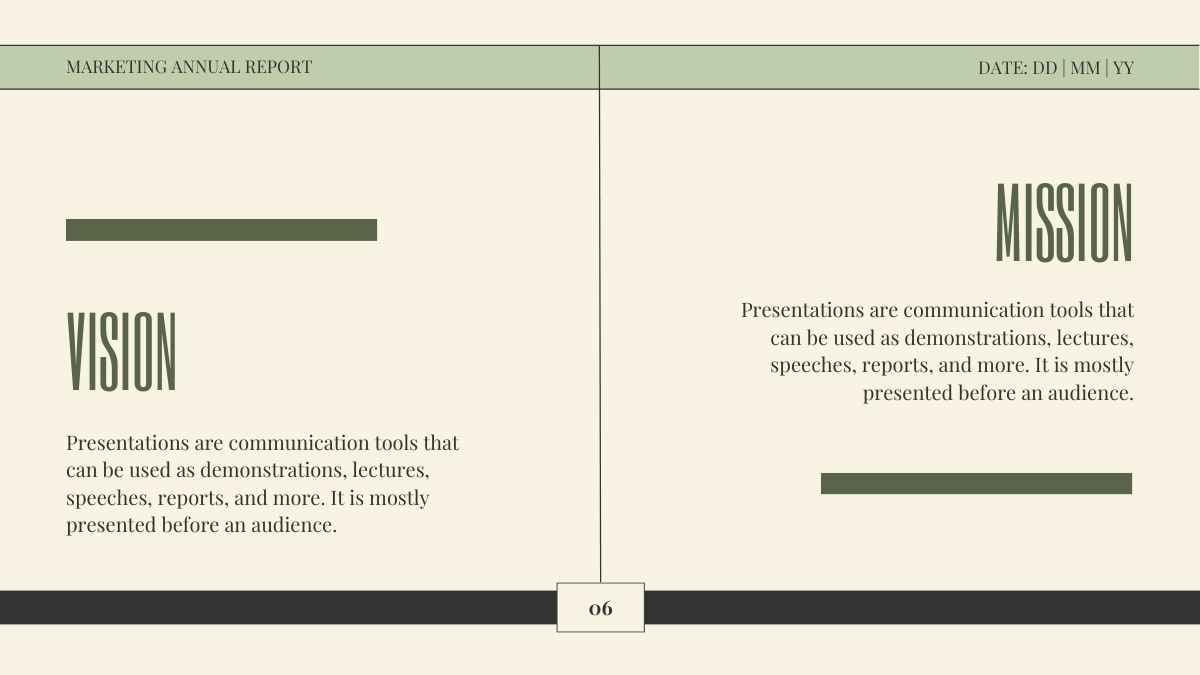
Ready to give your brand the facelift it deserves with a splash of color? This slideshow template is perfect for creative agencies, startups, and anyone eager to showcase their logo in a vibrant, dynamic way. With its dominant playful colors and sleek style, it’s designed to make your logo pop and your brand story compelling. Whether you’re pitching to clients, brainstorming with your team, or presenting at a conference, this template turns your ideas into a visually stunning presentation that speaks volumes. Grab it now and let your brand do the talking!
Features of this template
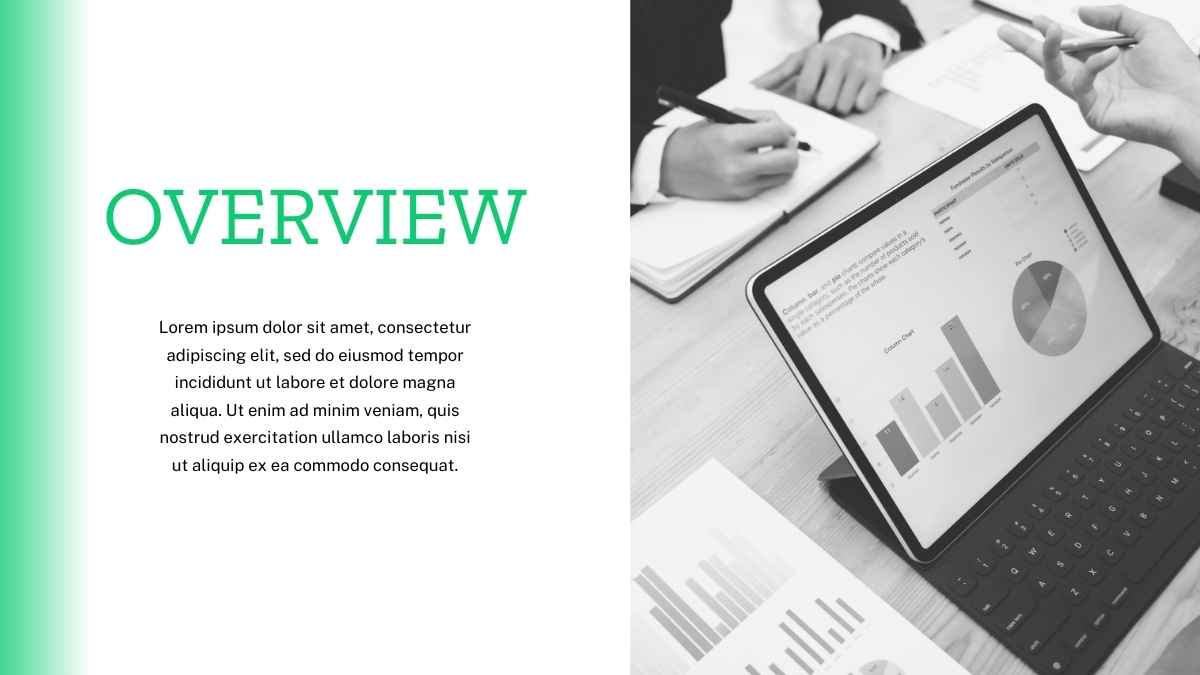
- 25+ ready-made slides to customize to your heart’s content
- Easy drag-and-drop editor to help you hit the ground running
- Millions of searchable images, fonts, videos, and soundtracks
Level up with Canva
- Use Canva Magic Write to type in “logo design company” and get AI-powered text for each slide. Learn more.
- Upload a video of yourself presenting each slide with the online screen recorder. Learn more.
- Magically generate or edit an image by typing what you want to see. Learn more.
FAQs
Is this template exclusive to Canva?
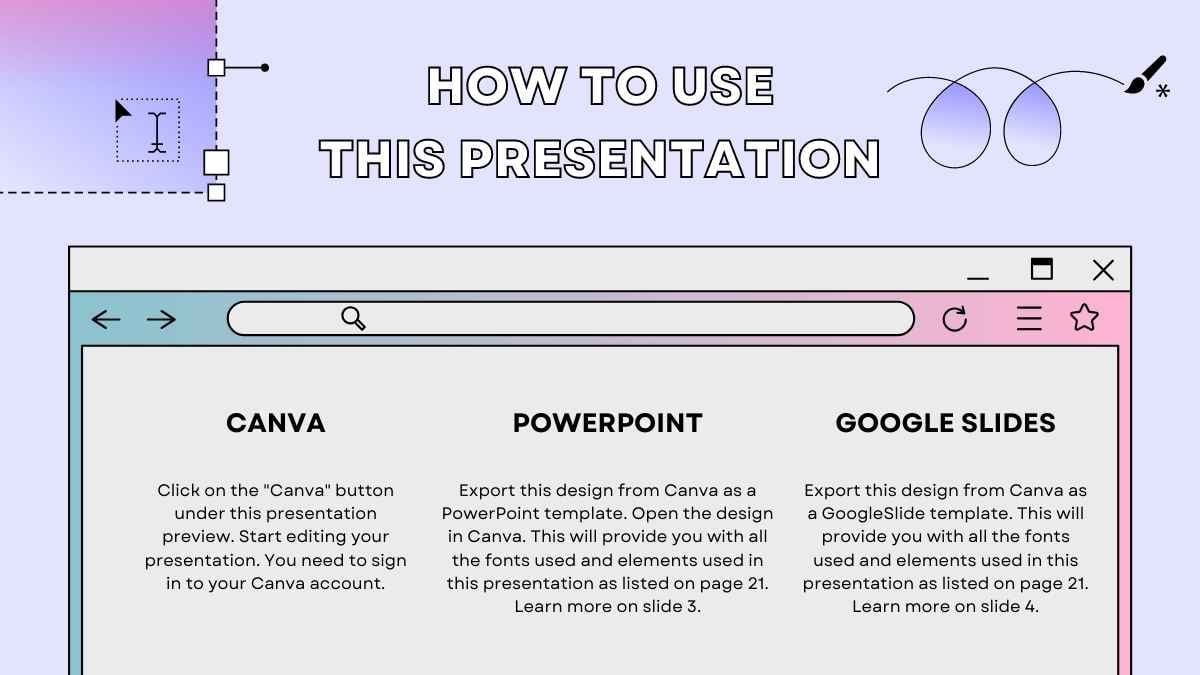
This template is exclusive to Canva, with some features designed to work best in Canva’s intuitive editor. But don’t worry—once you open it in Canva, you can still export it to PowerPoint or Google Slides in just a few clicks.
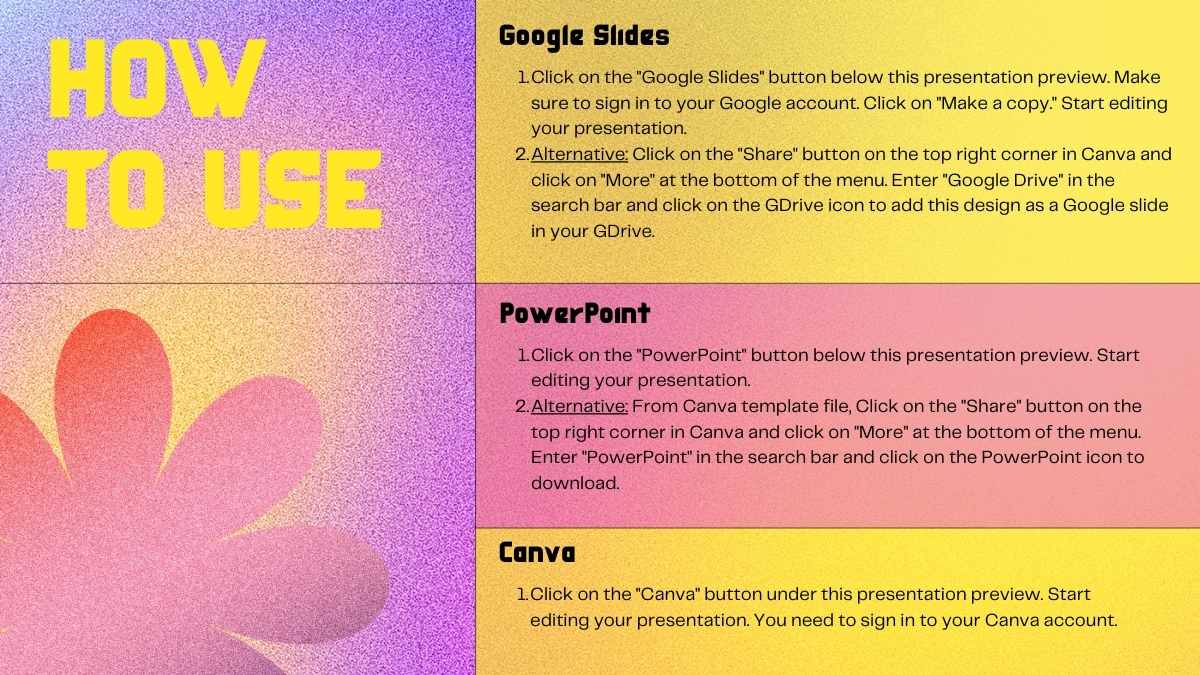
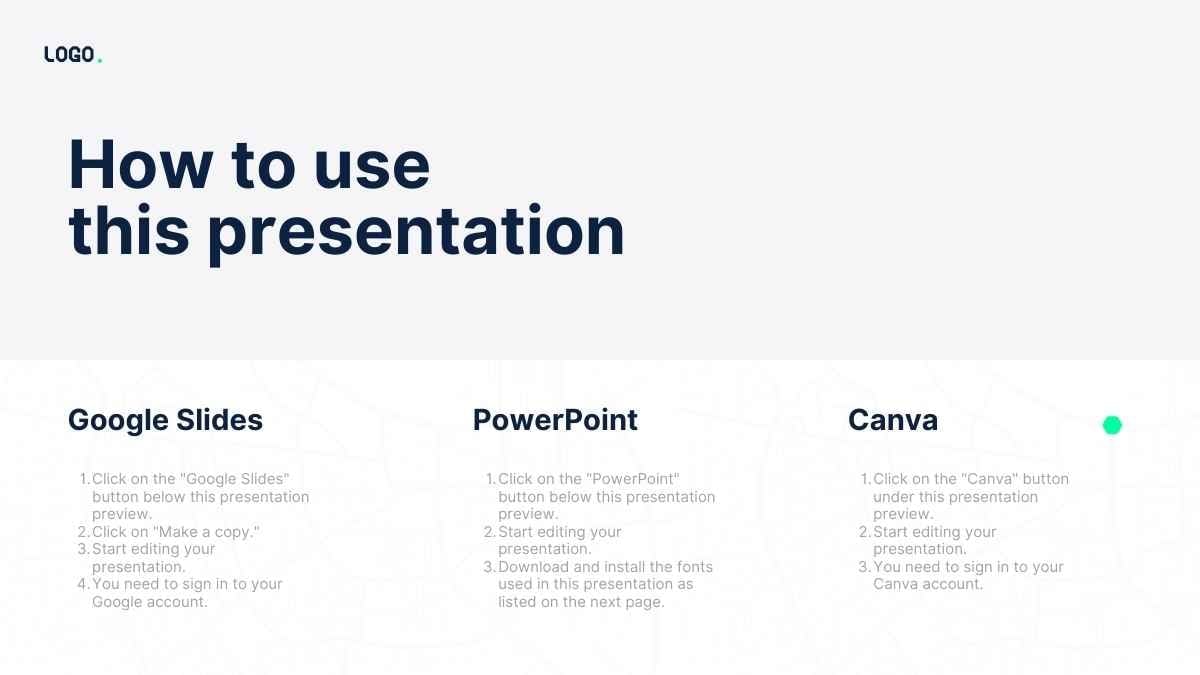
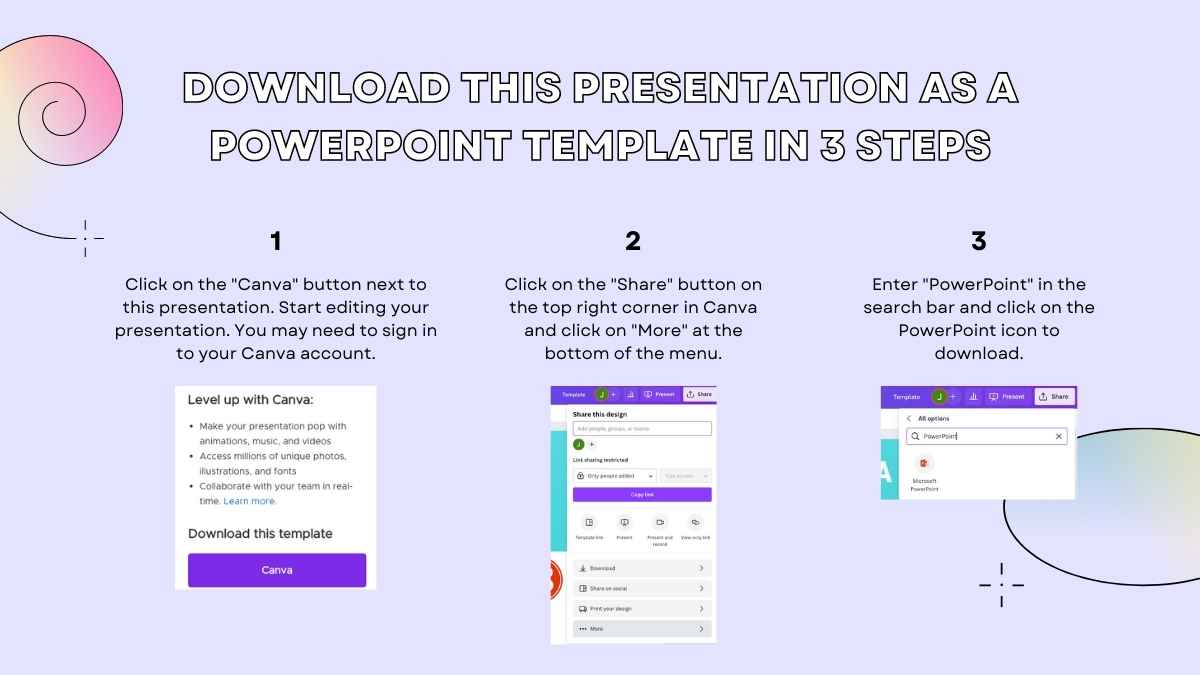
For PowerPoint, click the greyed out PowerPoint button then “Download as PowerPoint”. You should then be able to view the template in the Canva editor. After doing so, go to “Share” → “See all” → search for “PowerPoint” → click the PPT icon to download a PPTX file.
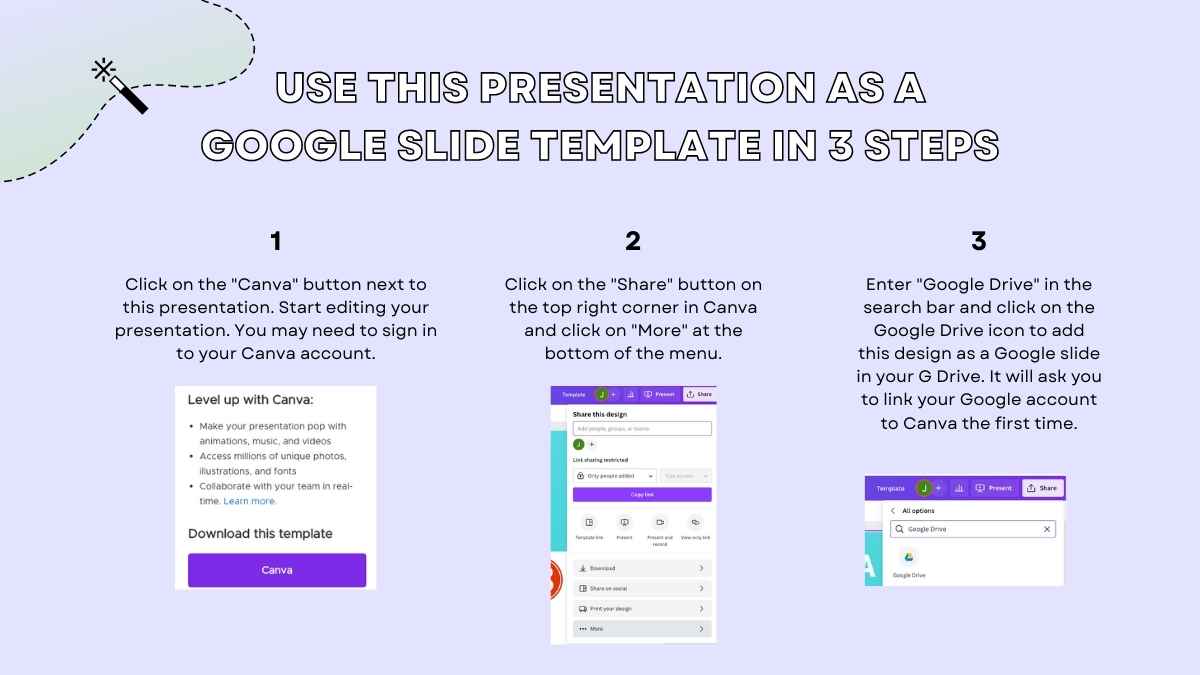
For Google Slides, click the greyed out Google Slides button then “Get this as Google Slides”. You should then be able to view the template in the Canva editor. After doing so, go to “Share” → “See all” → search for “Google Drive” → click the Google Drive icon to save an editable copy to your Drive.




 15
15