

 5
5 








Free Canva presentation template
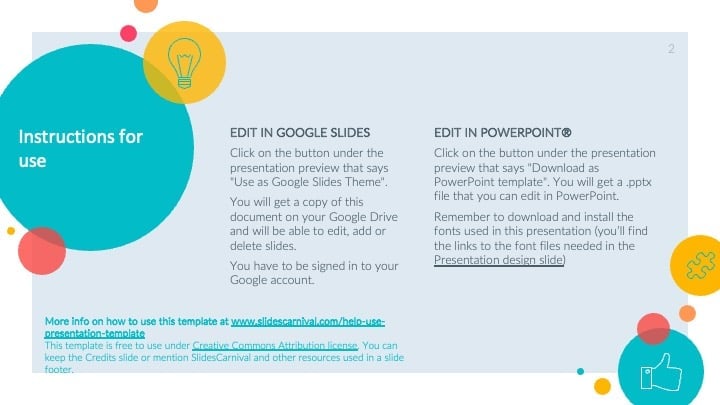
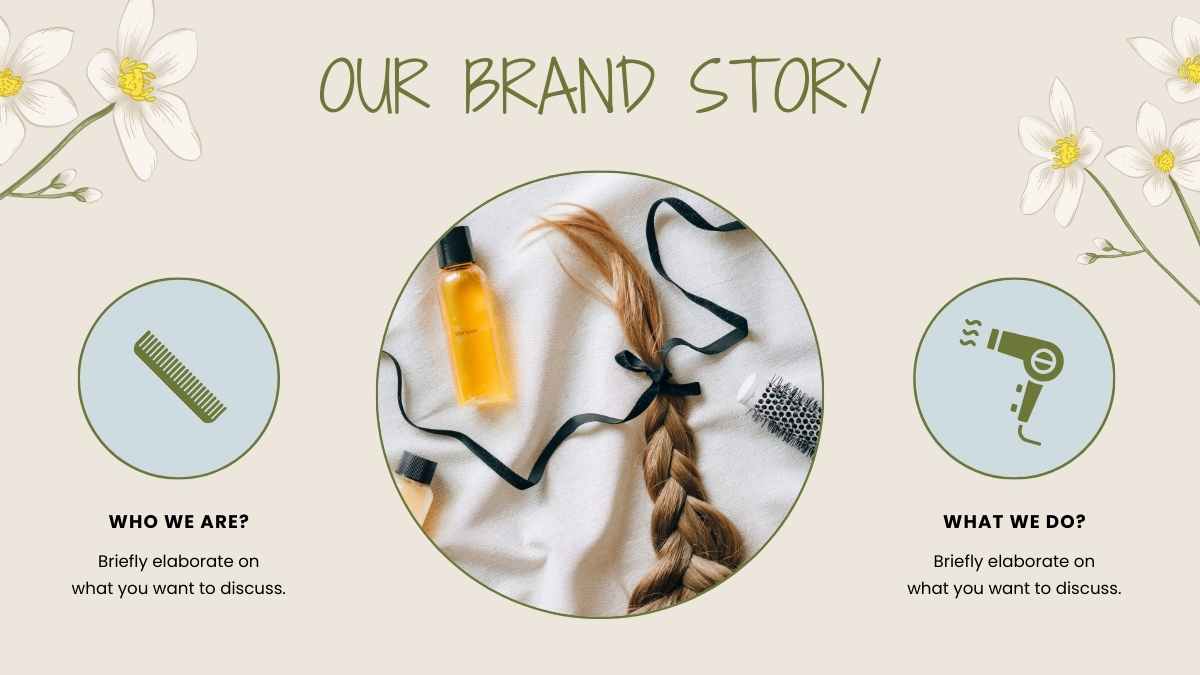
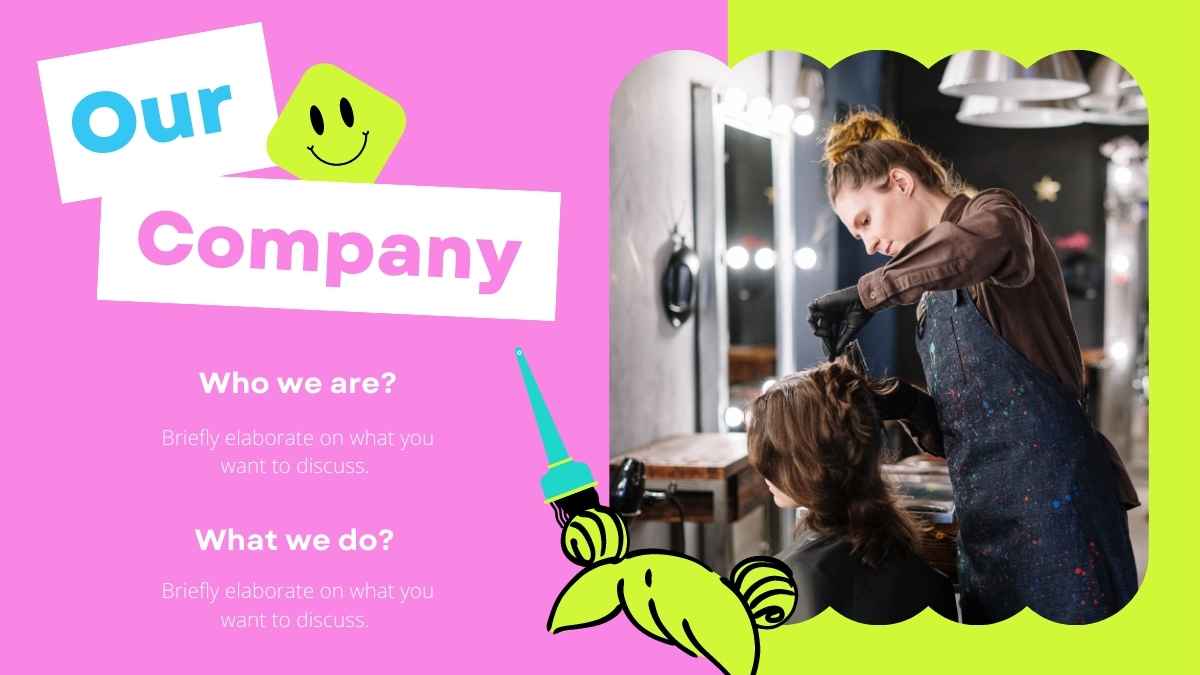
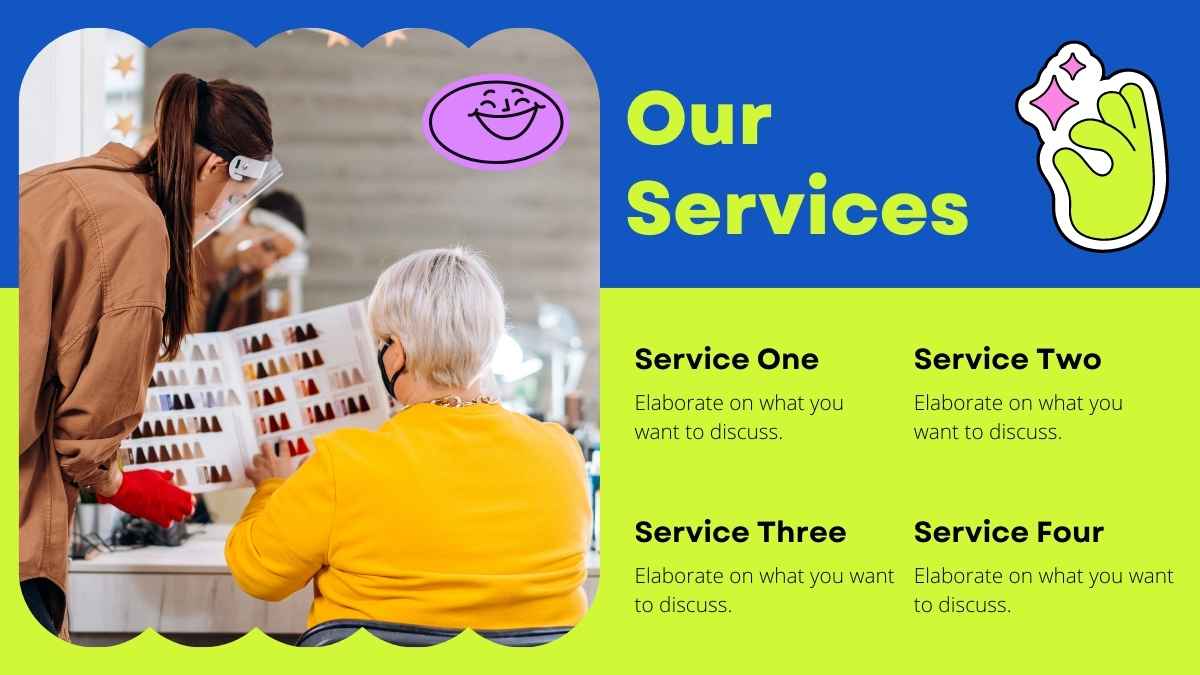
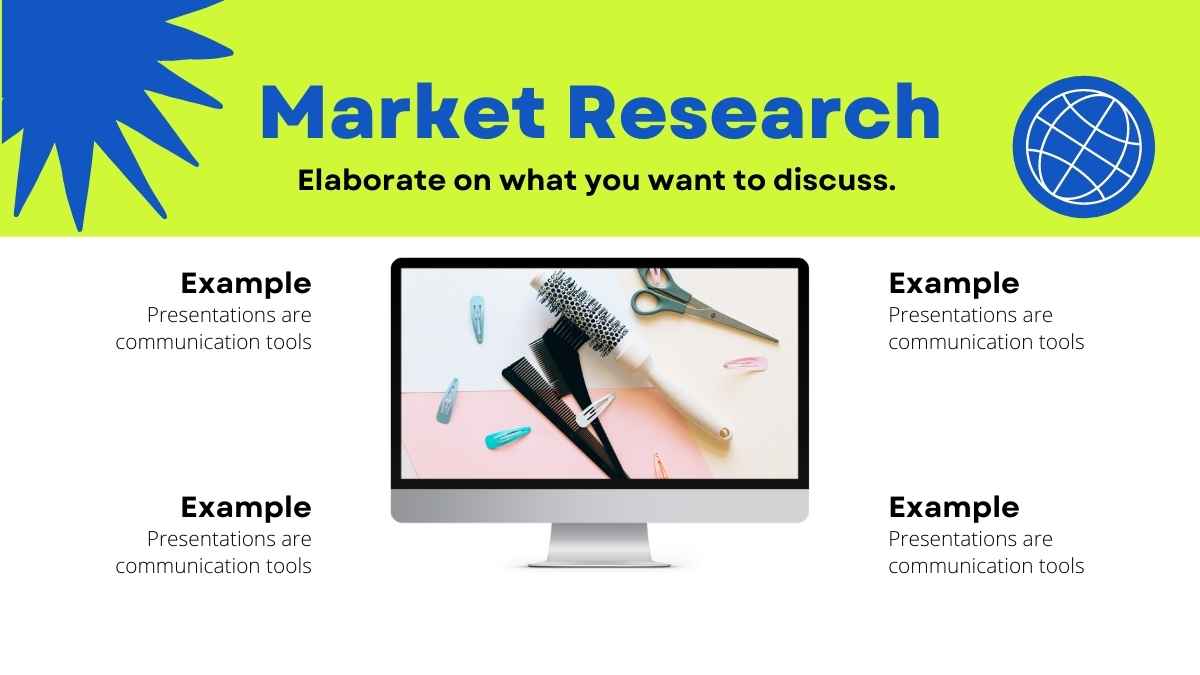
Serious about hair? Attract talent and build your business with this hair stylist school center template. In sunny yellow and green, these slides let you share your background story, mission, team bios, program, schedule, contact info, and more. Not quite ready to launch? Use this template to share your dream with colleagues, friends, and peers. Check out the How-To slide at the start of the deck for tips on using it as a Google Slides theme, PowerPoint template, or Canva theme.
Features of this template
- 25+ ready-made slides to customize to your heart’s content
- Easy drag-and-drop editor to help you hit the ground running
- Millions of searchable images, fonts, videos, and soundtracks
Level up with Canva:
- Use Canva Magic Write to type in “hair stylist school center” and get AI-powered text for each slide. Learn more.
- Upload a video of yourself presenting each slide with the online screen recorder. Learn more.
- Magically generate or edit an image by typing what you want to see. Learn more.
This template is set in one font, Open sans.
FAQs
Is this template exclusive to Canva?
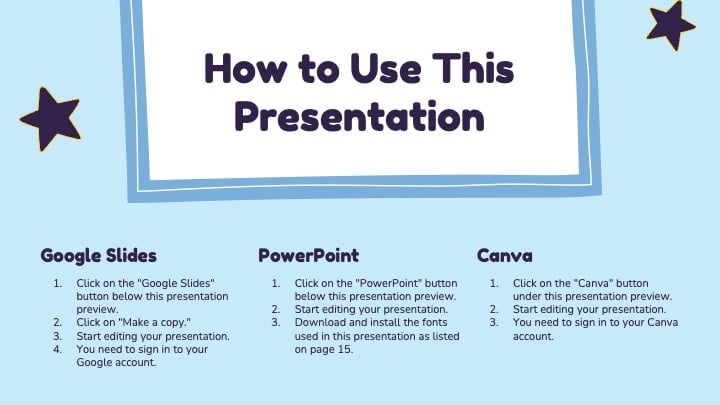
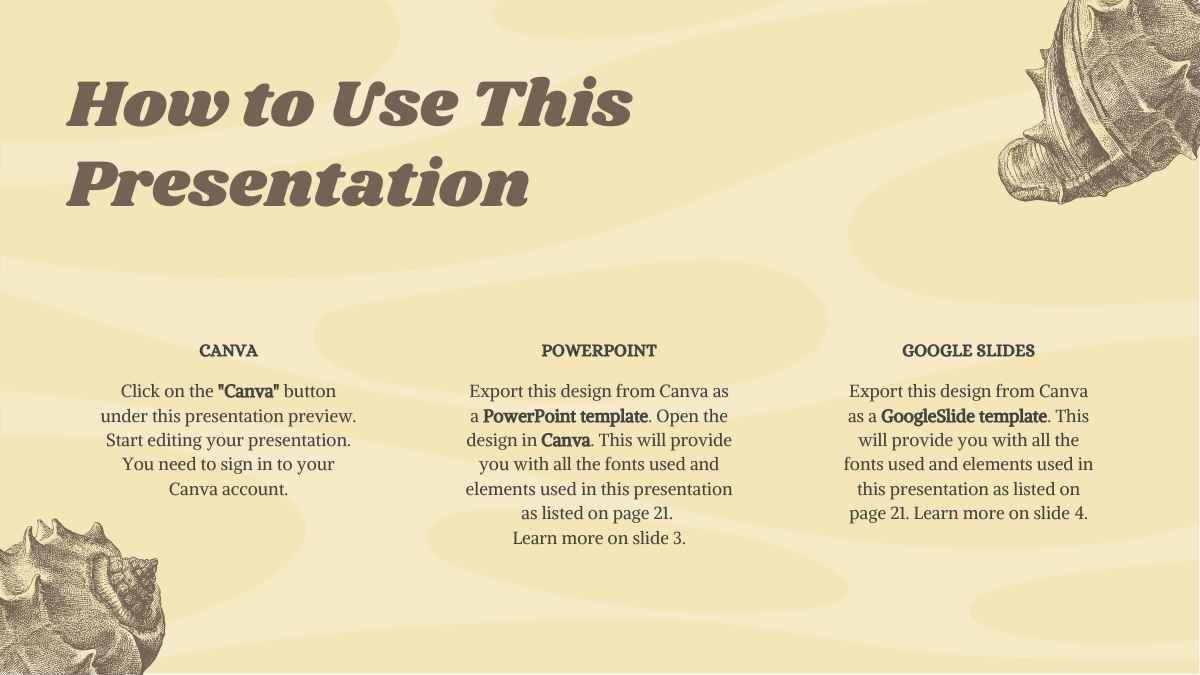
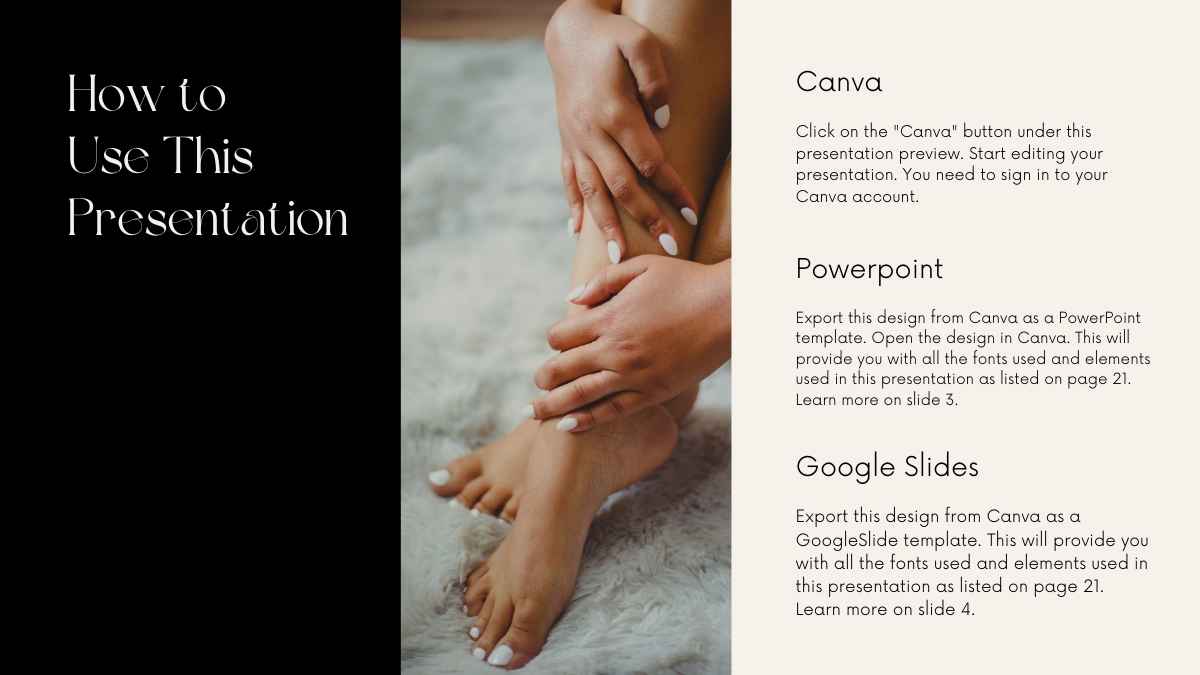
This template is exclusive to Canva, with some features designed to work best in Canva’s intuitive editor. But don’t worry—once you open it in Canva, you can still export it to PowerPoint or Google Slides in just a few clicks.
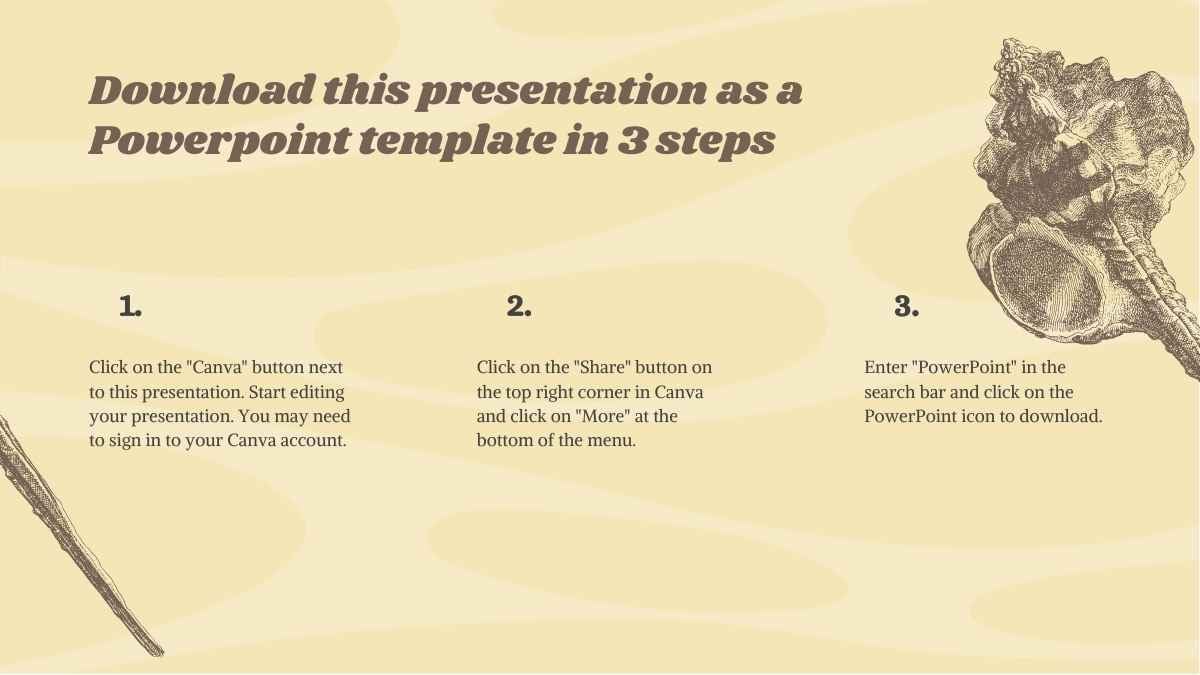
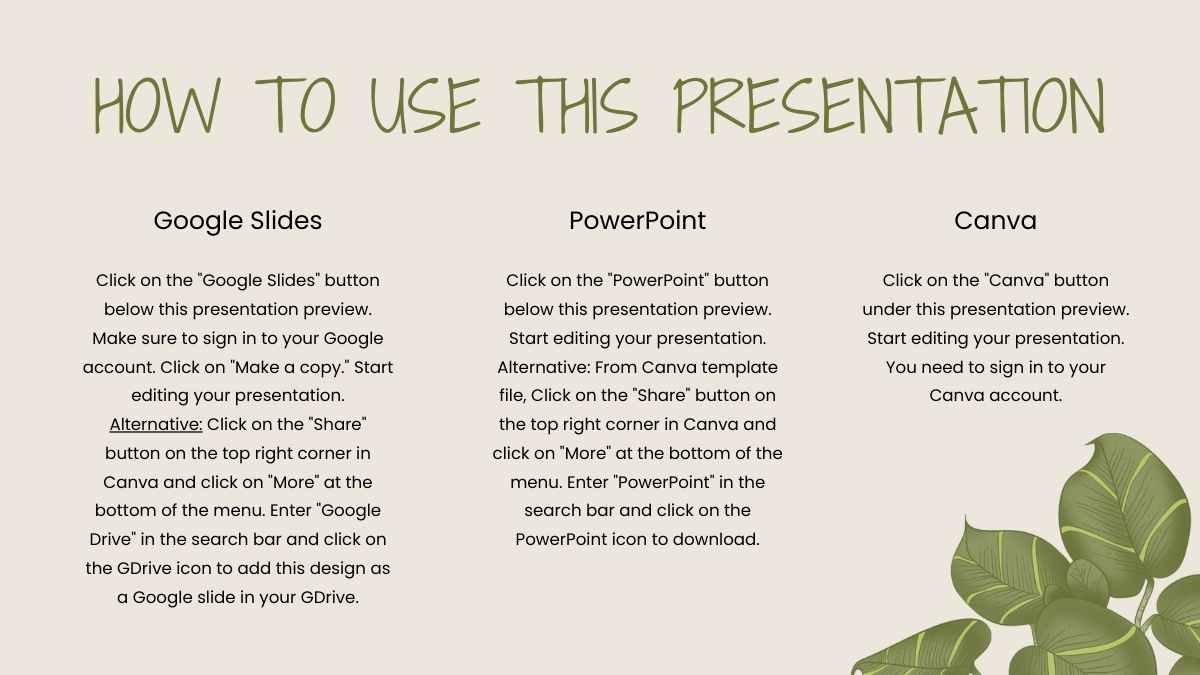
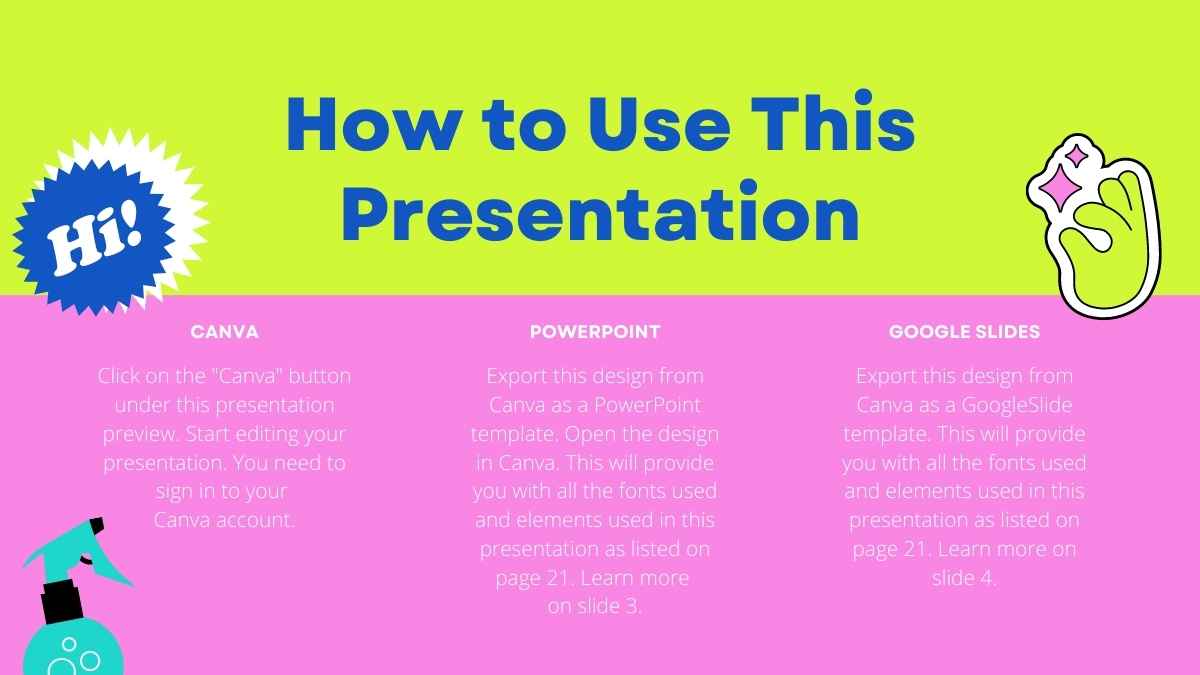
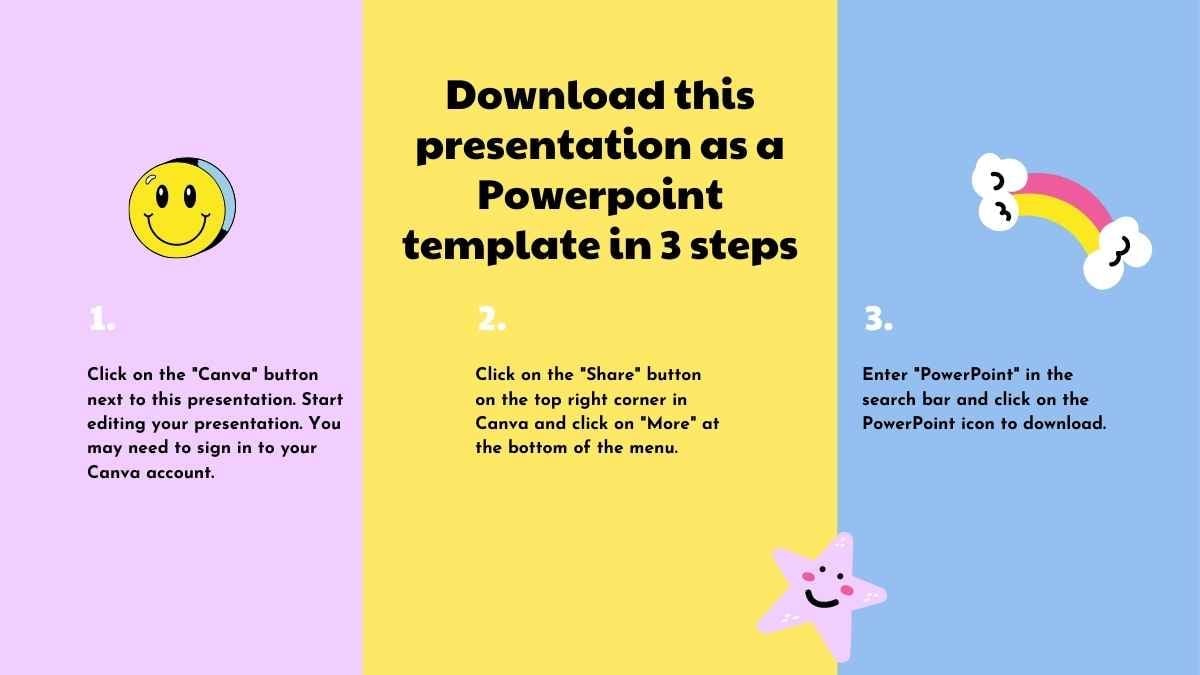
For PowerPoint, click the greyed out PowerPoint button then “Download as PowerPoint”. You should then be able to view the template in the Canva editor. After doing so, go to “Share” → “See all” → search for “PowerPoint” → click the PPT icon to download a PPTX file.
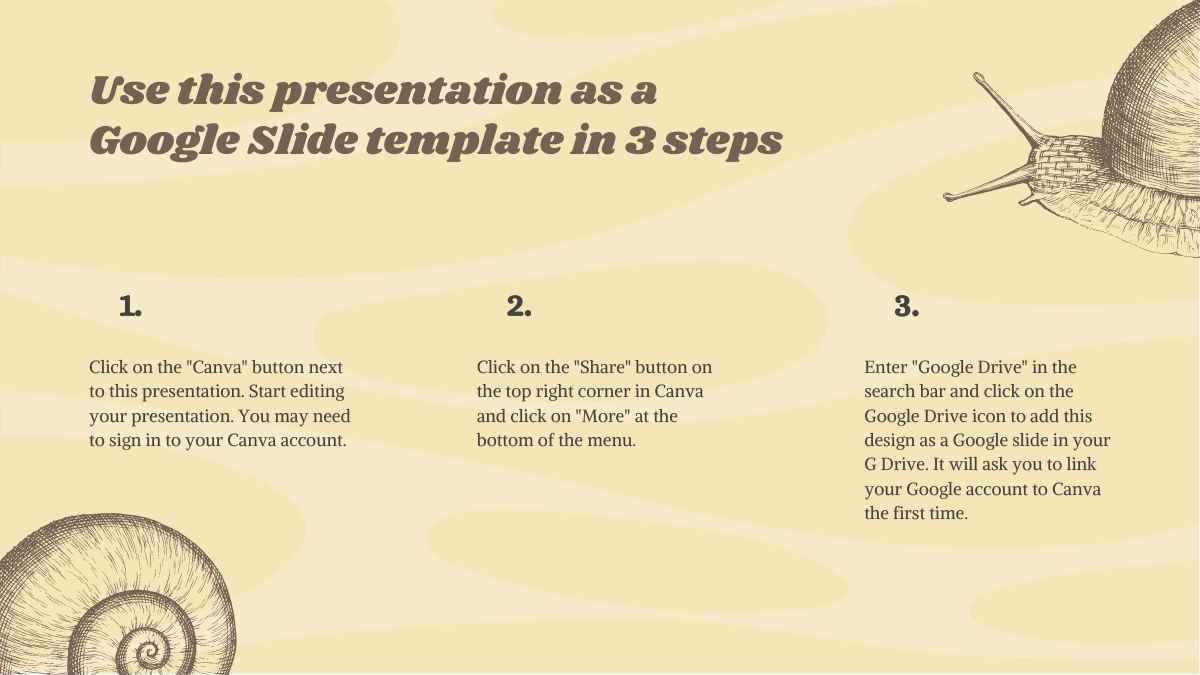
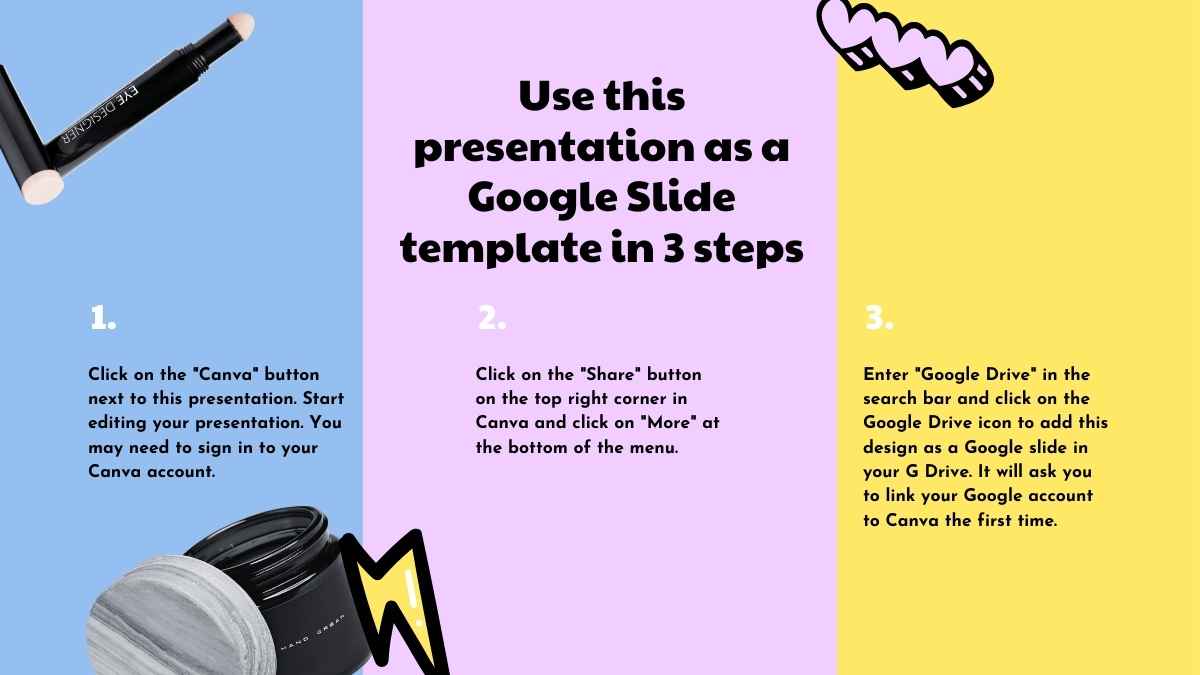
For Google Slides, click the greyed out Google Slides button then “Get this as Google Slides”. You should then be able to view the template in the Canva editor. After doing so, go to “Share” → “See all” → search for “Google Drive” → click the Google Drive icon to save an editable copy to your Drive.









 15
15